FARO Edge
September 2012
25
Chapter 2: Setup
Fold-Down Touch Screen Controller
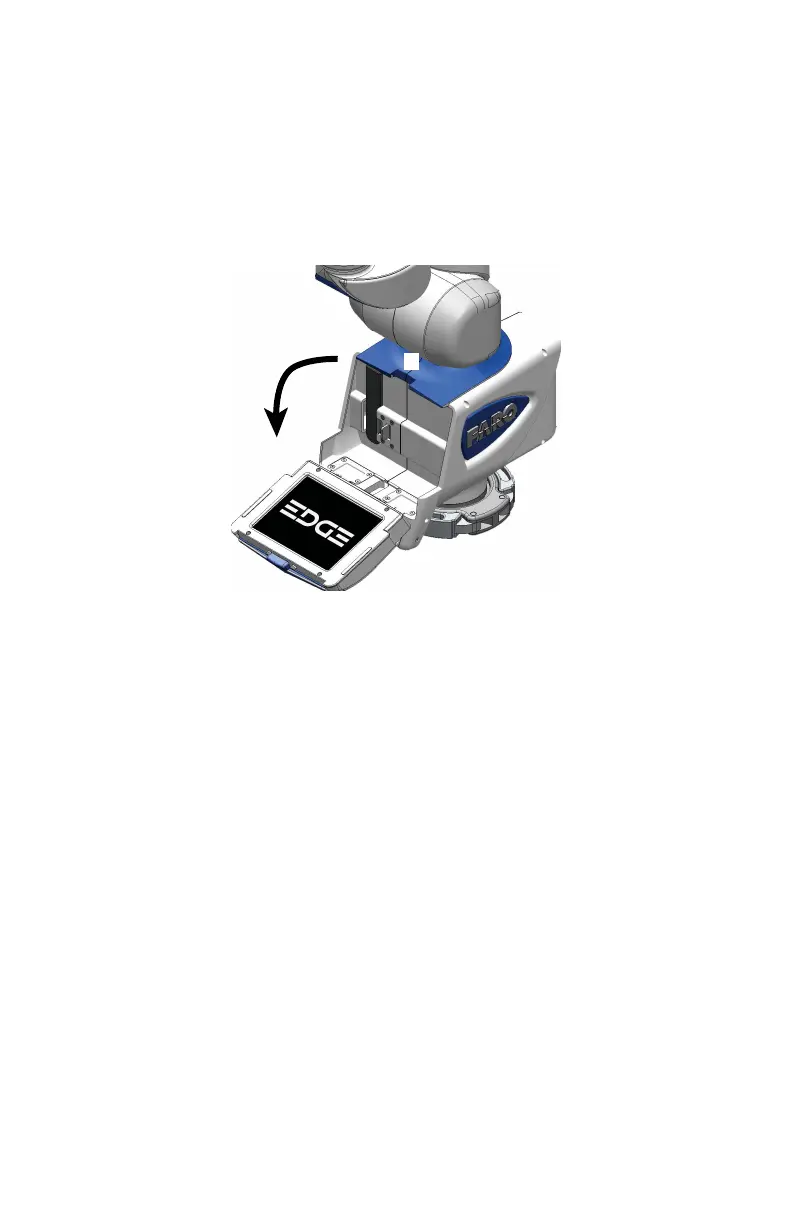
Located on the front side of the Edge base is a fold-down touch screen controller.
The controller is built into a panel that folds down from the top of the base. Press
the
locking button at the top of the base to open the panel and access the
controller.
N
OTE: Newer Edge revisions do not have the Locking Button.
The controller has commands for part setup (alignment), measurement, running
measurement macros, storing and managing measurement files, Edge settings,
Edge diagnostics, and Edge probe management. For more information, see
“Software” on page 101.
This controller makes it possible to measure parts without a host computer
running measuring software.
Figure 2-16 Installing the battery pack
08M52E00_FaroArm_Edge.book Page 25 Thursday, October 4, 2012 9:31 AM



 To Next Page