FARO Edge
September 2012
98
Chapter 6: Maintenance and Troubleshooting
FARO Laser Line Probe Compensation
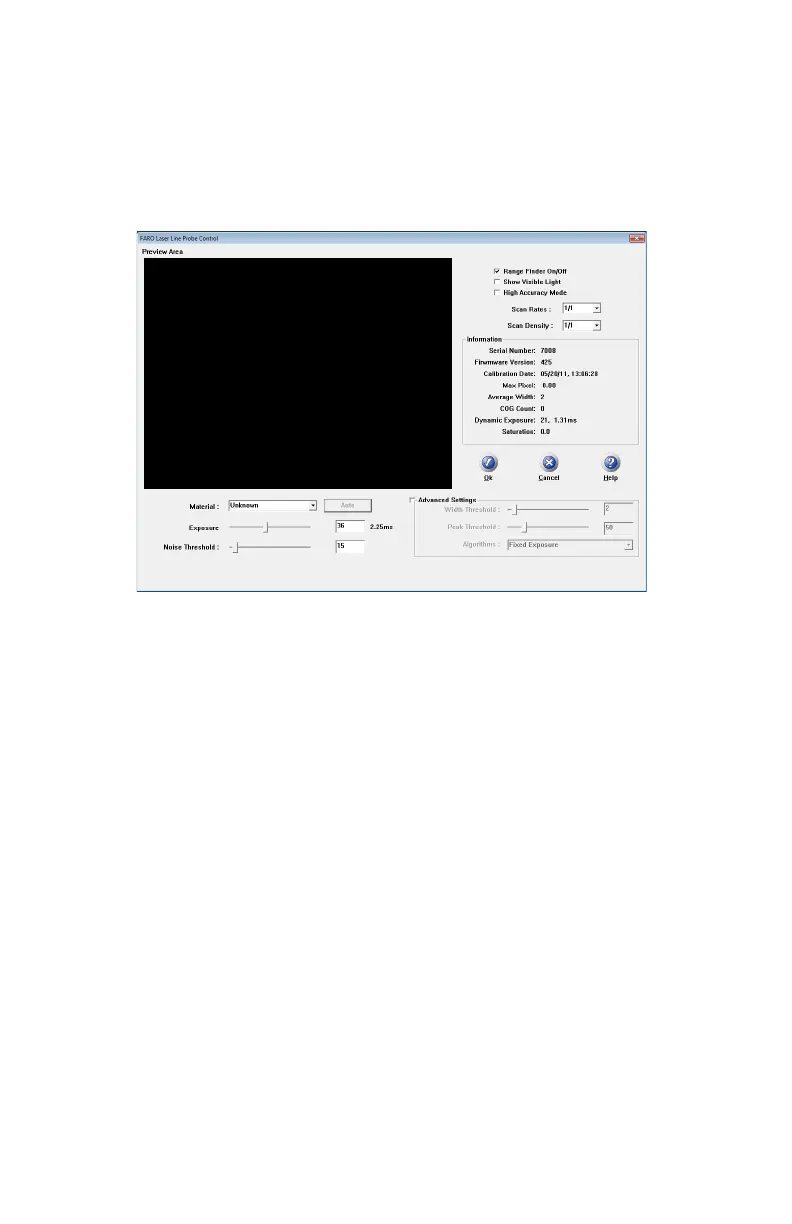
Ensure the Scan Rate and Scan Density are set 1/1. From the host application
select “Scanner Options” or “Scanner Controls” to access the settings dialog
box.
Perform the compensation at least 3 times. See “Compensation” on page 60.
N
OTE: Never grab the FARO Laser Line Probe while measuring. Simply hold
the Edge's pistol grip. Holding the FARO Laser Line Probe can cause
inaccuracy due to bending of its mounting bracket.
When sweeping from side to side and front to back, make sure you sweep
through at least 90 degrees.
Typically, you should take about 200 scans during the compensation process.
08M52E00_FaroArm_Edge.book Page 98 Thursday, October 4, 2012 9:31 AM



 To Next Page