FARO Edge
September 2012
60
Chapter 4: Probes
Software Setup
The Edge/FARO Laser Line Probe system can be used with many software
packages. Refer to the particular application software for installation and proper
use of the software with the FARO Laser Line Probe.
N
OTE: Some software packages automatically add the FaroArm driver to your
computer. To ensure that you have the latest version of the FaroArm driver,
install the CD-ROM found inside your FARO Laser Line Probe Case.
Compensation
After you complete the installation and warm-up of the FARO Laser Line Probe
and the standard probe, this system of probes must be compensated.
Compensation requires measuring the FARO Compensation Plate, with a
standard probe and the FARO Laser Line Probe.
N
OTE: Clean the top and bottom lenses with the cloth from the FARO Laser
Line Probe Case. Dirt and grease on either lens can cause poor results.
N
OTE: Allow the FARO Laser Line Probe to warm-up for 30 minutes. For
optimum performance, FARO recommends you allow the equipment to warm-
up for 60 minutes.
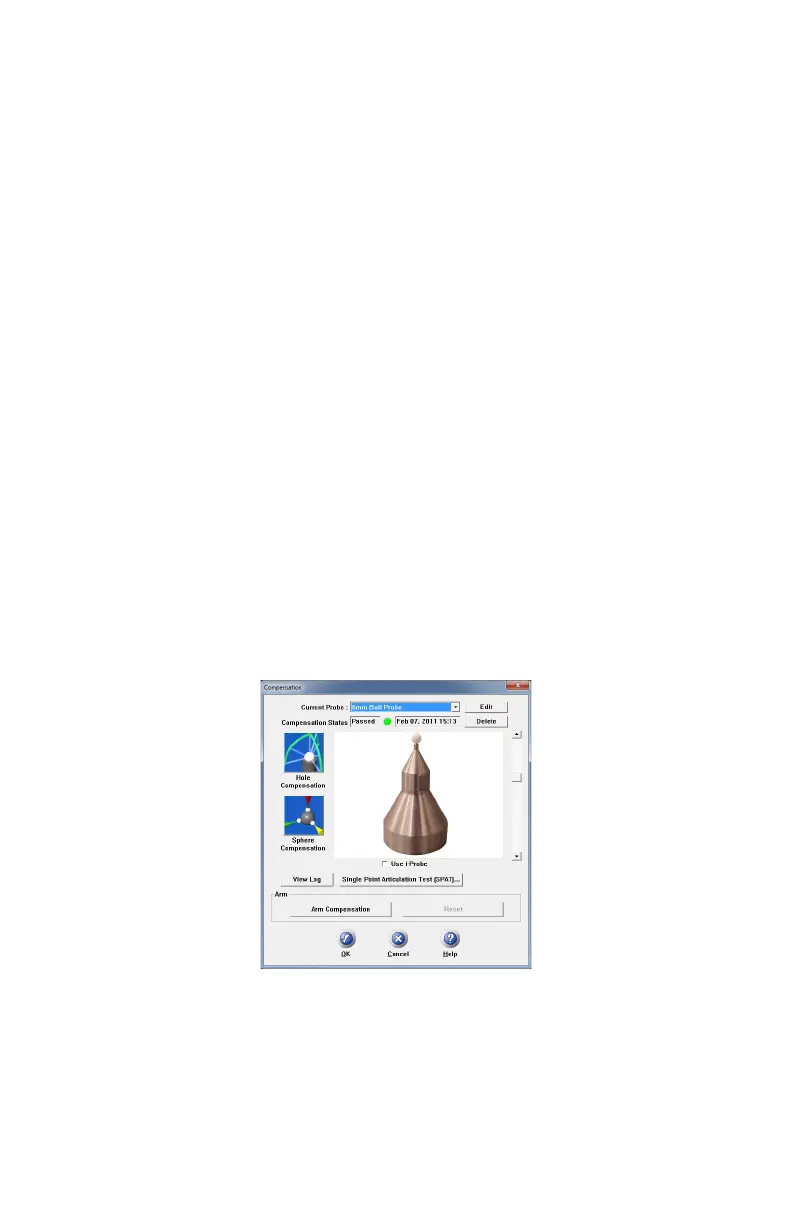
1 In your measuring software, start the PROBE command.
2 Choose a standard ball probe, 6mm or 3mm.
N
OTE: If your ball probes are stamped with the exact diameter, enter the exact
diameter in the M
ODIFY PROBE dialog box for each ball probe. See “Edit
Probe” on page 180.
Figure 4-9 Standard ball probe
08M52E00_FaroArm_Edge.book Page 60 Thursday, October 4, 2012 9:31 AM



 To Next Page