FARO Edge
September 2012
94
Chapter 6: Maintenance and Troubleshooting
2 Hold the handle in the air
approximately ⅔ of the Edge's
reach away from its base.
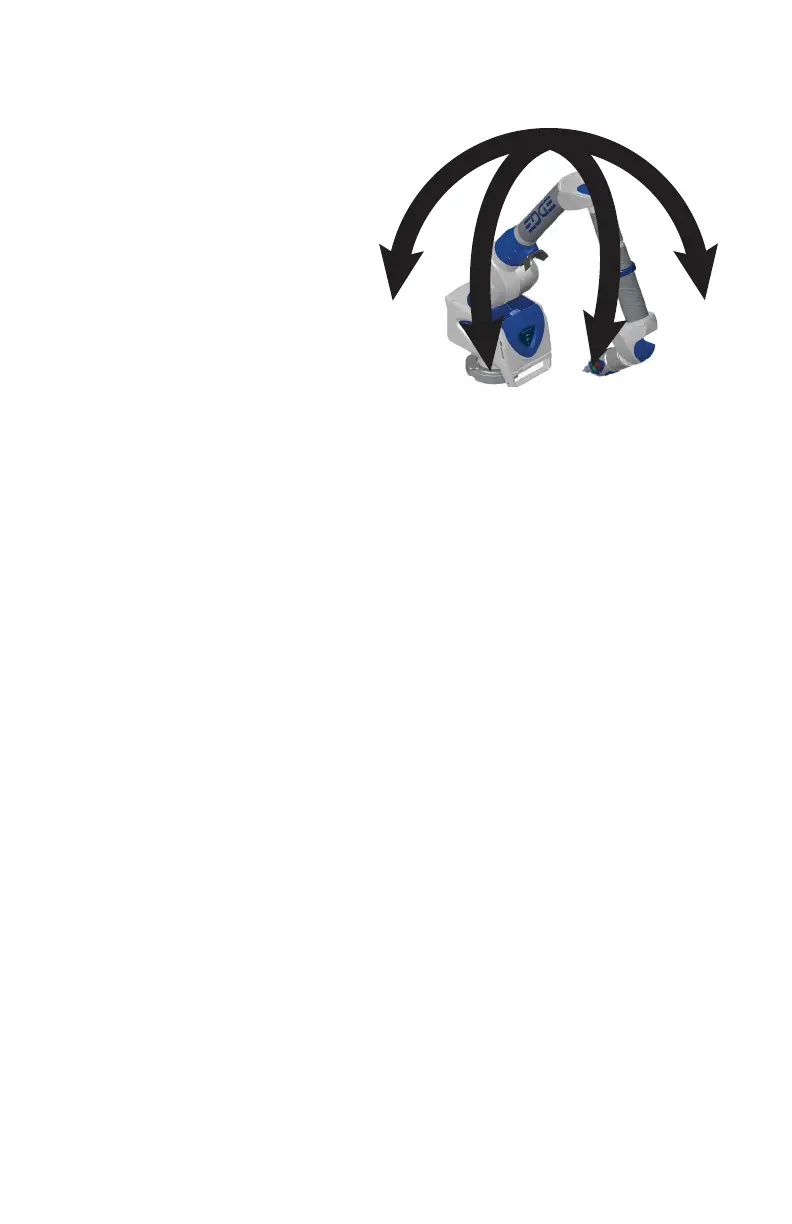
3 Move the tubes and joints of the
Edge.
• Any tilt of the base is recorded
and displayed on the screen.
All of the points must be
within the circle on the graph.
• Press the RESET button to
clear the screen.
N
OTE: If the Base Deflection test fails and the Tile test passes, check the
stability of your part.
Single Point Articulation Test (SPAT)
Mounting should always be tested prior to a SPAT test. The SPAT test checks the
repeatability of the Edge's X, Y and Z coordinates throughout its range of
motion.
Set up the FARO compensation cone, or a hole on your part, approximately ⅔
of the Edge's reach away from its base.
In CAM2 software, start the SPAT routine from the D
IAGNOSTICS dialog box.
• In CAM2 Measure, run the DEVICES > DIAGNOSTICS command and
click the S
INGLE POINT ARTICULATION TEST (SPAT) button in the
D
IAGNOSTICS dialog box.
• In CAM2 Q, run the DEVICES > DEVICE CONTROL PANEL command,
click the D
IAGNOSTICS button in the FARO DEVICE CONTROL PANEL. Then
click the S
INGLE POINT ARTICULATION TEST (SPAT) button in the
D
IAGNOSTICS dialog box.
• For more information, see “Diagnostics” on page 190.
Place and hold the calibrated probe in the compensation cone or any conical
socket.
08M52E00_FaroArm_Edge.book Page 94 Thursday, October 4, 2012 9:31 AM



 To Next Page