FARO Edge
September 2012
51
Chapter 4: Probes
Chapter 4: Probes
This chapter describes the standard Edge probes and optional probes for
speciality measurement. The Edge collects data by touching the part with a probe
attached to the end of the handle. You can install a variety of probes on your
Edge.
Once the probe is attached, it must be compensated. See “Compensation” on
page 160 and “Compensate Probe” on page 181.
Edge Probes
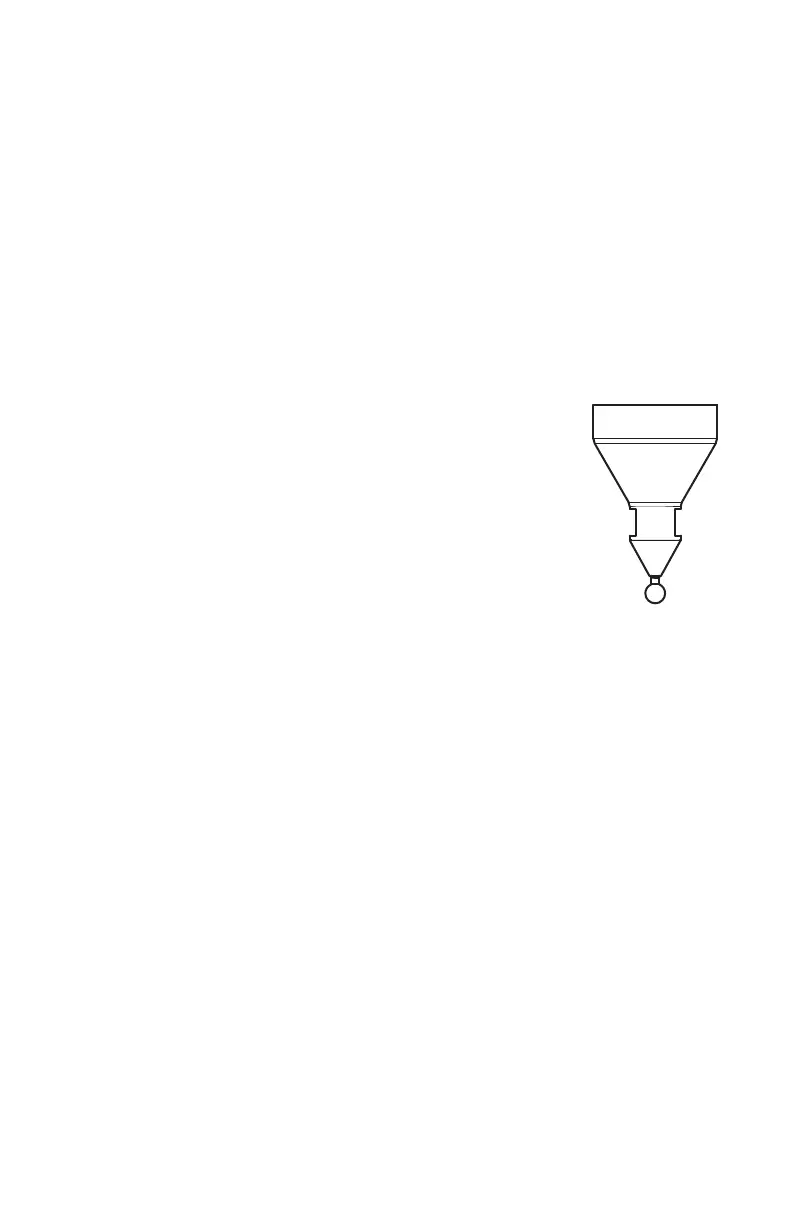
Two standard probes, one (1) 6mm Ball and one (1) 3mm Ball,
are supplied with the Edge. Each ball probe is stamped with the
exact diameter of the ball (2.9997mm, 5.9994mm, etc.). This
exact diameter must be entered in the probe settings section of
the software. To enter the exact diameter value:
• On the Fold-Down Touch Screen Controller:
1 Touch the PROBE COMPENSATION button.
2 Touch the HOLE COMPENSATION or SPHERE
COMPENSATION button.
3 Touch the correct probe.
4 Touch the SETTINGS button.
5 Touch the Probe Diameter and enter the exact diameter.
6 Touch OK.
See “Compensation” on page 160.
• In your measuring software (CAM2 Q, CAM2 Measure, CAM2 Measure X,
Geomagic, Polyworks, etc.), edit the diameter of the existing 3mm and 6mm
probes. Enter the exact diameter in the M
ODIFY PROBE dialog box for each ball
probe. See “Edit Probe” on page 180 and “Compensation” on page 160.
The Edge’s point of measurement on any ball probe is the center of the ball.
Third-party feature measurement or quality control software compensates for the
radius of the ball probe. Point probes are only recommended when the software
will not compensate for the radius of the ball probe. The point probe has an
impact on measurement accuracy. The error depends on:
• The width of the point on the probe.
• The position and placement of the point on the object.
BALL SIZE:
5.9994mm
08M52E00_FaroArm_Edge.book Page 51 Thursday, October 4, 2012 9:31 AM



 To Next Page