FARO Edge
September 2012
151
Chapter 7: Software
Settings
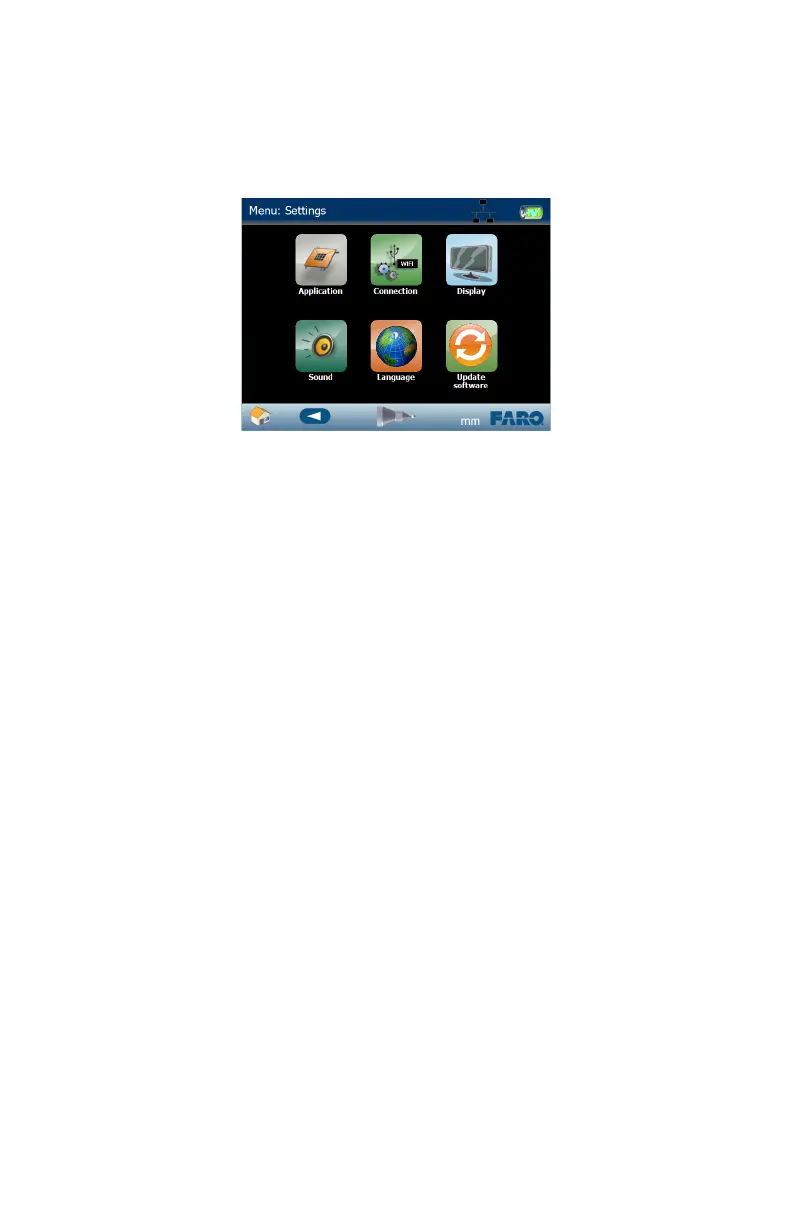
Use the commands in the SETTINGS menu to configure your Edge.
Application
Use this command to set options for the Edge application software.
• Enable or Disable Scanning. If enabled, enter a 3D distance. When measuring,
press and hold the GREEN button and points are automatically collected when
the probe moves the 3D distance. Set the 3D distance to zero (0) to record
points whenever you press and hold the GREEN button.
• Enter a default tolerance value. This value applies to all features created after
this change; it does not change an existing feature’s tolerancing.
• Set the Time. Touch the up and down arrows to adjust the Hour and Minute.
Touch AM, PM, or 24 Hour.
• Touch the BACK button to return to the SETTINGS menu, or the HOME
button to return to the MAIN menu.
For more information, see “Nominals” on page 143.
Connection
Use this command to set communication options for the Edge. USB and Ethernet
communication are always on. Touch to select or clear any of the following
options:
• Bluetooth
• Ethernet
•WiFi
For details on these communication options, see “Wireless Connections” on
page 40.
Figure 7-27 Edge Settings menu
08M52E00_FaroArm_Edge.book Page 151 Thursday, October 4, 2012 9:31 AM



 To Next Page