FARO Edge
September 2012
177
Chapter 10: Configuring the FARO Edge in CAM2 Measure
Chapter 10: Configuring the FARO Edge
in CAM2 Measure
NOTE: This chapter describes the operation of your Edge with CAM2 Measure
v4.0 and X. For later versions of CAM2 Measure, see “Configuring the FARO
Edge in CAM2 Measure” on page 169.
The DEVICES menu contains all the commands used to
configure a measuring device. These commands are also available
on the Devices toolbar.
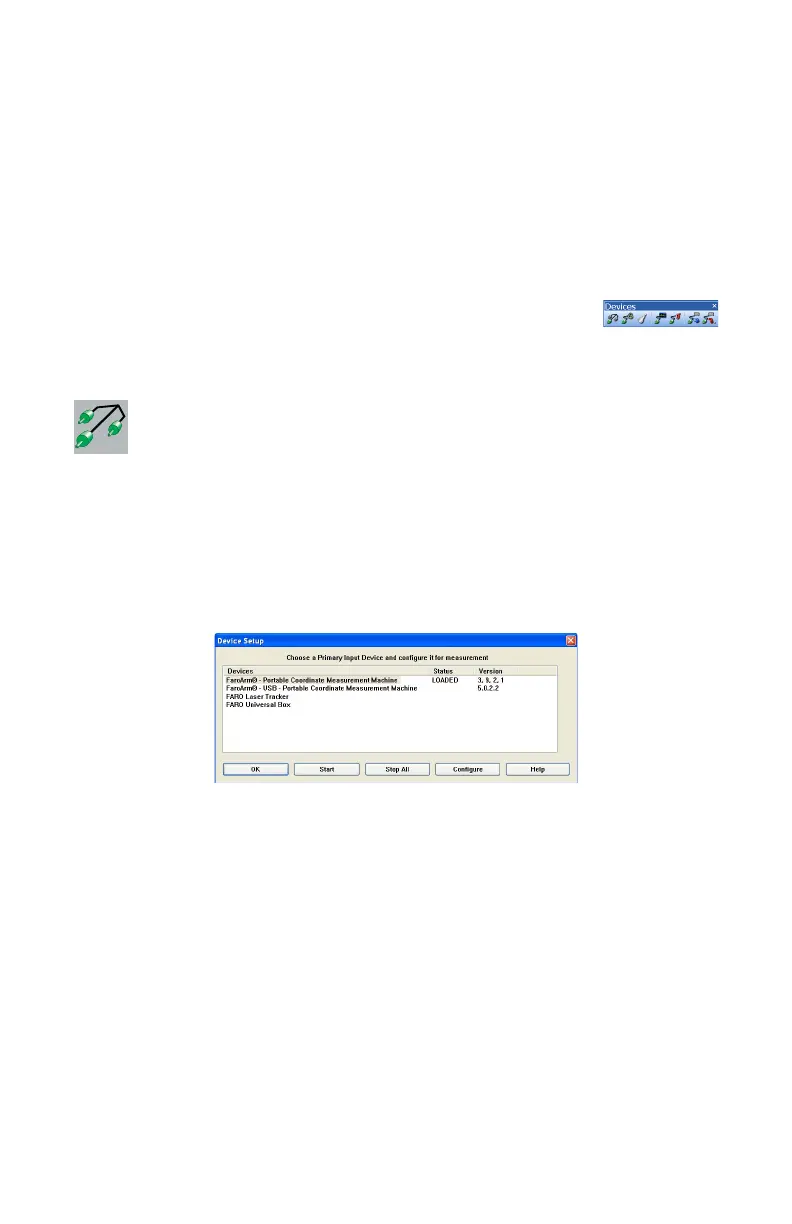
Device Setup
Select DEVICES < DEVICE SETUP from the DEVICES menu. Choose a
primary input device from the D
EVICE SETUP dialog box. The default device is
the Edge. To change the primary input device, select the device name and click
the START button. This establishes communication with the selected device.
When CAM2 Measure starts, the software attempts to initialize communication
with the primary input device.
Figure 10-1 Device Setup dialog box
08M52E00_FaroArm_Edge.book Page 177 Thursday, October 4, 2012 9:31 AM



 To Next Page