FARO Edge
September 2012
145
Chapter 7: Software
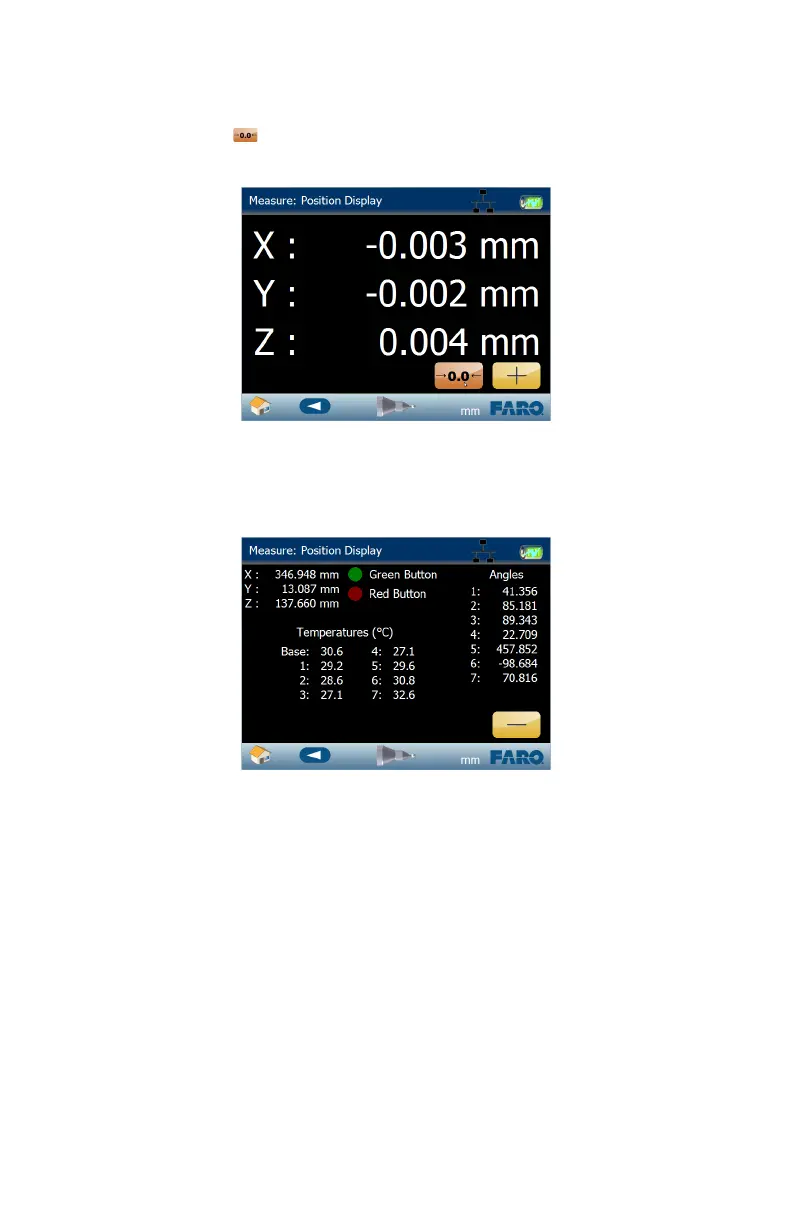
• Touch the ZERO icon to set the current probe position to 0,0,0. Exit the
command to reset.
• Touch the DETAIL VIEW (+ button) to see Edge Handle Button status,
temperatures, and encoder angle values. Touch the SIMPLE VIEW button (-
button) to return.
• Touch the BACK button to return to the MEASURE menu, or the HOME
button to return to the MAIN menu.
Figure 7-24 Zero Position
Figure 7-25 Position Display Detail View
08M52E00_FaroArm_Edge.book Page 145 Thursday, October 4, 2012 9:31 AM



 To Next Page