FARO Edge
September 2012
159
Chapter 7: Software
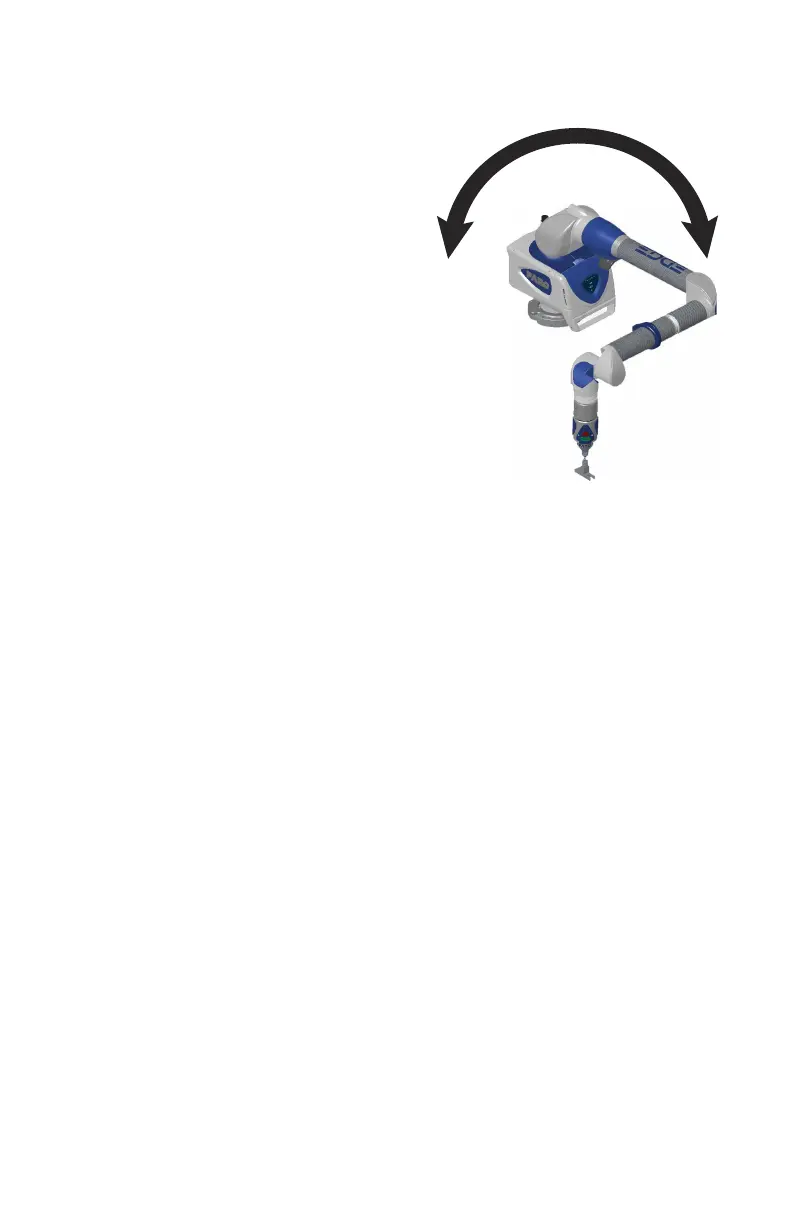
4 Press the GREEN button and move the
elbow of the Edge from one side to the
other, and back. Points are automatically
measured as you move the elbow.
5 After moving the elbow from one side to
the other and automatically measuring all
the necessary points, the command
processes the measurements.
• The two sets of points are compared and
if they are not repeatable, you must
repeat the test.
• If they are repeatable, touch OK to
accept.
6 After completing an Edge compensation,
move the cone to a different location and perform another Single Point
Articulating Test (SPAT). See “Single Point Articulating Test (SPAT)” on
page 164.
7 Touch the BACK button to return to the COMPENSATION menu, or the
HOME button to return to the MAIN menu.
08M52E00_FaroArm_Edge.book Page 159 Thursday, October 4, 2012 9:31 AM



 To Next Page