User Guide
288
6.
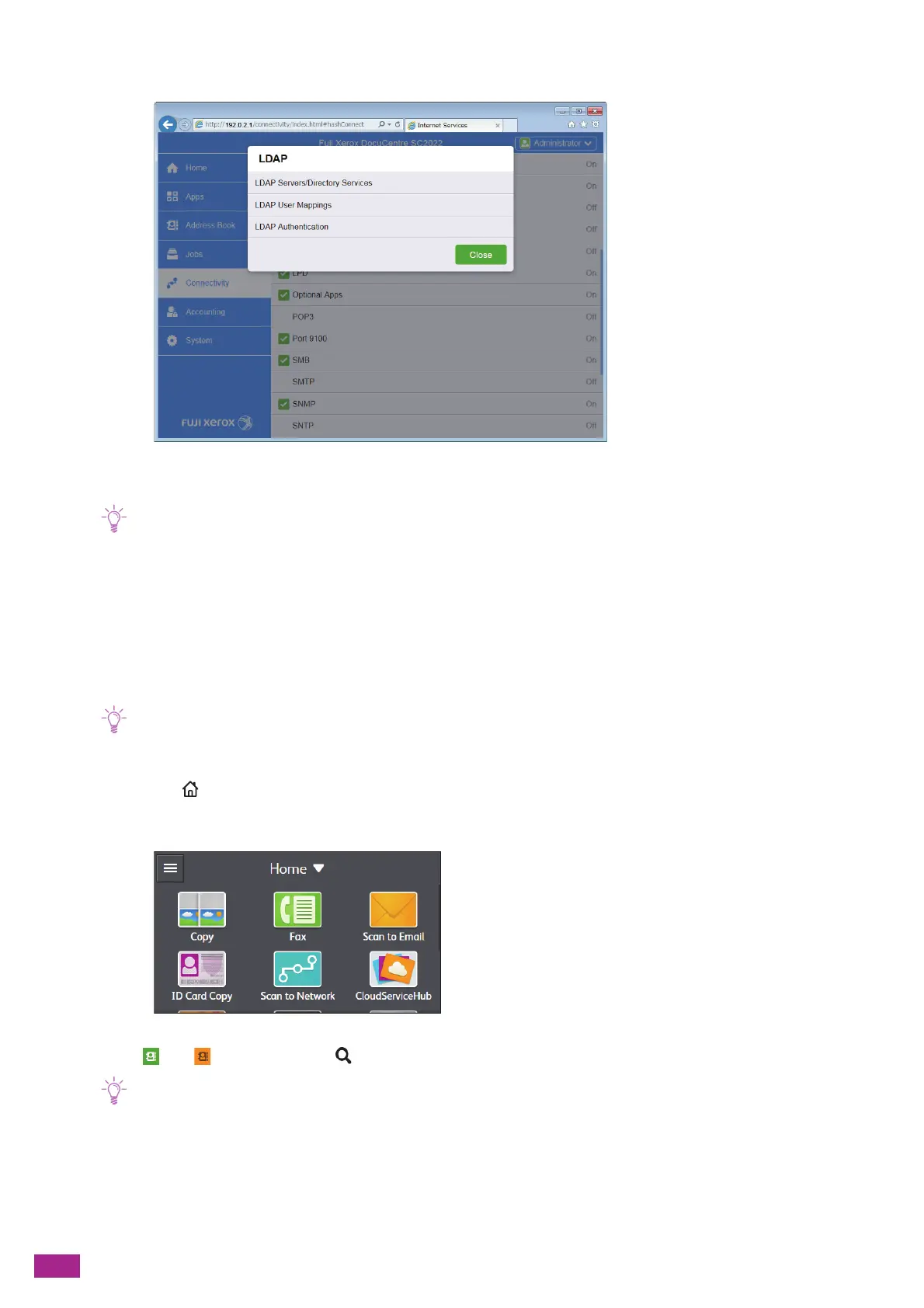
Click [LDAP User Mappings].
7.
Specify the attribute names used in the LDAP server.
• If the attribute names are not customized in the LDAP server, leave the settings in this step as they are by default.
8.
Click [OK].
9.
Click [Restart Now].
10.
When restarting the machine is complete, click [Refresh].
Specifying Destinations From an LDAP Server
• To specify destinations from an LDAP server, you need to enable [LDAP Address Book]. For details, see "[LDAP Address
Book] (P.268)."
1.
Press the <Home> button.
2.
Tap [Fax] or [Scan to Email].
3.
Tap or , an d t he n tap .
• If the [Select Address Book] screen is displayed, tap [LDAP Address Book].
4.
Enter a search keyword.
5.
Tap [S earch].
6.
Tap the desired address.


 To Next Page
 Loading...