11 Making Better Use of Your Machine
287
10.
When restarting the machine is complete, click [Refresh].
Setting the LDAP Attribute Names
1.
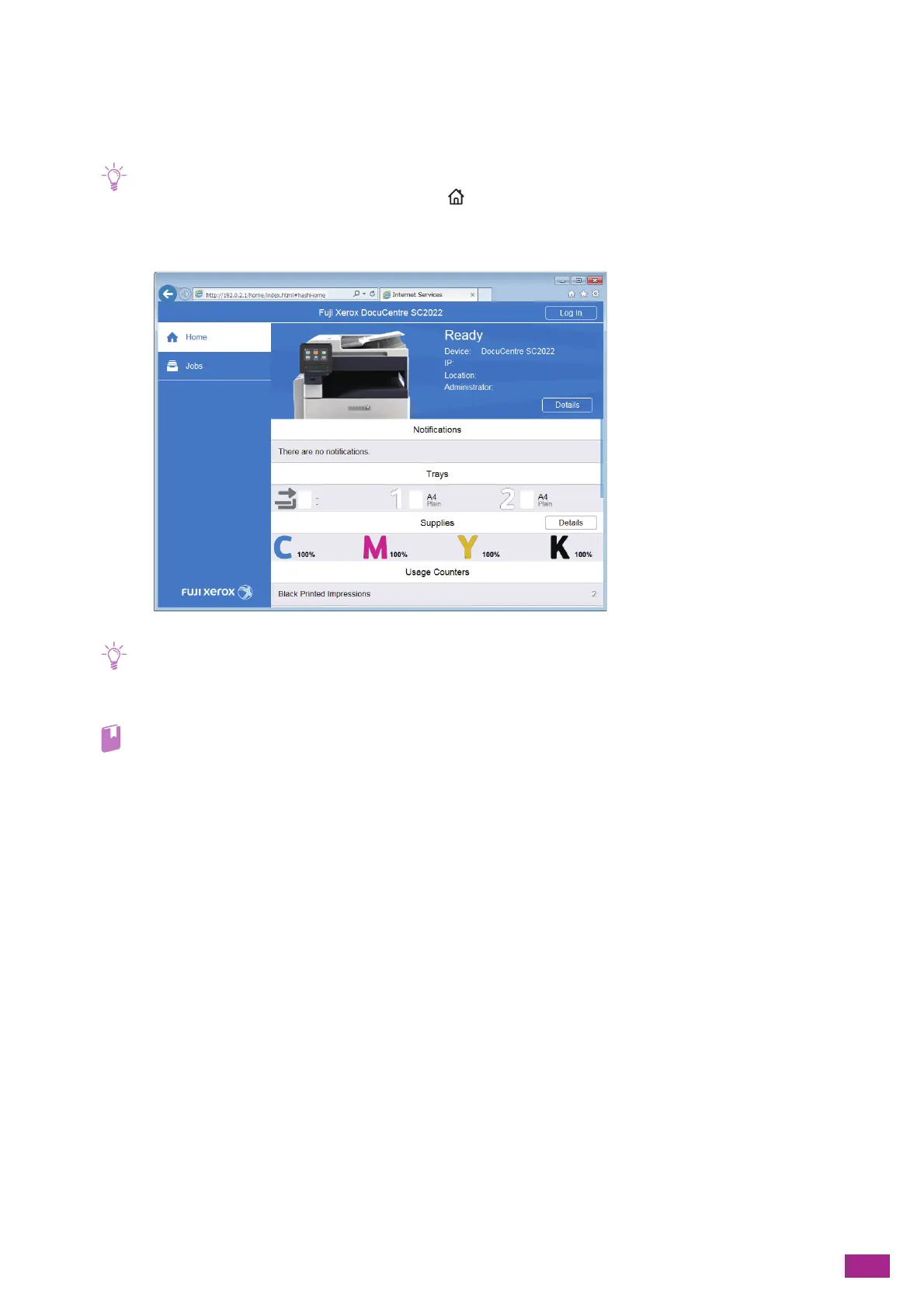
Enter the IP address of the machine in your web browser and start CentreWare Internet Services.
• To check the IP address of the machine, press the <Home> button on the operator panel, and then tap [Device] >
[About].
2.
Click [Log In] on the upper right corner.
• If [Local User] is displayed on the upper right corner, proceed to step 4.
3.
Enter the [User Name] and [Password] for the administrator, and then click [Log In].
• For details about the default user name and password, see "Logging In As the Administrator (P.273)."
4.
Click [Connectivity] on the left pane of the screen.
5.
Click [LDAP] in [Protocols].


 To Next Page
 Loading...