User Guide
286
2.
Click [Log In] on the upper right corner.
• If [Local User] is displayed on the upper right corner, proceed to step 4.
3.
Enter the [User Name] and [Password] for the administrator, and then click [Log In].
• For details about the default user name and password, see "Logging In As the Administrator (P.273)."
4.
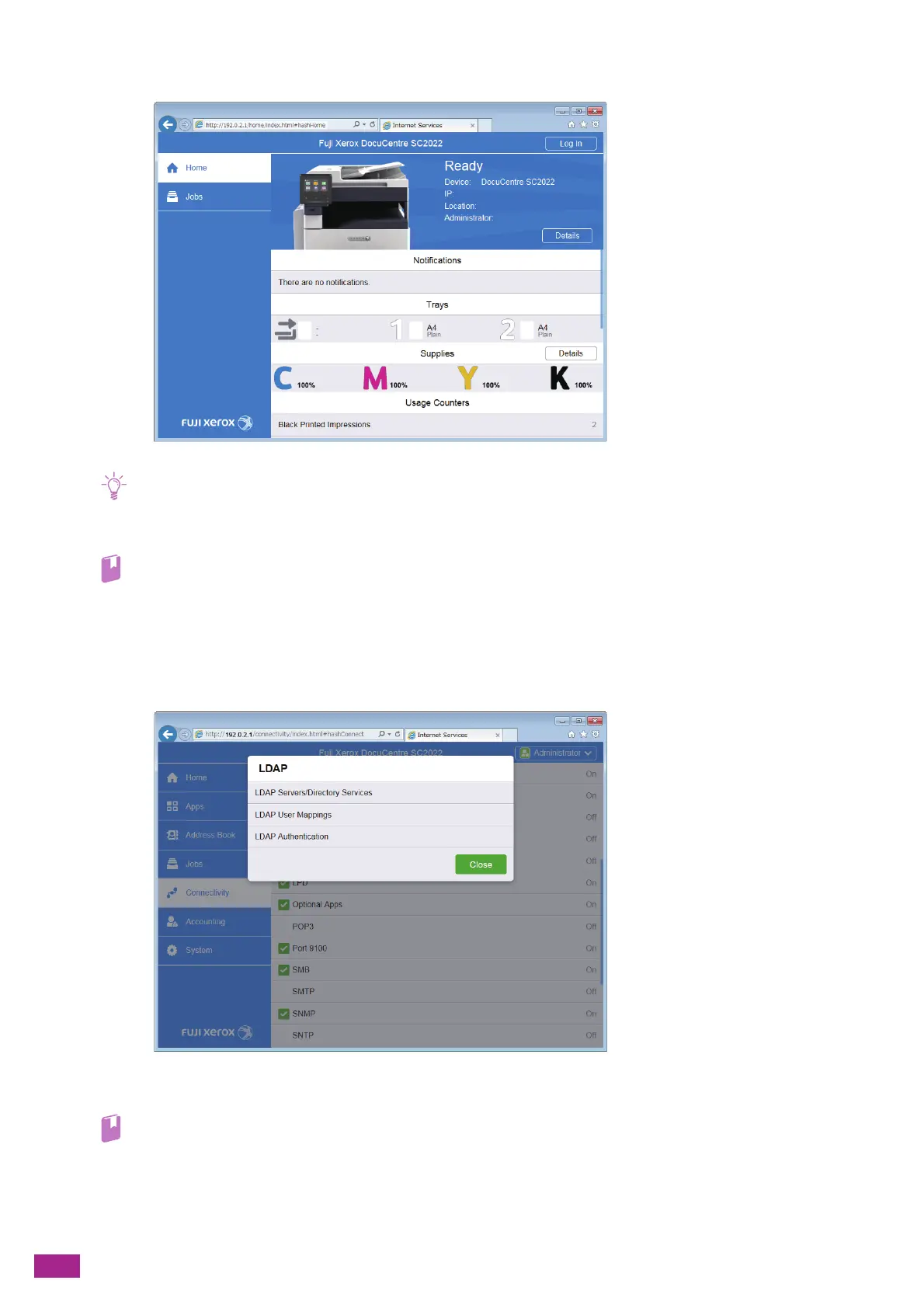
Click [Connectivity] on the left pane of the screen.
5.
Click [LDAP] in [Protocols].
6.
Click [LDAP Servers/Directory Services].
7.
Configure the server settings.
• For details about the settings, see the CentreWare Internet Services Help.
8.
Click [OK].
9.
Click [Restart Now].



 To Next Page
 Loading...