Chapter 4 Element Management System (EMS) Element Properties Configuration
© 2011 Harmonic Inc. 101 ProView 7000 v.2.4, Rev. A
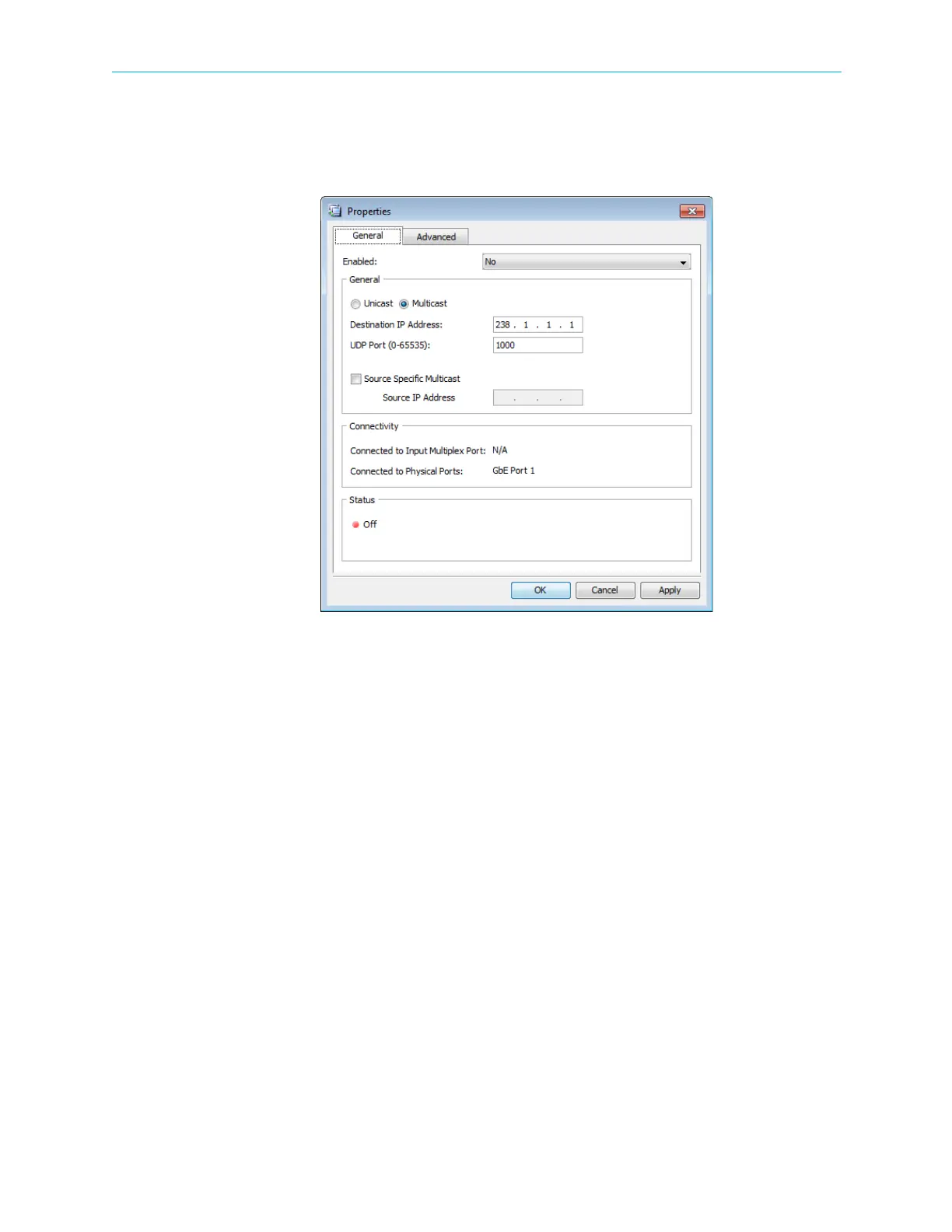
■ Connectivity box – Displays the multiplex ins and physical GbE ports associated with the
socket.
■ Status box
Figure 4–27: Socket Properties (Input mode) dialog - General tab
GbE Socket Advanced properties tab:
■ Encapsulation Mode – The encapsulation mode used for the GbE port is UDP.
■ De-Jitter Mode – All input sockets are de-jittered. The options are:
❑ Low Delay Mode
❑ Normal Network Jitter (Less than 50 ms)
❑ High Network Jitter (Up to 300 ms)



 To Next Page