© 2011 Harmonic Inc. 191 ProView 7000 v.2.4, Rev. A
Appendix E
Software Management
E.1 Active Version Management
The ProView 7000 keeps the current and last software versions. The EMS enables you to
choose the active software version. The process of changing the active software version takes
several minutes.
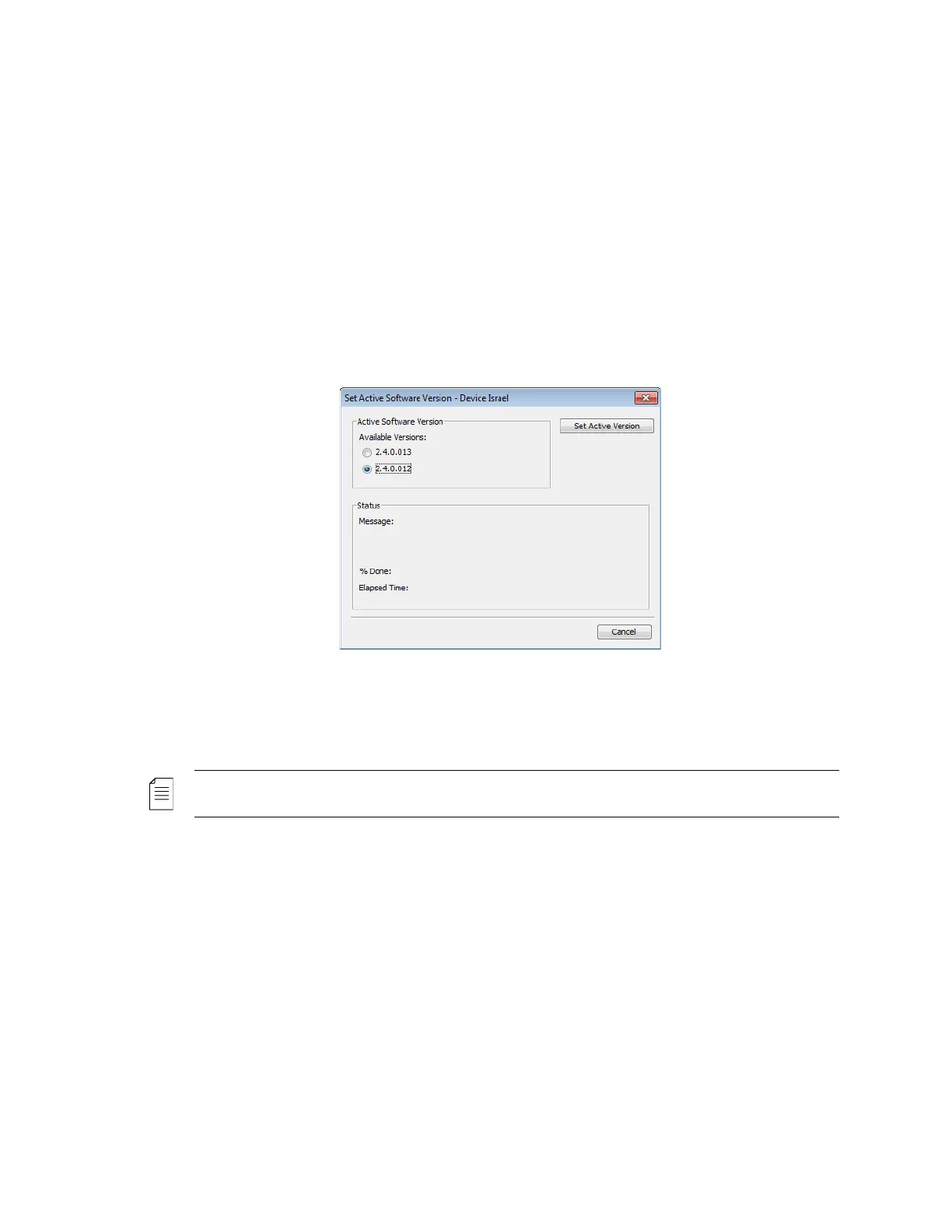
To open the Active Software Management dialog:
❖ Select Tools > Firmware > Set Active Software….
The Active Software Management dialog displays two software versions available. The
currently active version radio button is marked.
To change the device software version:
❖ Select the second version and click Set Active Version.
NOTE: A software version that is invalid is indicated in its radio button as N/A and is disabled.



 To Next Page