Chapter 4 Element Management System (EMS) Element Properties Configuration
© 2011 Harmonic Inc. 126 ProView 7000 v.2.4, Rev. A
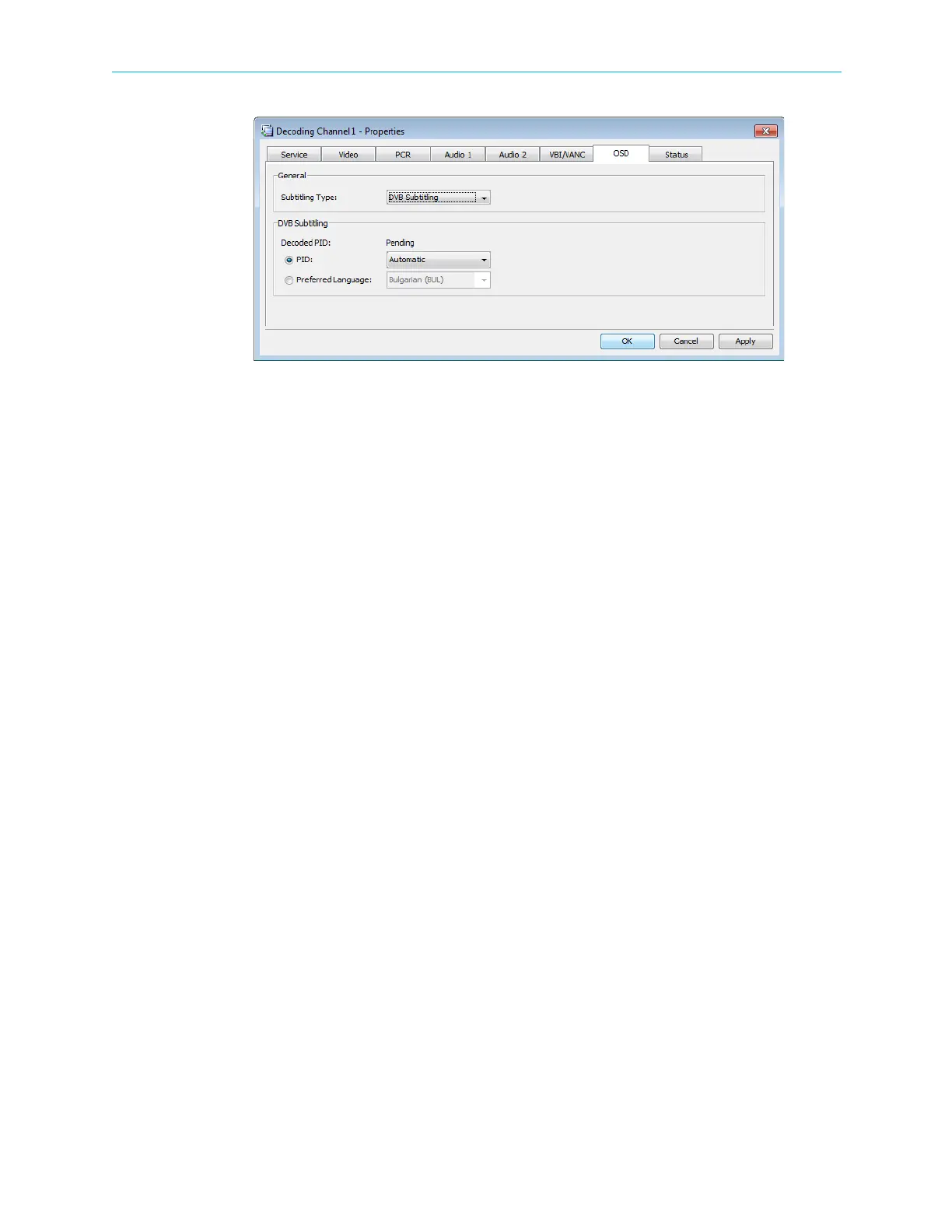
Figure 4–42: Decoding Channel Properties - OSD tab
❑ VBI Teletext – you can search by page or preferred language
• Current PID – Current PID number
•Page
• Preferred Language – first page that contains the specified language
Status Parameters Tab
The Status parameters tab provides the EMS user the following information and set-up
capabilities:
■ Channel CC Errors – displays the CC error detected and enables the user to reset the status
counters.
■ Video – displays the status of the following video source parameters:
❑ Codec
❑ Aspect ratio
❑ Resolution
❑ Scan type
❑ Frame rate (per second)
❑ Sequence header bitrate (in bps)
❑ GOP size and structure
■ VBI – displays extracted VBI data information
■ Audio 1 / 2 – displays the status of the following audio 1 (or audio 2) source parameters:
❑ Codec
❑ Sample rate (in kHz)
❑ audio channel mode
❑ Audio bitrate (in bps)
❑ Layer number



 To Next Page