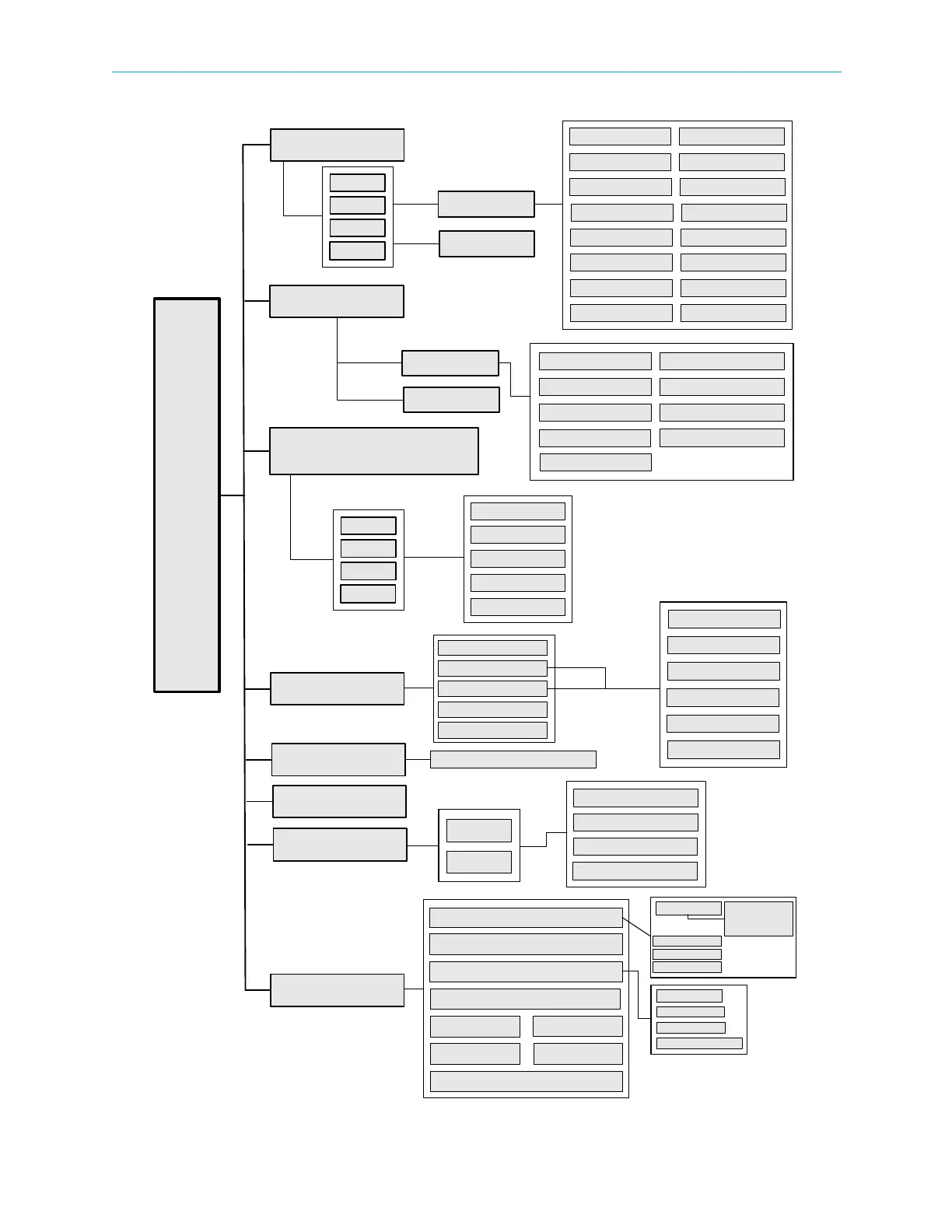
Chapter 5 Front Panel Interface Front Panel Root Menu
© 2011 Harmonic Inc. 148 ProView 7000 v.2.4, Rev. A
Figure 5–2: ProView 7000 front panel menu tree structure
Root Menu
Decoding
Alarms Table
Unit
Configuration
PCR
Audio 1 Audio 2
Descrambling
Video
Service Selection Mode
Programs
Reception
Routing and
Descrambling
Status
Configuration
Status
MODCOD Roll Off
Symbol Rate Modulation Standard
Universal Band Frequency
L-Band Frequency
Polarization LNB Frequency Band
LO Frequency 22 kHz Tone
Acquisition Mode Drift Compensation
Alarm Detailed Information
Input Selection
Management Port
Reset Unit
BOOTP
SW Version
HW Inventory
IP Configuration
MAC Address
Auto Negotiation
PHY Speed
IP Address
Subnet Mask
Default Gateway
Platform
Main Board
Front End Card
Bottom Options Card
CAM
GbE
Activation
Input Selection
Input Type
Output Selection
Descrambling
CAM 1
Date/Time
LCD Contrast
Restore to Defaults
IP Configuration
MAC Address
Admin Status
Auto Negotiation
PHY Speed
CAM Association
CAM 2
Descrambling Mode
CAM MMI
VBI
Presets
Active Port
Routing Table
SAT 1
SAT 2
SAT 3
SAT 4
GbE Port 1
GbE Port 2
Socket Configuration
Duplex Mode
TS 1
TS 2
TS 3
TS 4
Automatic Recovery Policy
GbE Mode (In/Out)
Pilot Spectral Inversion
Attenuation Gain
Note: Some menus only
display with certain
hardware configurations.



 To Next Page