Chapter 4 Element Management System (EMS) Element Properties Configuration
© 2011 Harmonic Inc. 112 ProView 7000 v.2.4, Rev. A
■ Passed Program list – Displays a list of the programs passed in the stream and their
descrambling status.
Click
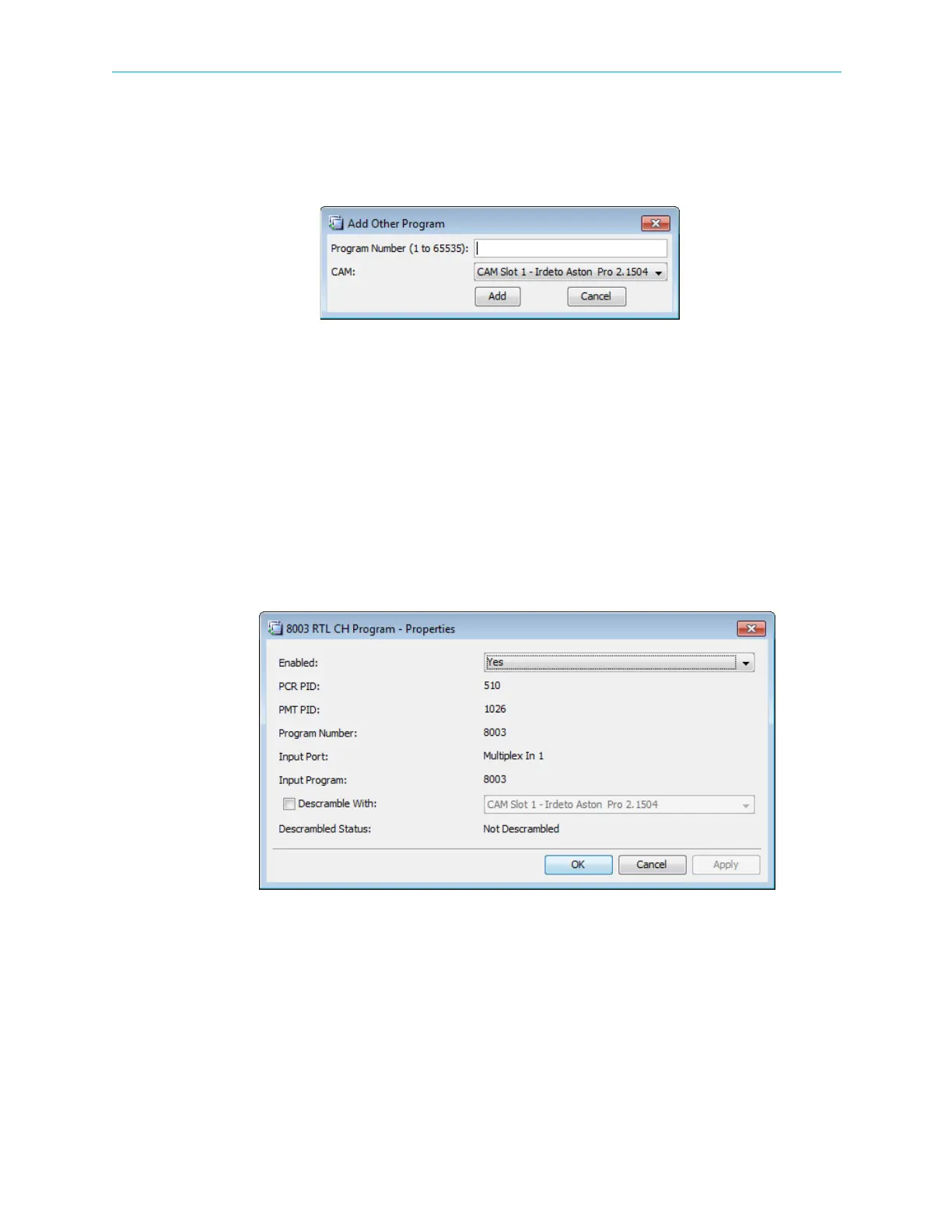
Add… next to the list to open an Add Other Program dialog which enables the user to
define expected programs in the received transport stream (and not available when the TS
was routed) and to assign the descrambling CAM to the program.
Figure 4–34: Add Other Program dialog
■ Descrambling Configuration – Not Descrambled / CAM Slot 1 / CAM Slot 2
■ Descrambling Status – Descrambled / Not Descrambled
4.5.4.3 Output Multiplex Program Properties
The Output Program properties dialog provides basic information on the output program
provided by the output multiplex.
To display the Output Multiplex Program properties dialog:
1. Select the required Output Program icon from the Multiplex and Decoding Output box on
the Device Explorer tab.
2. Click Properties on the EMS toolbar.
Figure 4–35: Program Properties dialog
The Program Properties dialog contains the following items:
■ Enabled
■ PCR PID
■ PMT PID
■ Program Number
■ Input Port
■ Input Program



 To Next Page