Chapter 4 Element Management System (EMS) ProView 7000 EMS Menu Bar
© 2011 Harmonic Inc. 48 ProView 7000 v.2.4, Rev. A
4.2.2 Actions Menu
The Actions menu allows performing advanced commands, such as system configuring and
opening the Connect Wizard.
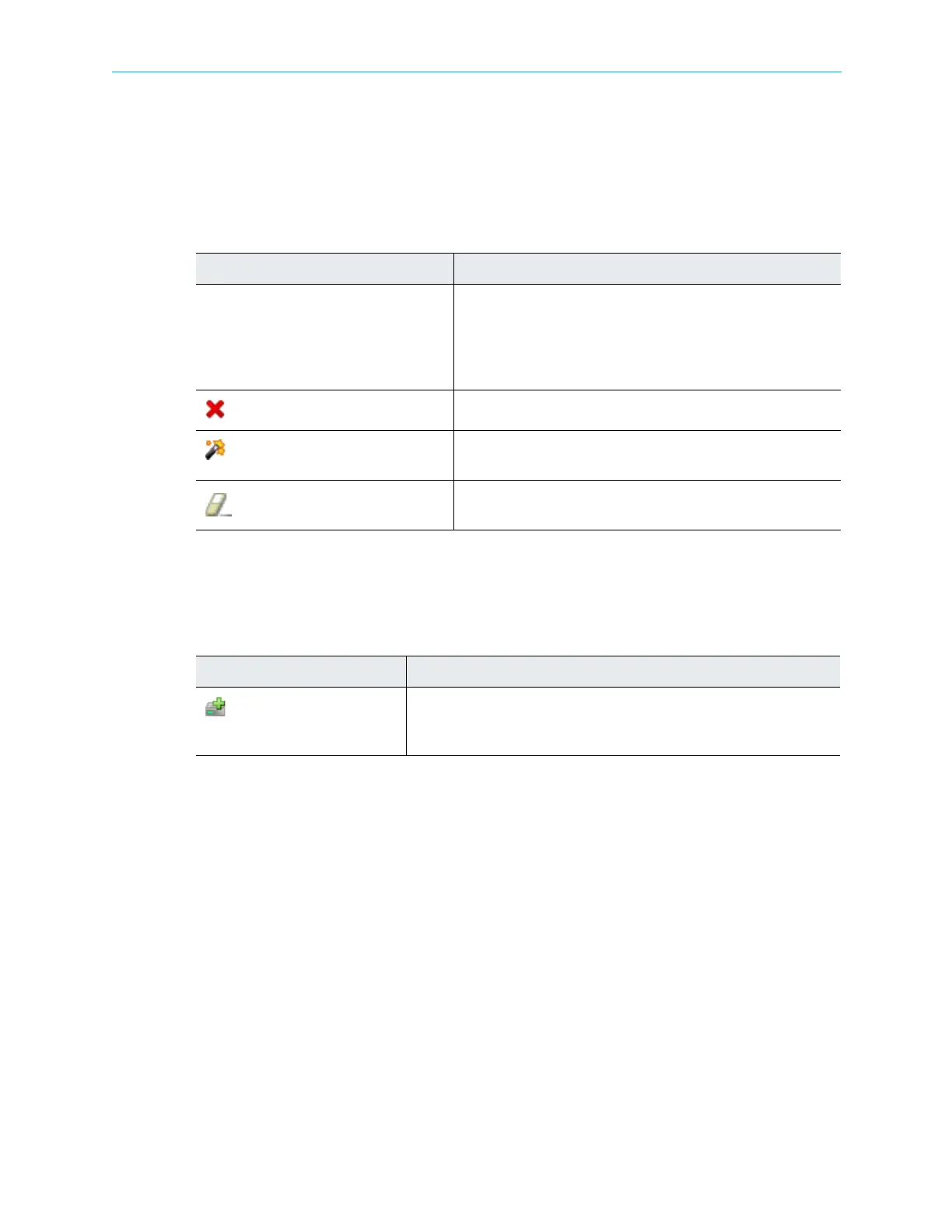
The Action menu consists of the following items:
4.2.3 Administration Menu
The Administration menu consists of the following items:
Table 4–2: Action Menu Items
Item Description
Create Displays sub-menus to add the following to the Multiplex &
Decoding Output:
■ Add Other Program, refer to paragraph 4.4.3.2 Multiplex
Output Programs Management.
■ Add Unreferenced PID, refer to 4.4.3.1 Multiplex Output.
Remove
Allows removing the selected item.
Connect Wizard
Opens the Connect Wizard. For details, refer to 4.6.4 EMS
Connection Wizard.
Clear Decoding Channel Connection
Use to remove an input from the decoding channel. For decoding
channel details, see 4.6.2 Input to Decoder Channel Connection.
Table 4–3: Administration Menu Items
Command Description
Add ProView 7000…
Launches the EMS Add ProView 7000 dialog. This dialog allows adding a
new device-for managing by the EMS. For details, refer to 4.3.3.1 Adding
a New ProView 7000 Device.



 To Next Page