Chapter 4 Element Management System (EMS) ProView 7000 EMS Menu Bar
© 2011 Harmonic Inc. 47 ProView 7000 v.2.4, Rev. A
4.2 ProView 7000 EMS Menu Bar
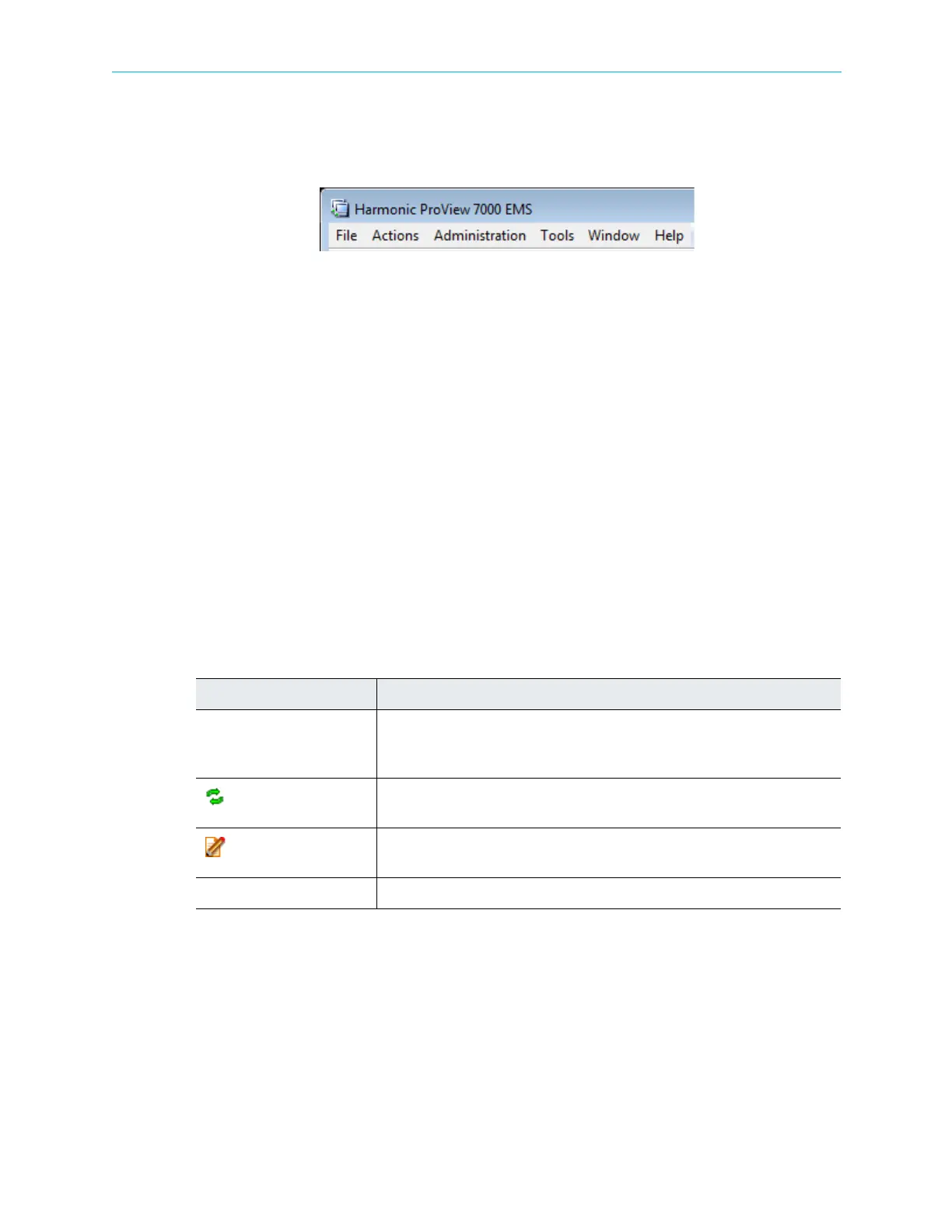
The EMS Menu provides access to ProView 7000 EMS control and managing functions in a
menu format.
Figure 4–4: EMS menu bar
The information provided by the EMS Menu is divided into the following main menu
branches:
■ File Menu
■ Actions Menu
■ Administration Menu
■ Tools Menu
■ Window Menu
■ Help Menu
4.2.1 File Menu
The File menu allows performing basic commands, such as adding device, as open streams
properties, and so on.
The File menu consists of the following items:
Table 4–1: File Menu Items
Item Description
Open Device Explorer Displays a context-list of the available devices in the device list. Selecting a
device displays the device explorer tab for the device. For details, refer to
4.1.3 Device Explorer Tabs.
Refresh
Opens the EMS refresh submenu. This submenu displays the selected item.
For details, refer to 4.7 Refreshing the EMS Screen.
Properties
Displays the properties dialog for a selected device. For details see
4.5 Element Properties Configuration.
Exit Exits and closes the ProView 7000 EMS window.



 To Next Page