Chapter 4 Element Management System (EMS) Cross Connections
© 2011 Harmonic Inc. 131 ProView 7000 v.2.4, Rev. A
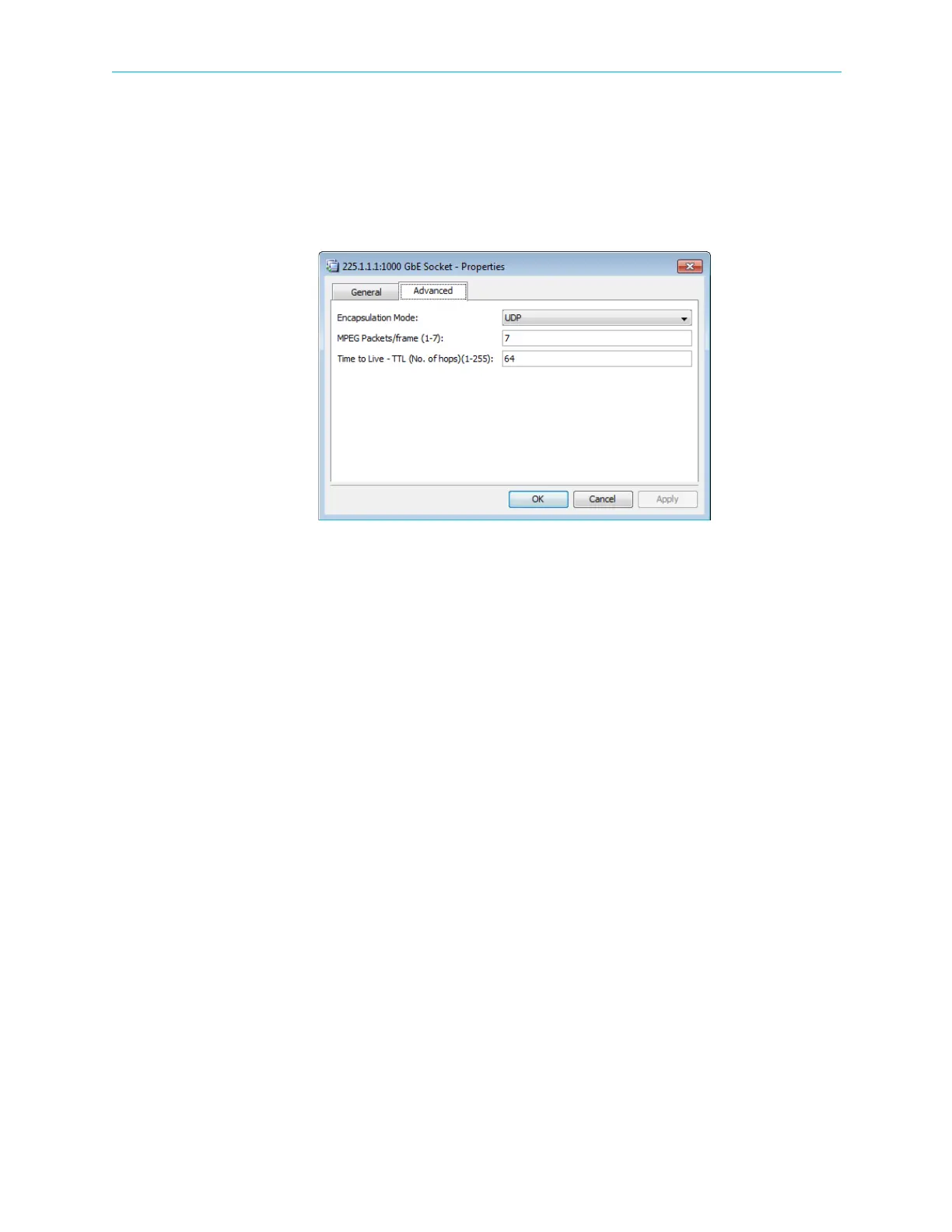
GbE Socket Advanced Properties tab:
■ Encapsulation Mode – The encapsulation mode used for the GbE port is UDP.
■ MPEG Packets/Frame – The number of MPEG packets for each frame. The range is 1 – 7.
The default is 7.
■ Time To Live – You can set the time to live (TTL, number of hops). The range is 1 – 255. The
default is 64.
Figure 4–47: GbE Socket Properties (Output mode) dialog- Advanced tab
4.5.5.3 HDMI and DVI Output
You can attach a video monitor to the HDMI port to monitor decoded video. The HDMI port
supports HDMI and DVI modes.
To change the mode of the HDMI port:
1. Right-click HDMI Monitor Video Port 1 under Decoders in the Physical Output box.
2. Select Properties in the drop-down menu.
The HDMI Monitor Video Port 1 properties dialog displays.
3. Select one of the following modes in the Output Mode drop-down menu:
❑ HDMI
❑ DVI
The default is HDMI.
4.6 Cross Connections
The ProView 7000 device provides the ability to cross connect the input stream information
to the processing functions and the outputs of the device. These functions are made easy by
the EMS and includes cross connecting input to outputs, selecting inputs to the output
decoding channels and defining the inputs for the CA modules.
The ProView 7000 has up to four (4) input multiplexes and up to four (4) output multiplexes.
In addition, the EMS provides wizards to guide the user in creating these connections.



 To Next Page