Chapter 4 Element Management System (EMS) ProView 7000 EMS Structure
© 2011 Harmonic Inc. 42 ProView 7000 v.2.4, Rev. A
4.1.2 Devices Box
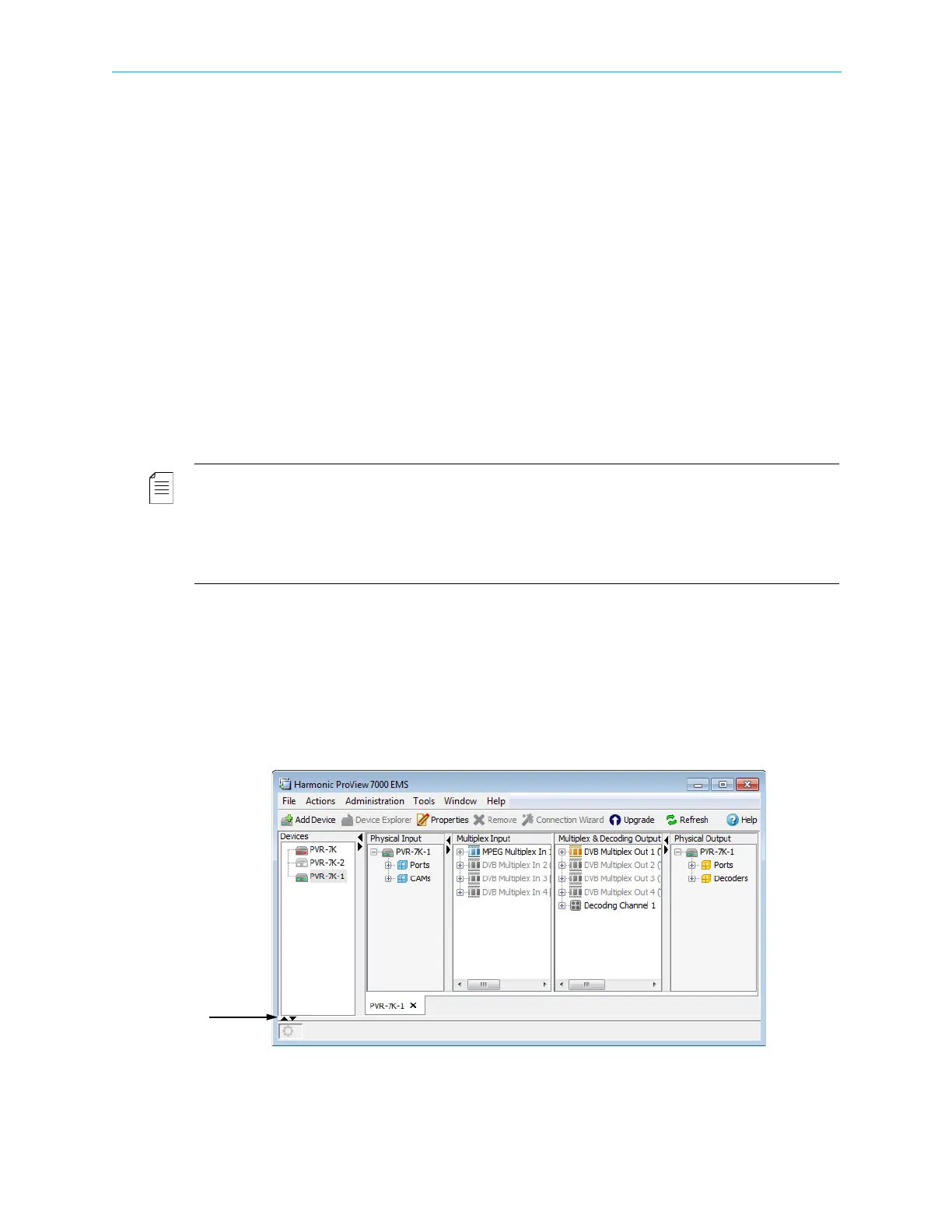
The Devices box displays all ProView 7000 devices managed by the ProView 7000 EMS. For
information and instructions in managing the devices see 4.3 ProView 7000 Device
Management.
4.1.3 Device Explorer Tabs
The Device Explorer tabs display the input and output stream parameters for the selected
ProView 7000. The tab is divided into four boxes; the Input Physical Ports managing box, the
Input Stream Multiplexing managing box, the Output Streams Multiplexing and Decoding
managing box and the Output Physical Ports managing box.
Each box displays the hierarchical/tree structure of the respective information and enables
the user in-depth monitoring and configuring of the features of each stream received,
processed and outputted by the ProView 7000.
Refer to section 4.4 Device Explorer for information and instructions on managing the input/
output streams and ports.
NOTE: The ProView 7000 EMS can manage several devices and can display the Device Explorer tabs of
any of them, according to the user needs. Each displayed device stream tab is labeled at the bottom of the
tab with the device name (as displayed in the Devices box).
The selected device stream tab displays in white. All other tabs display in gray. Click a tab to bring the
device stream tab to the top and display the Device Explorer tab for the selected device.
Click the icon of the device in the Devices box to bring the Device Explorer tab to the top.
4.1.4 Alarms Tab
The Alarms tab displays all the alarms received by the ProView 7000 EMS from the
ProView
7000 devices managed by the EMS.
To display the Alarms tab:
❖ If the Alarms tab is collapsed, click the leftmost of the two triangles in the bottom left of
the EMS window to expand it.



 To Next Page