Chapter 2 Hardware Installation Switching On
© 2011 Harmonic Inc. 23 ProView 7000 v.2.4, Rev. A
2.8 Switching On
Before switching the ProView 7000 on, make sure that all cables are correctly connected.
Ensure that the unit is connected to the main power supply and correctly grounded.
❖ Switch the unit on with the rear power switch.
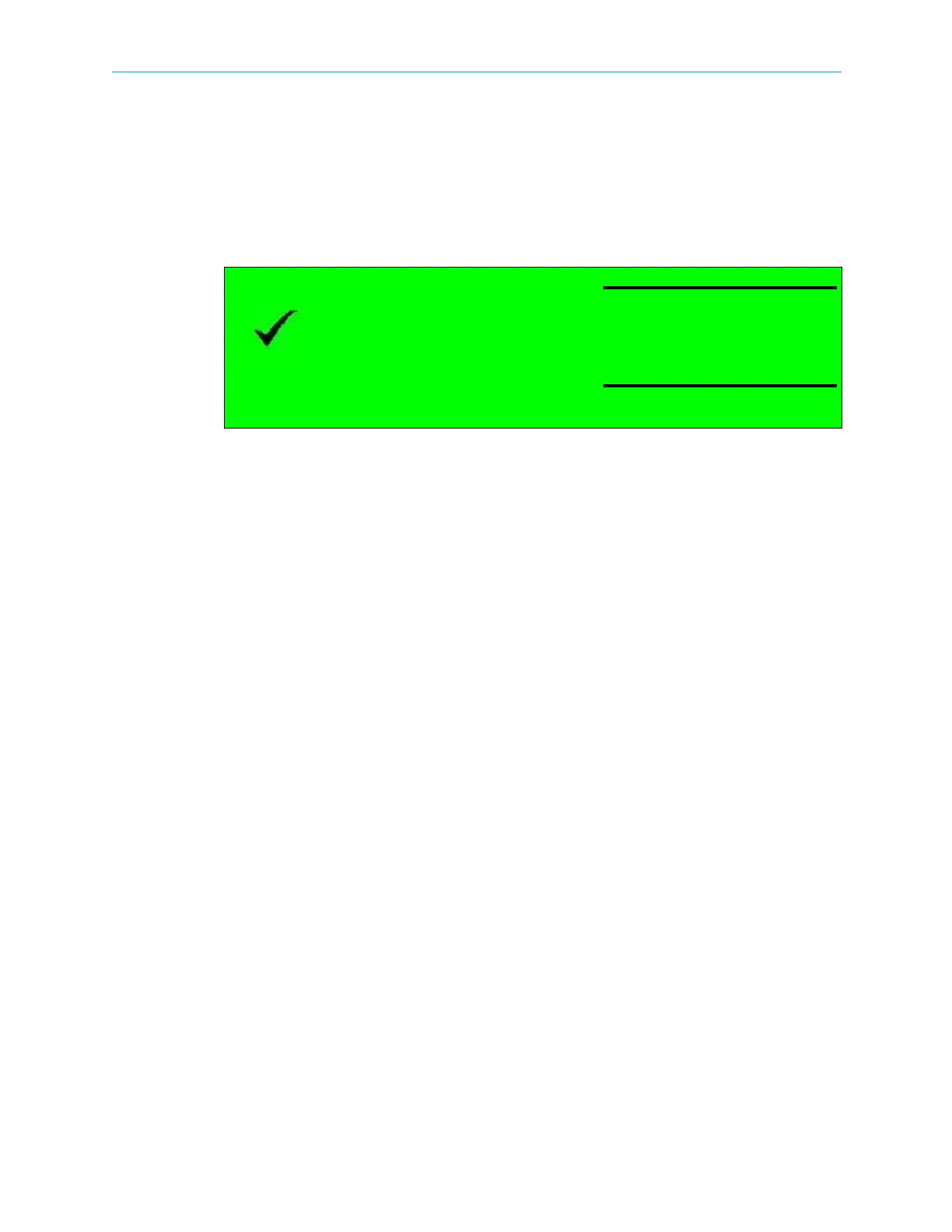
Once the boot process is completed (after 2-3 minutes) the Status OK message displays
on the front panel LCD.
Figure 2–3: Front Panel startup display
Status OK
No Service Selected



 To Next Page