Chapter 4 Element Management System (EMS) Element Properties Configuration
© 2011 Harmonic Inc. 80 ProView 7000 v.2.4, Rev. A
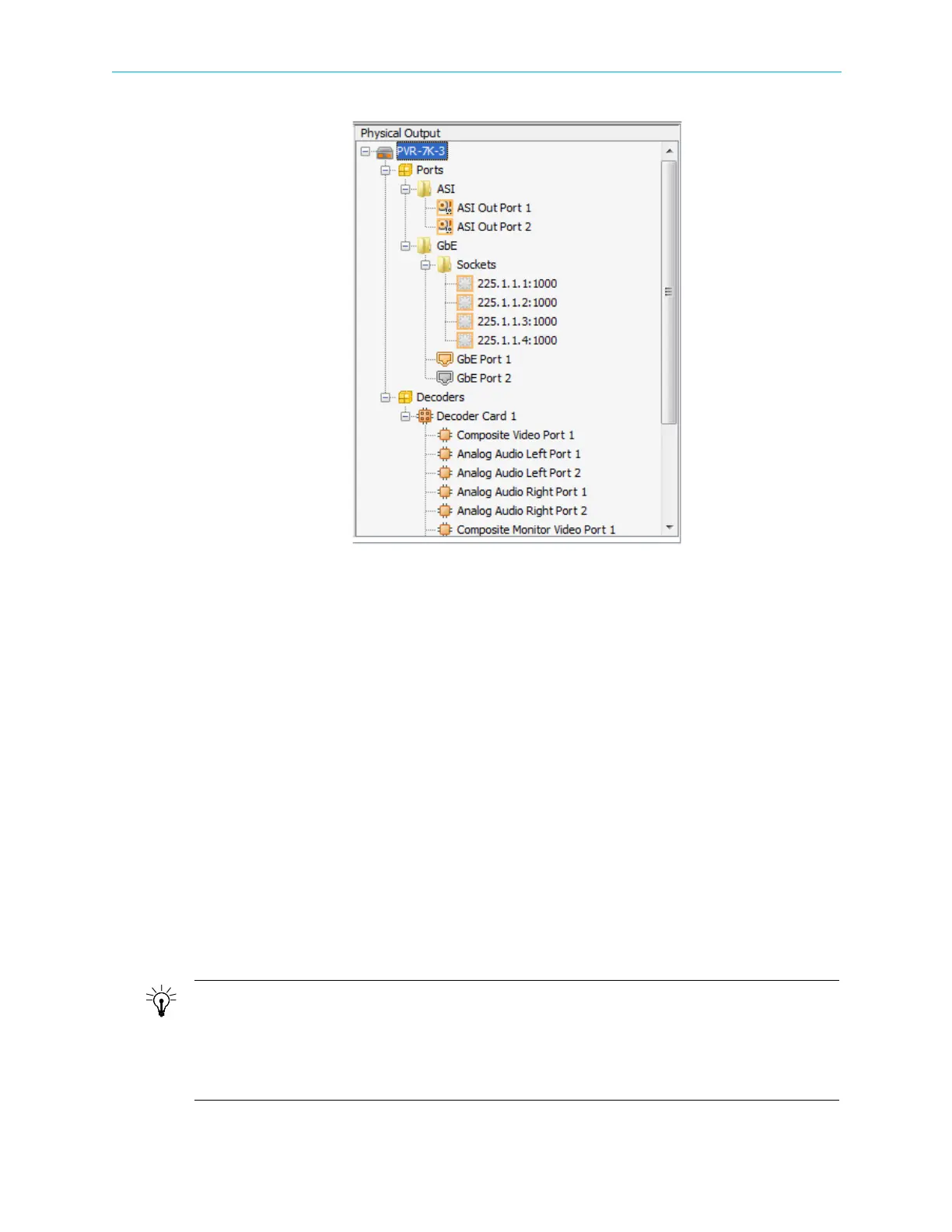
Figure 4–12: Physical Output box
4.5 Element Properties Configuration
The Element Properties Configuration function, provided by the ProView 7000 EMS, allows
monitoring and setting ProView
7000 properties at device level and down to specific
operational elements in the device.
This element can be a device selected in the Device box (details in 4.5.1 Device Properties) or
any object selected on the Device Explorer tab (Input Physical stream details in 4.5.2 Physical
Input Ports and Slots
Input Multiplex stream details in 4.5.3 Input Multiplex Properties,
Multiplex and Decoding Output stream details in 4.5.4 Multiplex & Decoding Output
Properties
and Output Physical stream details in 4.5.5 Physical Output Interface Properties).
The information displays on an Element Properties Configuration pop-up dialog.
Opening the Element Properties Configuration Management dialog can also be done in one
of the following ways:
■ Select the element then select File > Properties in the EMS Menu bar.
■ Select the element and click Properties on the EMS toolbar.
■ Right-click the element then select Properties on the drop-down menu.
TIP: Element Properties Management Tips
Activating the Properties function for any element displays a pop-up dialog which lists the properties of
the selected element. Some of the properties are displayed in an editable field featuring either a pull-down
select options menu (for selecting a new value for the property) or a free text (for free text setting of a
new value/description). Some of the properties are informative only and cannot be changed by the EMS
user.



 To Next Page