Chapter 4 Element Management System (EMS) Device Explorer
© 2011 Harmonic Inc. 68 ProView 7000 v.2.4, Rev. A
■ GbE ports
1
.
■ CAM slots, responsible for the descrambling process.
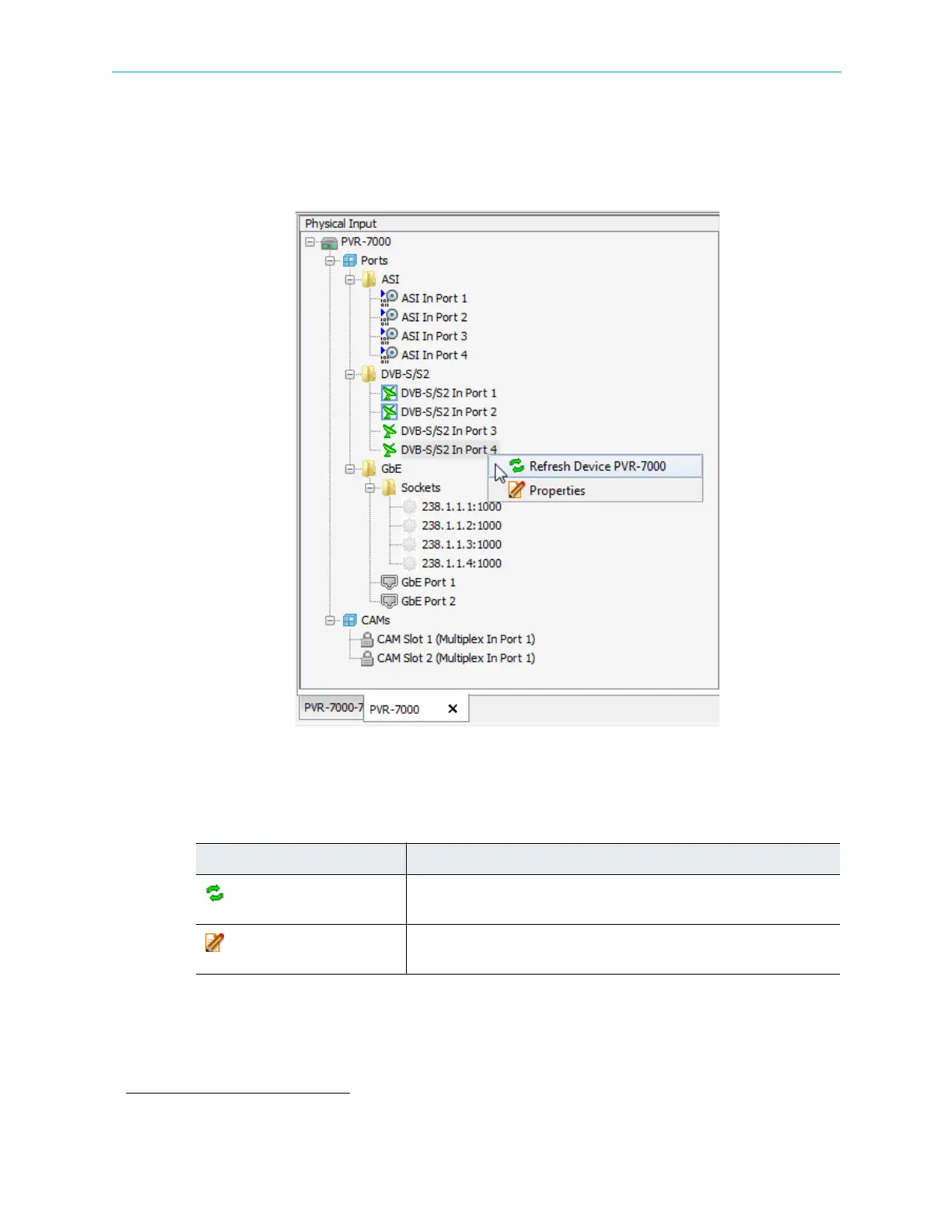
Right-click the device icon in the Physical Input box or any of the sub-elements in the tree to
display a context menu. See Figure 4–11.
Figure 4–11: Physical Input box hierarchy
The context menu features the following options:
1. GbE in requires a license.
Table 4–9: Device Icon Context Menu
Command Description
Refresh Device [device name]
Updates the EMS screen. For details, see 4.7 Refreshing the EMS
Screen.
Properties
Displays the properties dialog for the marked element. For details, see
4.5.2 Physical Input Ports and Slots.



 To Next Page