Chapter 4 Element Management System (EMS) Element Properties Configuration
© 2011 Harmonic Inc. 109 ProView 7000 v.2.4, Rev. A
The information provided for each of the Input Table Properties dialog includes the version
and number of sections in the table.
The Conditional Access Table (CAT) consists of one (or more) Entitlement Management
Message (EMM) for each of the input encrypted streams. Selecting the specific EMM and
clicking the [Properties] button displays the EMM properties dialog consisting of the EMM
PID and the CA System ID.
The Program Association Table (PAT) properties dialog displays the transport stream ID
information, the version and number of the PAT sections.
The Program Mapping Table (PMT) consists of a group of individual tables. Selecting the
specific table and clicking the [Properties] button displays the version and number of sections
for the selected PMT.
The Service Description Table (SDT) consists of one (or more) services provided on the
stream. Selecting the SDT icon and clicking the Properties button displays the common
properties of the table, consisting of the version, number of sections data displayed and the
identification number of the original network.
Selecting a specific entry in the SDT table (marked as sub-branches of the SDT table brunch)
and clicking the Properties button displays the following information for the service: Service
ID, Service running status, Service CA mode (free/scrambled), Service name, Service provider
name and service type.
4.5.3.6 Input Unreferenced PID Properties
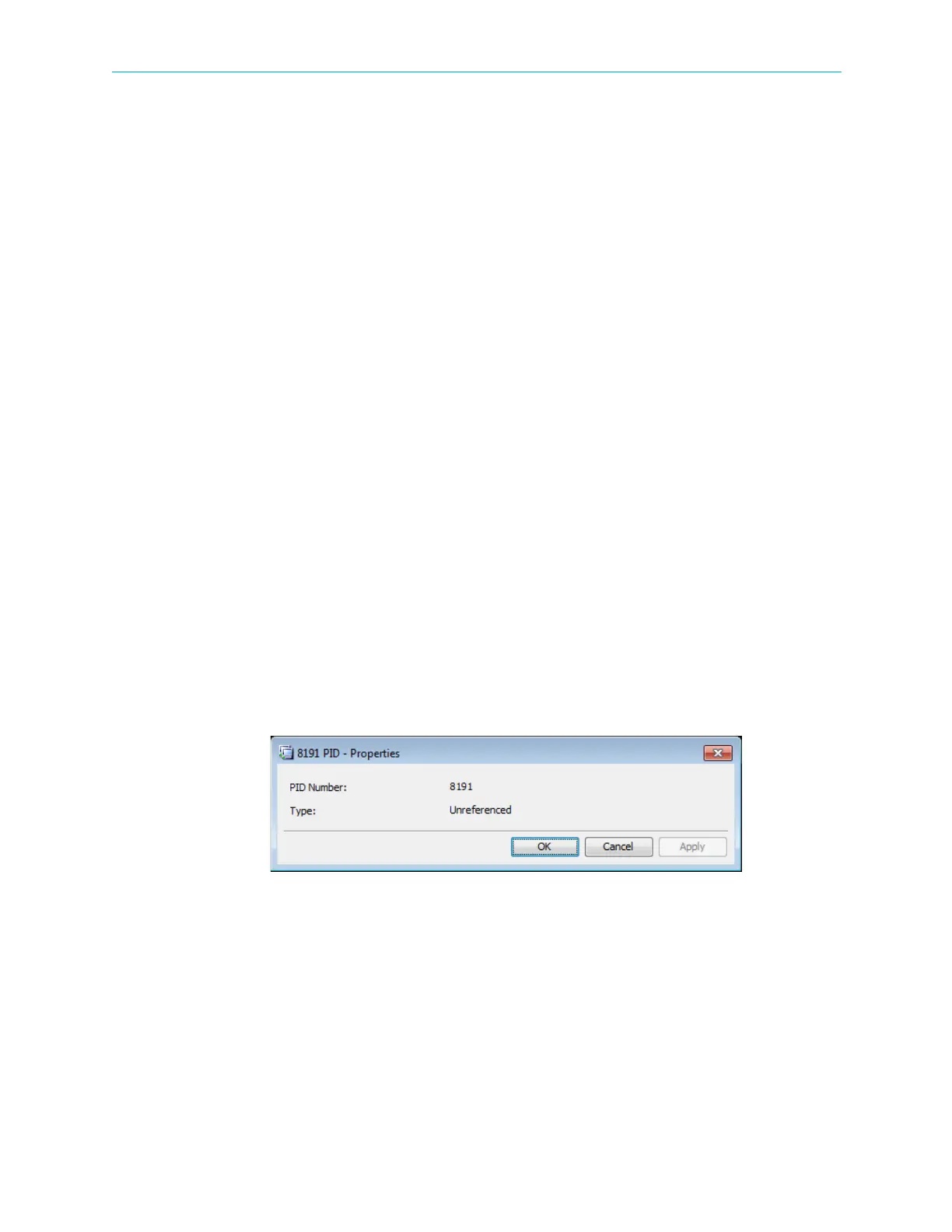
The Input Unreferenced PID properties dialog provides basic information on an unreferenced
stream provided to the input multiplex.
To display the Input Unreferenced PID properties:
1. Select the required Unreferenced PID icon from the Multiplex Input box on the Device
Explorer tab.
2. Click Properties on the EMS toolbar.
The information provided by the Input Unreferenced PID Properties dialog includes the
following:
■ The packet identification number (PID) of the related input stream.
■ The type of the PID (Unreferenced).



 To Next Page