Chapter 4 Element Management System (EMS) Element Properties Configuration
© 2011 Harmonic Inc. 108 ProView 7000 v.2.4, Rev. A
4.5.3.4 Input Conditional Access Messages Properties
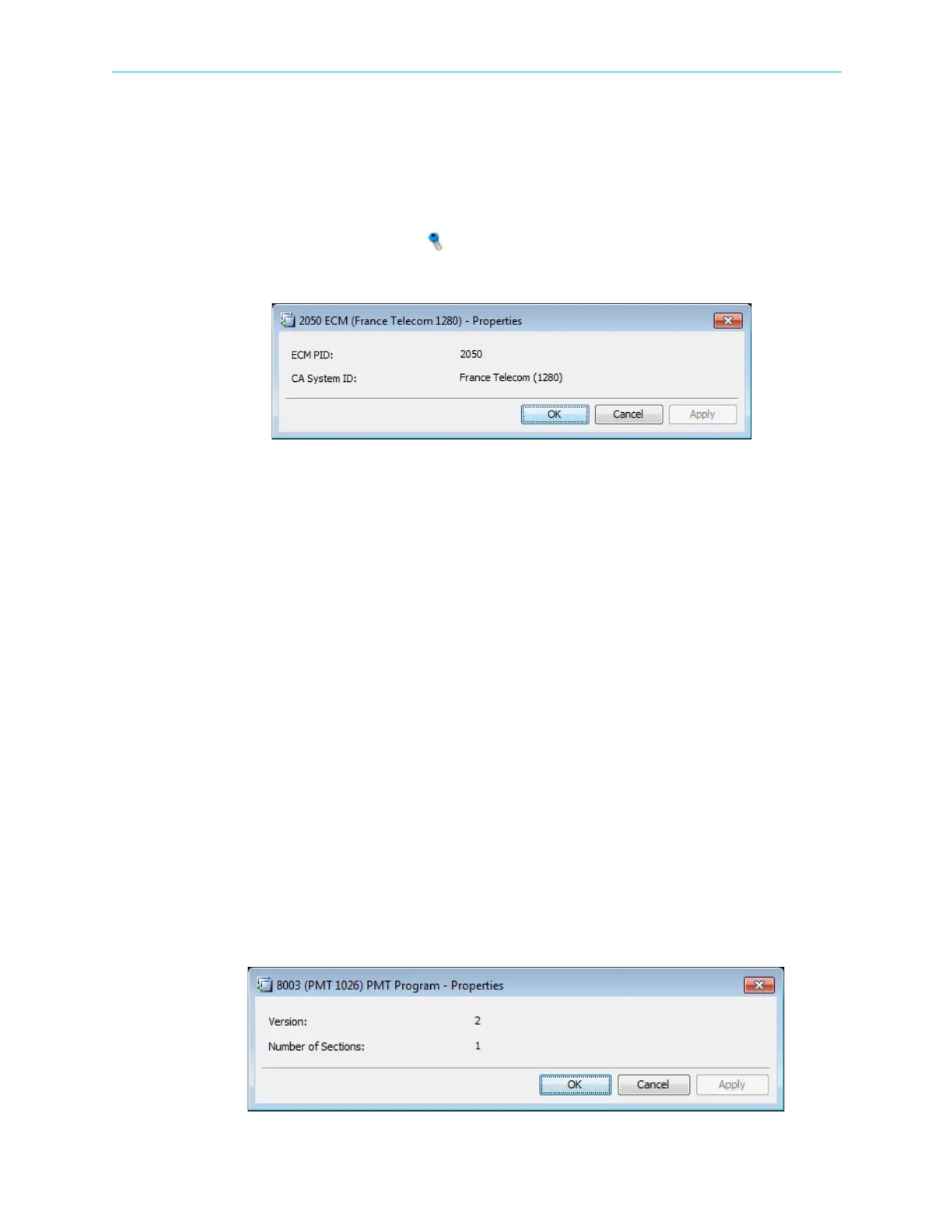
The Input Conditional Access Entitlement Control Message (ECM) properties dialog provides
basic information on the ECM information included in the input program provided to the
input multiplex.
To display the Input ECM properties:
1. Select the required ECM icon in the Multiplex Input box on the Device Explorer tab.
2. Click Properties on the EMS toolbar.
The information displayed by the Input ECM Properties dialog includes the following:
■ ECM PID – Displays the entitlement control message identification number of the
conditional access system.
■ CA System ID – Displays the identification of the conditional access system.
4.5.3.5 Input Tables Properties
The Input Tables properties dialog provides basic information on the input tables provided to
the input multiplex over the received transport stream.
These tables include:
■ Conditional Access Table (CAT)
■ Program Association Table (PAT)
■ Program Mapping Table (PMT)
■ Service Description Table (SDT)
■ Network Information Table (NIT)
■ Event Information Table (EIT)
■ Time & Date Table (TDT/TOT)
To display the Input Tables properties dialog:
1. Select the required Input Table icon from the Multiplex Input box on the Device Explorer
tab.
2. Click Properties on the EMS toolbar.



 To Next Page