Chapter 4 Element Management System (EMS) Element Properties Configuration
© 2011 Harmonic Inc. 123 ProView 7000 v.2.4, Rev. A
■ Operational Mode – selects the mode of operation for Dolby Digital processing.
Options:
❑ Custom 0
❑ Custom 1
❑ Line Out
❑ RF Remod
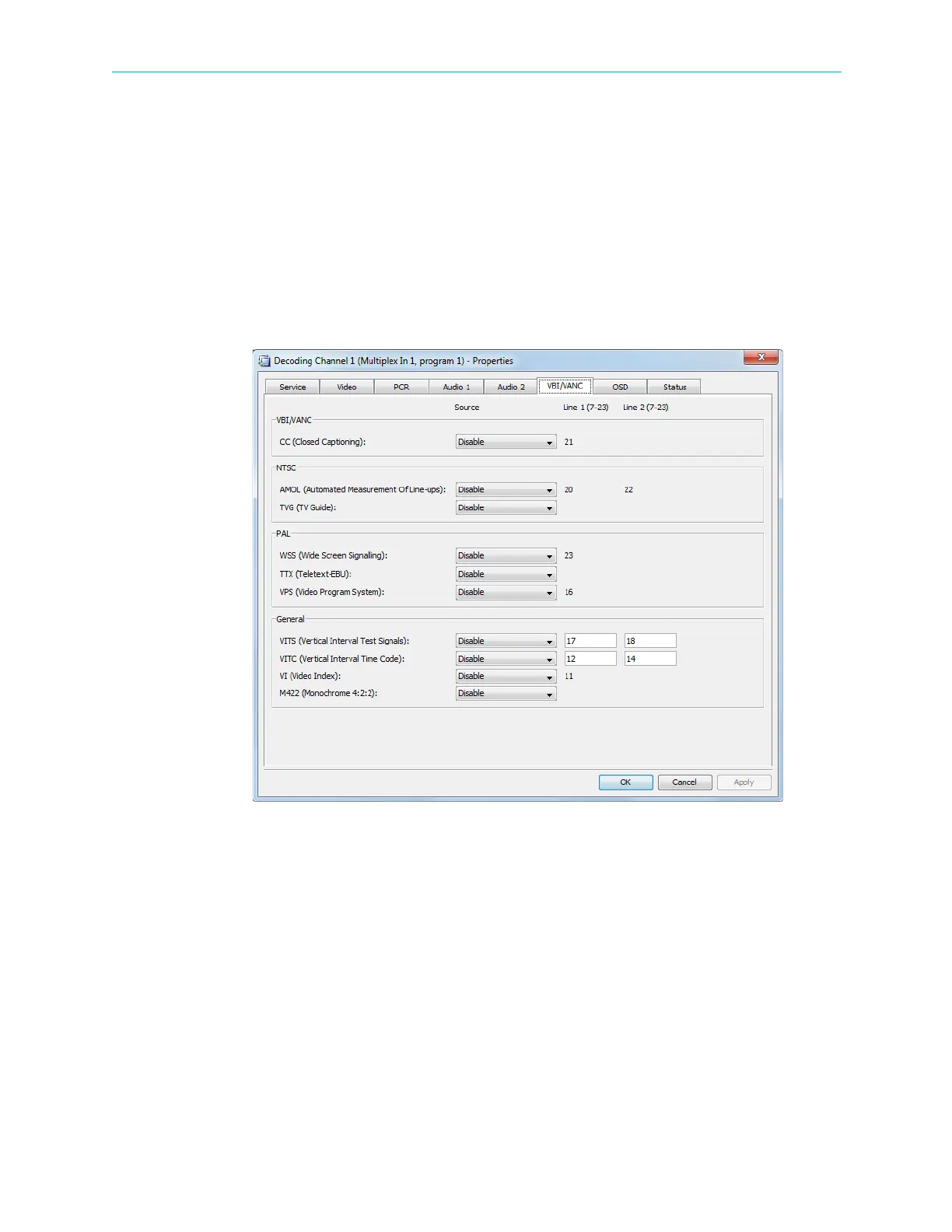
VBI/VANC Parameters Tab
The VBI/VANC parameters tab provides the EMS user the source and location (line number)
of the various program related functions provided in the vertical blanking interval (analog
video) or vertical ancillary data (digital video).
Figure 4–41: Decoding Channel Properties dialog – VBI/VANC tab
The tab provides the following information and set-up capabilities:
VBI/VANC parameters:
■ CC – Close Caption information.
Source:
❑ Disabled
❑ VBI ES
❑ Video ES
Location: Line 1: 21



 To Next Page