Chapter 4 Element Management System (EMS) Element Properties Configuration
© 2011 Harmonic Inc. 92 ProView 7000 v.2.4, Rev. A
4.5.1.6 Device License Properties
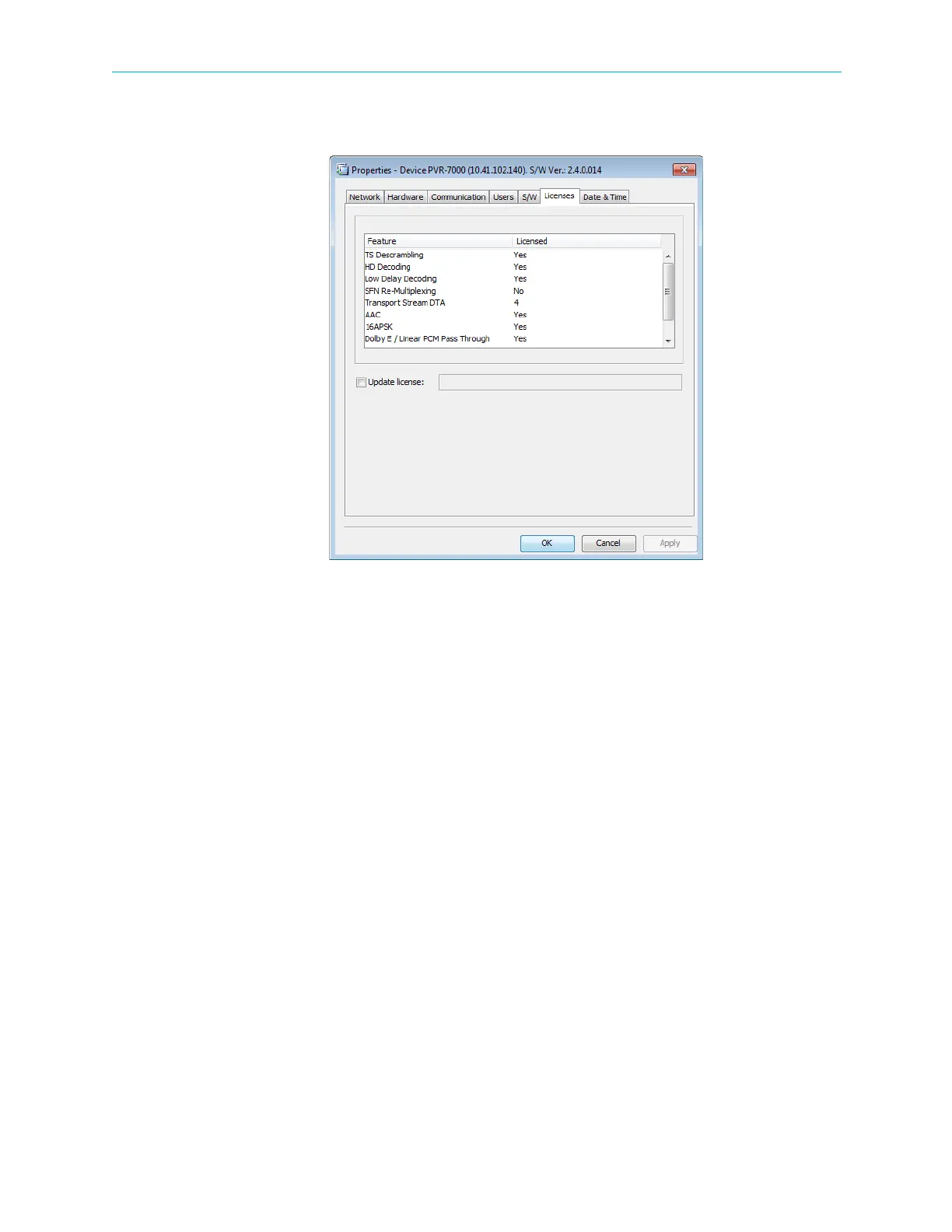
The Device License tab displays the ProView 7000 licensed features.
Figure 4–22: Device Properties dialog – License tab
To enter a new license code:
1. Mark the Update license checkbox.
2. Enter the new license code.
3. Click Apply.
4. Reboot the device to activate the license.



 To Next Page