© 2011 Harmonic Inc. 188 ProView 7000 v.2.4, Rev. A
Appendix D
ProView 7000 Alarm List
The following table lists the ProView 7000 alarms and the information provided in the
properties dialog.
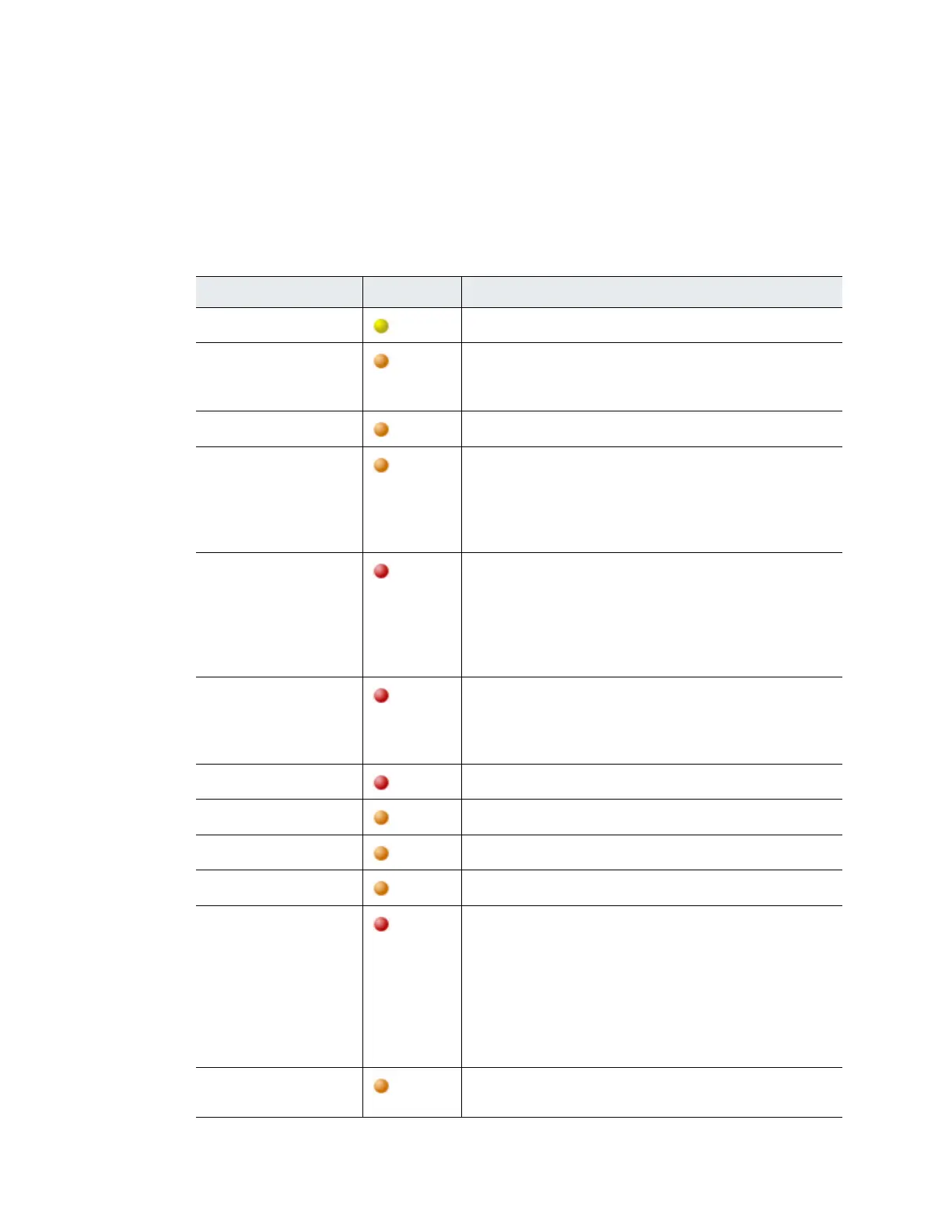
Table D–1: ProView 7000 Alarms
Description Severity Corrective Action
BER Too High
Warning
Verify reception conditions and wiring.
CAM Descrambling
Failure
Major
■ Re-insert the CAM
■ Reset the CAM
■ If the problem persists, contact your CAM vendor.
CAM Missing in Slot
Major
Verify that the CAM is inserted properly.
CAM Processing Failure
Major
No bitrate was detected after the CAM.
Verify:
■ The input bitrate does not exceed the CAM limit
■ The CAM supports the number of descrambled programs.
■ If the problem persists please contact your CAM vendor.
Carrier Not Detected
Critical
No carrier was detected in the configured frequency.
Verify that the RF Cable is properly connected and that the
following is properly configured:
■ Carrier Frequency
■ LNB Configuration
■ Acquisition mode
Critical High Temperature
Detected
Critical
Verify:
1. Make sure the fans are operating and are not blocked.
2. Turn off the device.
3. Contact Harmonic’s help desk.
Critical HW Card Failure
Critical
Contact Harmonic’s help desk
Critical SW Card Failure
Major
Contact Harmonic’s help desk.
Decoding Failure
Major
Contact Harmonic’s help desk.
De-Jittering Failure
Major
Refer to the de-jittering status indication.
Demodulation Failure
Critical
No carrier was detected in the configured frequency.
Verify the following is properly configured:
■ Modulation Standard
■ Spectral Inversion
■ MODCOD
■ Frame Size
■ Pilot Symbols
■ Physical Layer Scrambling Seed
DSR not synced
Major
■ Verify that the relevant inputs are connected correctly.
■ If the problem persists, contact the Harmonic help desk.



 To Next Page