Appendix D ProView 7000 Alarm List
© 2011 Harmonic Inc. 189 ProView 7000 v.2.4, Rev. A
Eb/N0 Value Too Low
Warning
Verify reception conditions and wiring.
ES Decoding Failure –
Unsupported Content
Major
Contact Harmonic’s help desk.
Ethernet Auto Negotiation
Failure
Major
Ethernet Auto-negotiation has failed.
Verify that the cable if properly wired or consider reverting to
manual PHY speed configuration.
Fan Failure
Major
Contact Harmonic’s help desk for further support.
Firmware download
failure.
Warning
Verify that the correct file was selected and there are no network
disconnections.
Firmware upgrade failure.
Previous version loaded.
Warning
Upgrade again or revert to the previous version.
Frame Rate Mismatch.
Warning
The configured video frame rate does not match the frame rate
of the source.
Re-configure the decoding frame rate.
High Temperature
Warning
Major
Verify:
1. Make sure the fans are operating and are not blocked.
2. Turn off the device.
3. Contact Harmonic’s help desk.
Link down
Major
Link down has been detected on the GbE port.
Check:
■ That the cable is properly connected on both ends.
■ That the ports on both ends are enabled.
Low delay stream while
configured to normal
mode
Warning
Low delay stream received while decoder buffer management
configured to normal mode.
Configure the decoder buffer management mode to Low Delay.
MPEG Sync Loss
Major
The device cannot sync to the input stream.
Verify that the input contains a valid MPEG transport stream.
MPEG TS Input Overflow
Major
The input bitrate is too high.
Contact Harmonic’s help desk.
MPEG TS Output
Overflow
Major
The Output bitrate is too high.
Reduce the bitrate or contact Harmonic’s help desk.
No Genlock Sync
Major
The program cannot be decoded properly since the decoder
could not sync to input Genlock signal.
Verify that the Genlock input is properly wired and that the
decoder display is configured correctly.
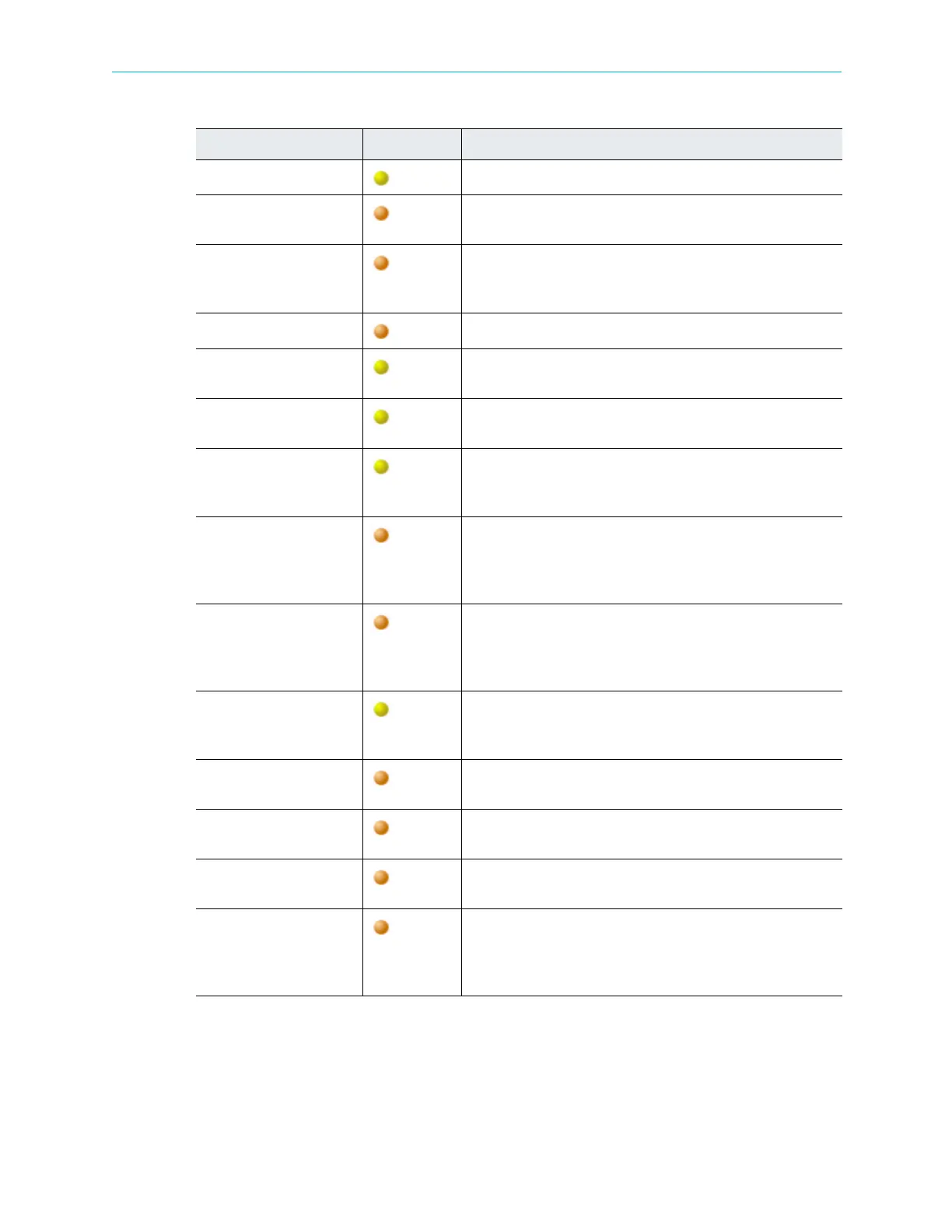
Table D–1: ProView 7000 Alarms
Description Severity Corrective Action



 To Next Page