Chapter 5 Front Panel Interface Front Panel Root Menu
© 2011 Harmonic Inc. 156 ProView 7000 v.2.4, Rev. A
■ Spectral Inversion – displays the spectral inversion function operational status. Options:
Normal or Inverted
■ Modulation – Displays the reception modulation type
■ FEC Rate – displays the coding rate of the input modulation
■ Pilot – DVB-S2 only. Displays the pilot signals injection status (On/Off)
■ Frame Size – DVB-S2 only. Displays the size of the received frame.
Options: Normal (64,800 bits frame) or Short (16,200 bits frame)
5.2.2 Decoding Menu
The Decoding menu enables monitoring and setting-up the decoder features of the
ProView
7000.
NOTE: The decoder type and modes of operation requires hardware installation and are license
depended. The Decoding Main Menu is enabled only when the required hardware is installed in the
ProView 7000 device.
❖ Navigate Root > 2 Decoding.
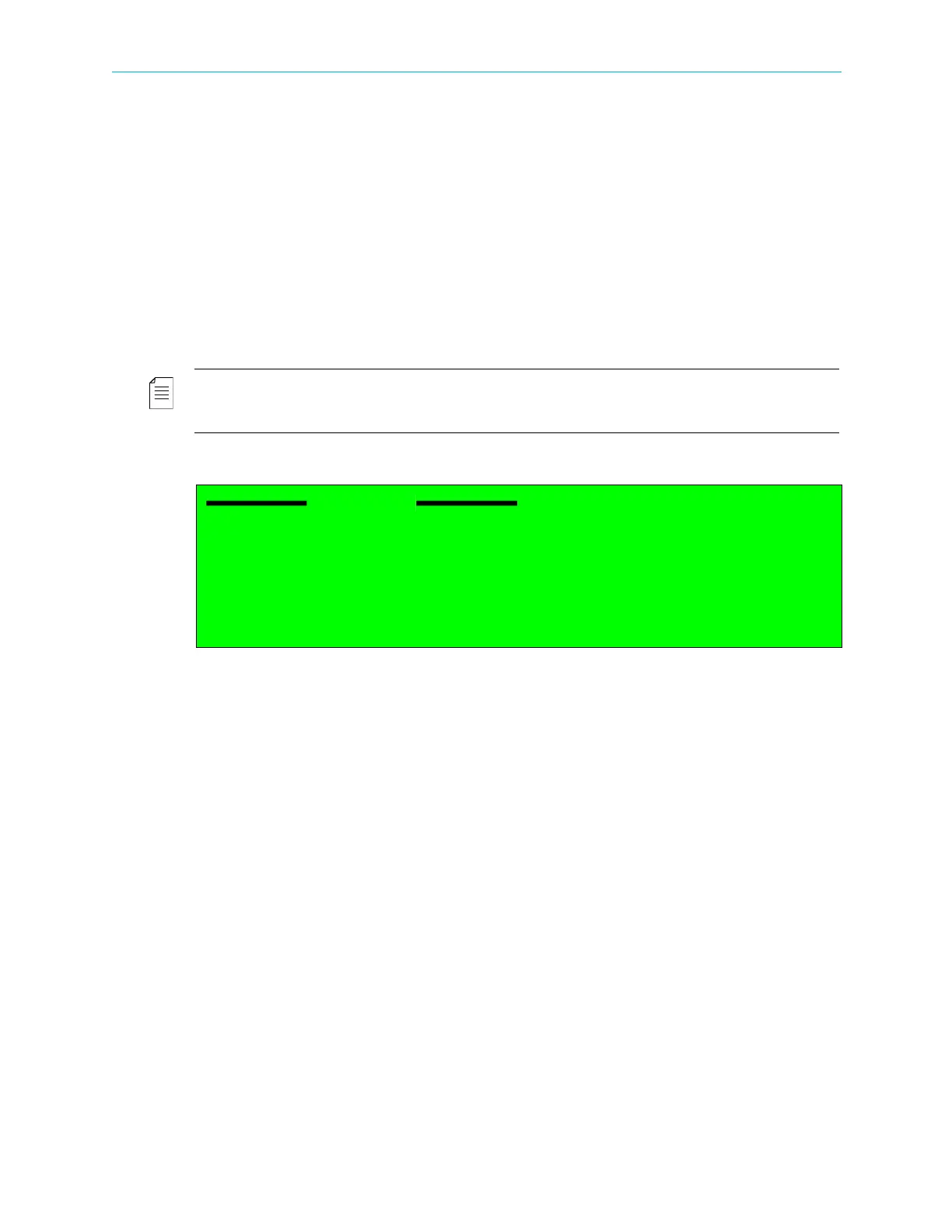
The Decoding menu provides two options:
■ Configuration – for setting up the decoding features of the device decoder (for details, see
5.2.2.1 ProView 7000 Decoding Configuration).
■ Status – for displaying the current status of these features (for details, see
5.2.2.2 ProView 7000 Decoding Status).
Decoding
1 Configuration
2 Status



 To Next Page