Chapter 5 Front Panel Interface ProView 7000 Front Panel Operation
© 2011 Harmonic Inc. 145 ProView 7000 v.2.4, Rev. A
5.1.2 Front Panel Screen Types
The ProView 7000 front panel provides the four types of screens; Menu Tree screens,
Parameters, Menu screens and Edit screens.
NOTE: The front panel screen can display up to four items at a time. Additional items can be accessed
using the [up] and [down] arrow keys. To differentiate between the visible and hidden menu items, two
types of screen figures are used in the manual; the dark grey (or green) displays the first four visible items,
an up-and-down icon ( ) and a light grey screen holding all the additional hidden items.
The following paragraphs describe the various front panel screen types and how to use them
in menu navigation and managing the device features.
5.1.2.1 Menu Tree Screen
The Menu Tree screen displays the next level in the front panel menu tree.
Use the Up and Down arrow keys to move between the branches of the tree and press Enter
to select and display the next level in the menu tree.
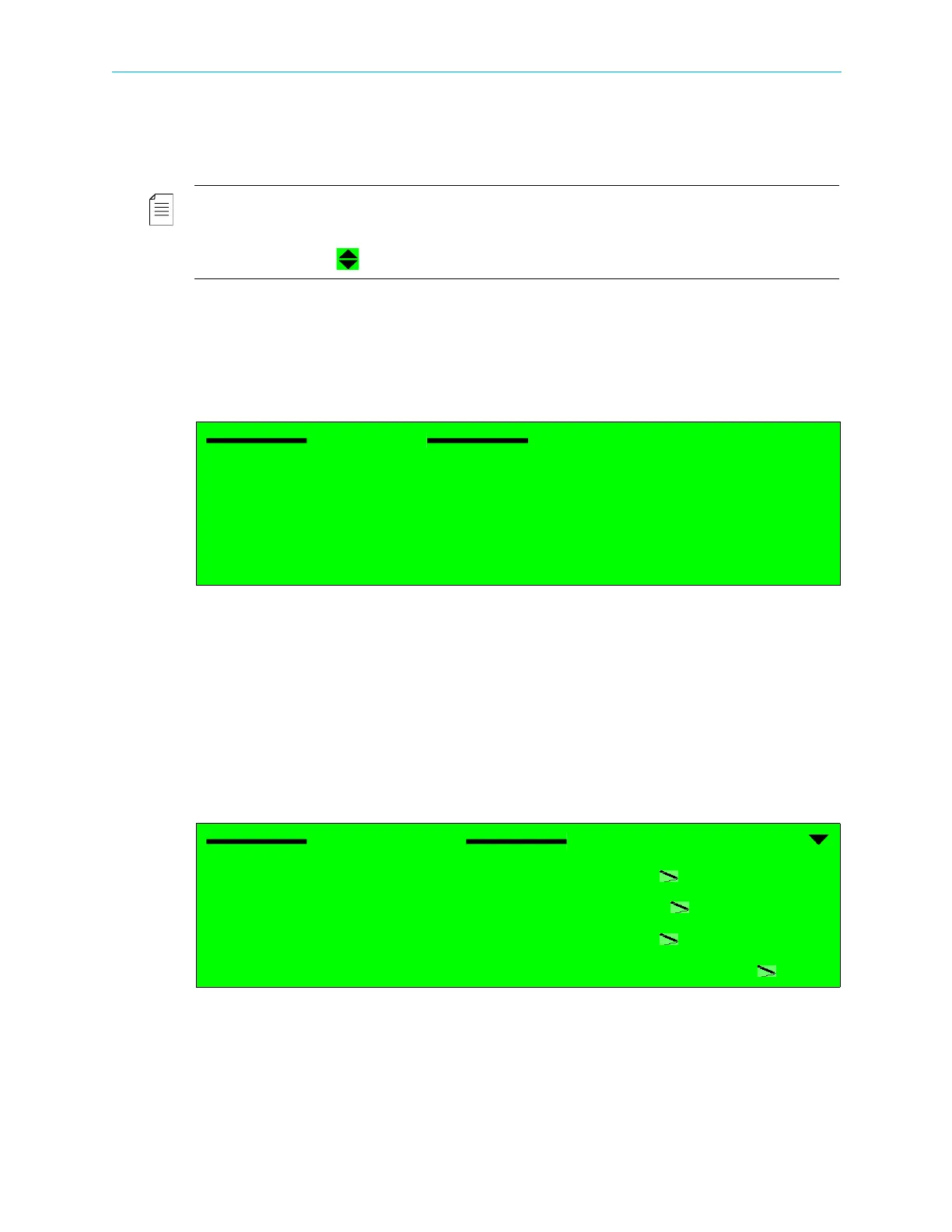
5.1.2.2 Parameters Menu Screen
The Parameters Menu screen displays the parameters of the element in the menu tree. It
contains:
■ On the left side – a list of the parameter names.
■ On the right side – parameter values. Editable parameters have a pencil icon next to them.
Parameters without the pencil icon are read-only.
Use the Up and Down arrow keys to move between the parameters and press
Enter to select
an editable parameter to set-up. After pressing
Enter, an Edit Value or a Select Value Screen is
displayed to configure new values for the parameter.
Reception
1 Configuration
2 Status
Configuration
Universal Band Frequency
10.750000[GHz]
L Band Frequency
1.000000[GHz]
Symbol Rate
27500000[Baud]
Modulation Standard
DVB-S



 To Next Page