Chapter 4 Element Management System (EMS) Element Properties Configuration
© 2011 Harmonic Inc. 93 ProView 7000 v.2.4, Rev. A
4.5.1.7 Device Date and Time Properties
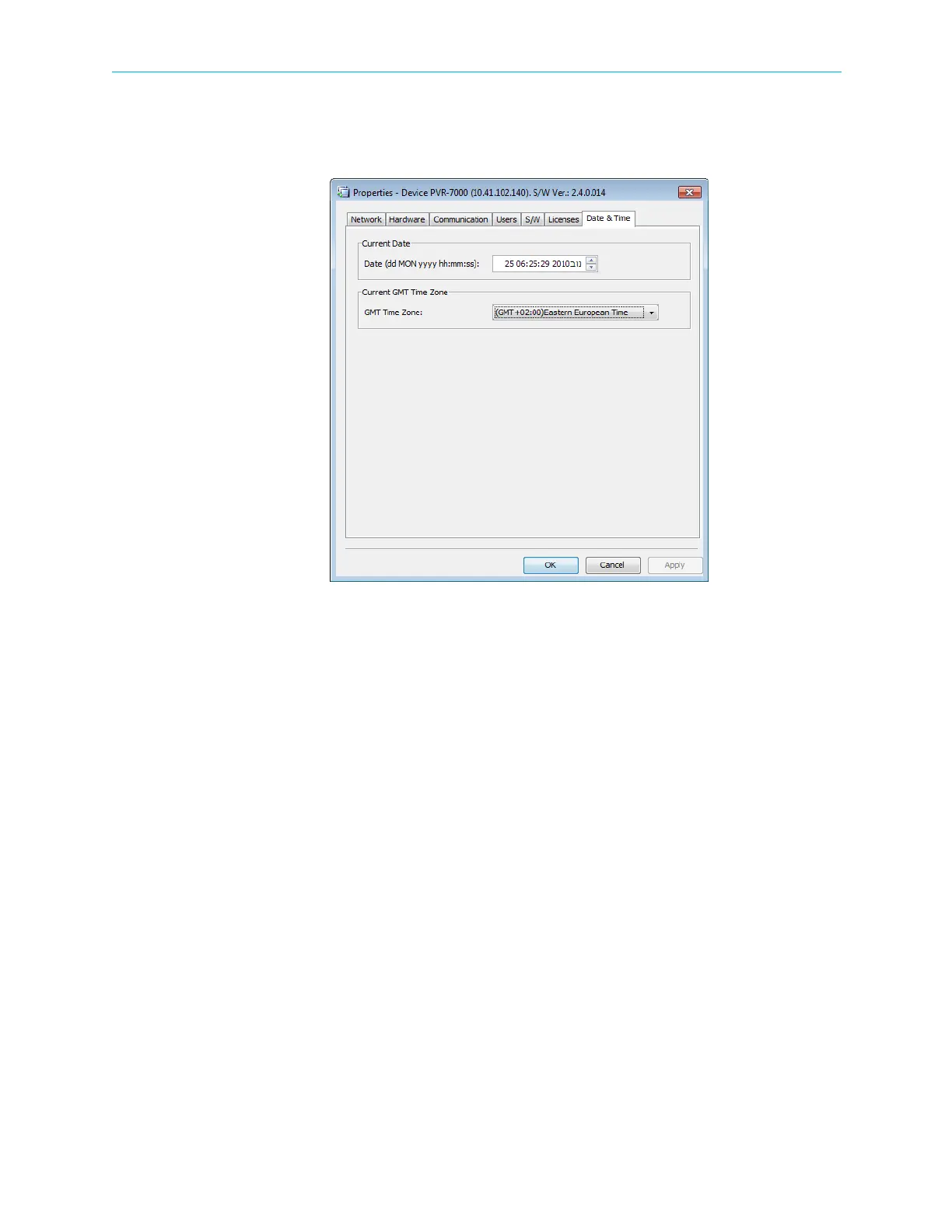
The Date & Time tab enables the EMS operator to view and configure the current date and
time, including time zone, of the ProView 7000 device.
Figure 4–23: Device Properties dialog – Date & Time tab
4.5.2 Physical Input Ports and Slots
The Physical Input box on the Device Explorer tab presents a hierarchical tree-structure of the
ProView 7000 physical inputs.
The Physical Input tree features two main branches; ports (ASI, DVB-S/S2 and GbE) and
conditional access modules (CAMs), related to the input. You can expand each branch to
display the monitoring and configuring features of each element in the tree.
The following paragraphs describe the properties of each element in the physical input tree
structure.



 To Next Page