Chapter 4 Element Management System (EMS) Element Properties Configuration
© 2011 Harmonic Inc. 94 ProView 7000 v.2.4, Rev. A
4.5.2.1 ASI Input Port Properties
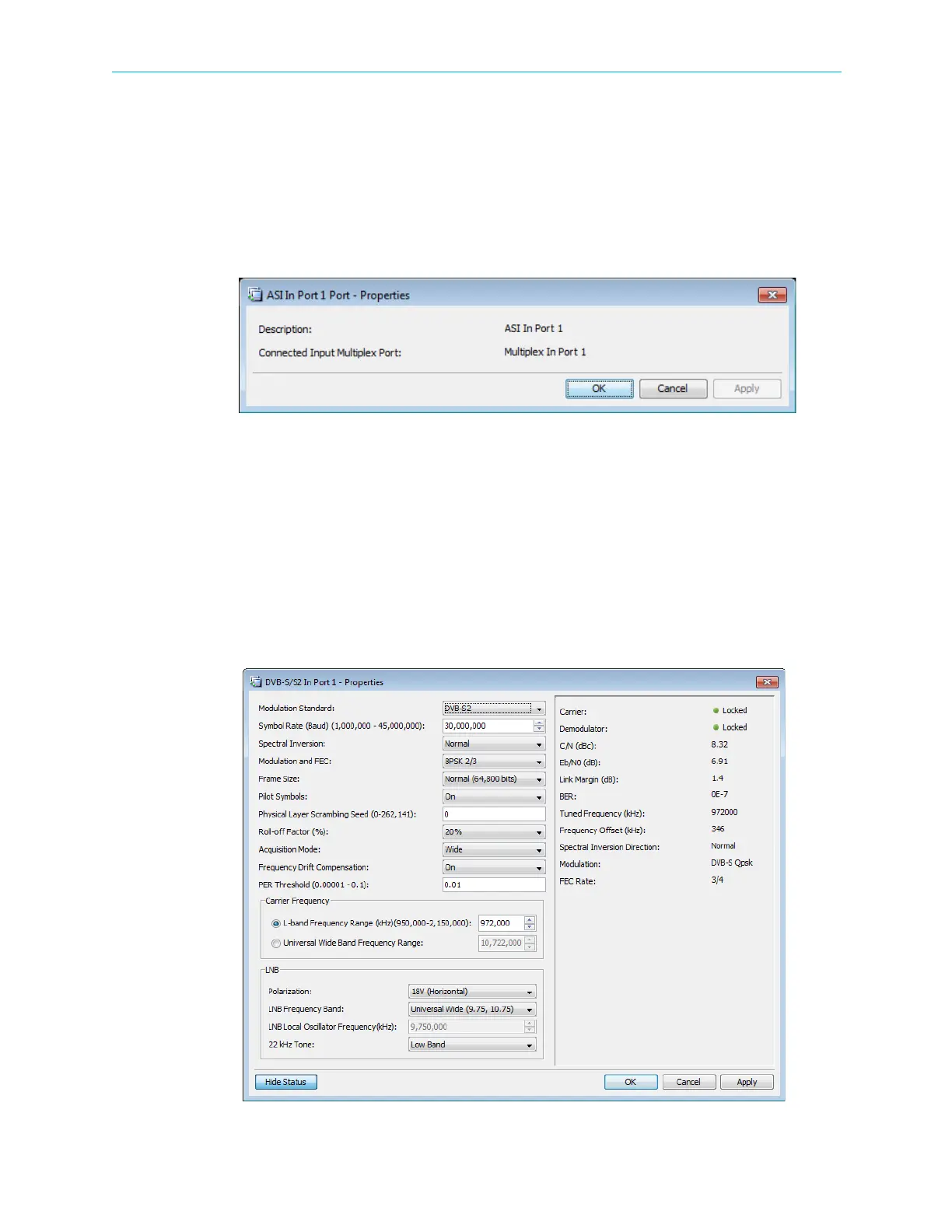
The ASI Input Port Properties dialog displays the basic features of the selected ASI Input Port
element.
To display the ASI Input Port properties:
1. Select the required ASI Input Port icon in the Input Physical box in the Stream Managing
tab.
2. Click Properties on the EMS toolbar.
The displayed properties are informative only and consist of the description of the ASI Input
Port and the description of the Input Multiplex Port.
4.5.2.2 DVB-S/S2 Input Port Properties
The DVB-S/S2 Input Port properties dialog displays the basic features of the selected DVB-S/
S2 Input Port element.
To display the DVB-S/S2 Input Port properties:
1. Select the DVB-S/S2 Input Port icon in the Physical Input box.
2. Click Properties on the EMS toolbar.
Figure 4–24: DVB-S/S2 Input Port Properties



 To Next Page