Chapter 4 Element Management System (EMS) Element Properties Configuration
© 2011 Harmonic Inc. 128 ProView 7000 v.2.4, Rev. A
Each branch can be drilled down to display the structure of the physical output tree for
monitoring and configuring the properties of each element in the tree.
4.5.5.1 ASI Output Port Properties
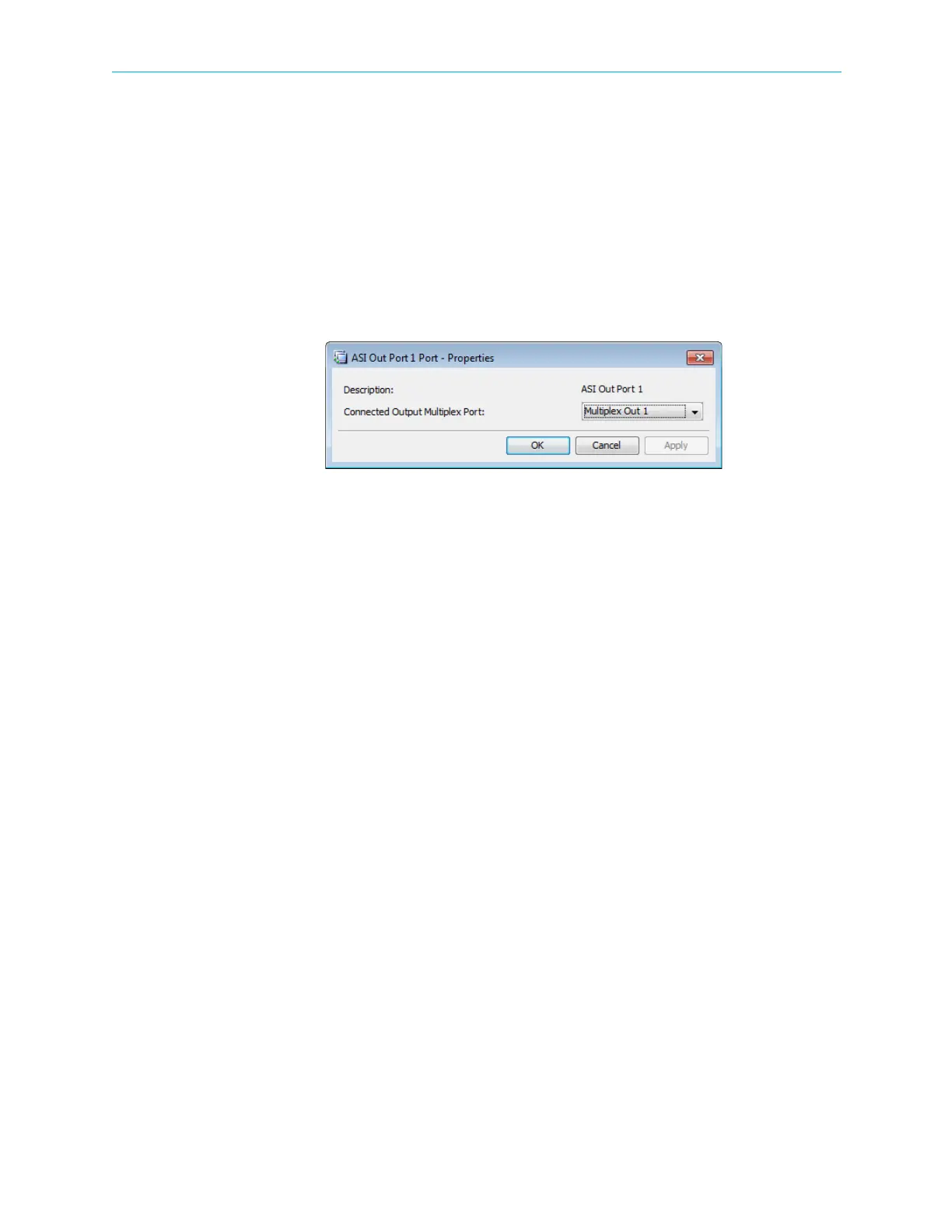
The ASI Output Port Properties dialog displays the basic features of the selected ASI Output
Port element.
To display the ASI Output Port properties:
1. Select the required ASI Output Port icon in the Output Physical box on the Device
Explorer tab.
2. Click Properties on the EMS toolbar.
The information provided by the ASI Output Port Properties dialog includes the following:
■ Description – Displays the identification name of the ASI output port.
■ Connected Output Multiplex Port – Enables selecting the multiplex output to connect to
the ASI output port.
4.5.5.2 GbE Ports
The GbE branch comprises of four sockets and two GbE ports. All sockets are associated to
both GbE ports by default.
To send data over IP the GbE mode must be Out, see 4.2.4 Tools Menu.
GbE Port Properties (Output Mode)
Use the GbE Port Properties dialog to view and configure the selected GbE port. You can enter
a virtual IP address for the GbE port for redundancy purposes. The virtual IP address overrides
the source IP address on the IP header.
To display the GbE port properties:
1. Select the required GbE port icon in the Physical Output box on the Device Explorer tab.
2. Click Properties on the EMS toolbar.
The GbE Port Properties dialog displays.
The GbE Port Properties dialog comprises of a General and an Advanced tab.
GbE Port General properties tab:
■ Enabled – You can enable either or both GbE ports. The default is Disabled.
■ IP Profile – Enables you to configure the following:
❑ IP Address – The IP Address must be a multicast IP address. The default is 127.127.0.X,
where X is the port number.
❑ Mask – The IP mask. The default is 255.255.255.0.



 To Next Page