Chapter 5 Front Panel Interface Front Panel Root Menu
© 2011 Harmonic Inc. 164 ProView 7000 v.2.4, Rev. A
5.2.2.6 Audio 1 / 2 Configuration Menu
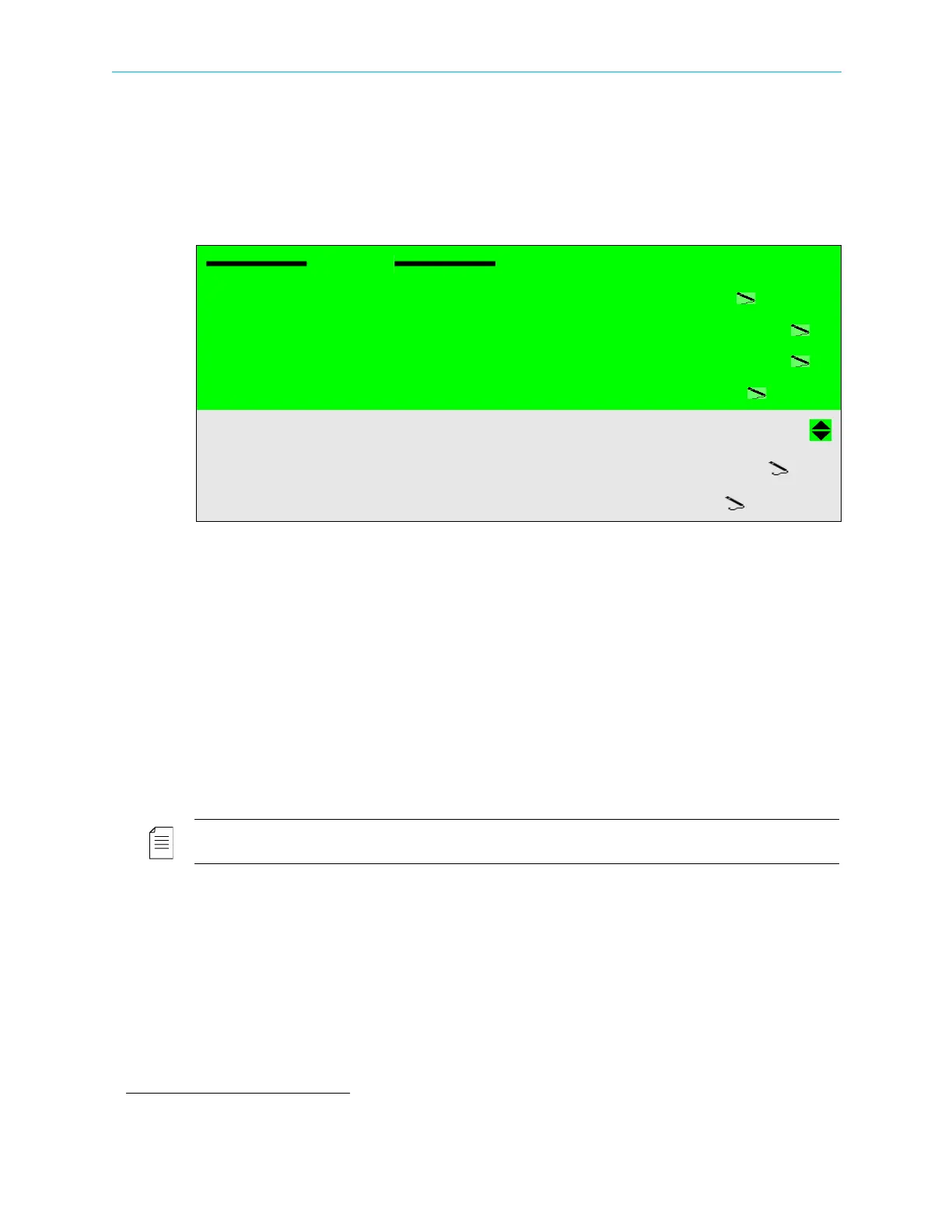
The Audio 1 (and Audio 2) Configuration menu enables the user to set-up the audio decoding
parameters for each one of the two audio channels in the modulated program.
To access the SD or HD Video Configuration screen:
❖ Navigate to Root > Decoding > Configuration > Audio1 (Audio2).
The Audio Configuration menu provides the following options:
■ Decoding Codec – selects the audio decoding mode. Options:
❑ Automatic
❑ Musicam
❑ DD (AC-3) – Dolby Digital
1
(AC-3)
❑ DD (AC-3) PT – Dolby Digital (AC-3) Pass Through
❑ DD Plus (E-AC-3) – Dolby Digital Plus (E-AC-3) (Audio 1 channel only)
❑ AAC LC – (Audio 1 channel only)
❑ HE AAC – (Audio 1 channel only)
❑ Dolby E / PCM PT
1
– Dolby E / PCM Pass Through (Audio 2 channel only)
NOTE: Changing between audio Codecs takes up to one minute. During this time the FP display freezes.
■ Volume – sets the audio volume. Range: −64 – 0 dB
■ Analog Mixer – selects the mixing L/R inputs to outputs.
Options:
❑ Stereo
❑ Mono
❑ Both Right
❑ Both Left
Audio1
01 Decoding Codec
Musicam
02 Volume
00
03 Analog Mixer
00
04 AC-3 Downmixing
Stereo
05 AC-3 Operational Mode
LoRo
06 Digital Format
Line Out
1. Dolby, Dolby E, Dolby Digital and Dolby Digital Plus are registered trademarks of Dolby Laboratories.



 To Next Page