303
Troubleshooting
1. Troubleshooting
1.1 Initial Troubleshooting
1.1.1 Checking of Electrical Wiring and Power Supply
Check the following items for any abnormality in the activation of the system.
No. Check Situation Check Method
1 Is any power supply breaker or fuse blown?
Check the voltage (secondary side) of the breaker and also check the continuity of
the fuse by a tester.
2
Is voltage at the secondary side of the
transformer correct?
Disconnect at the secondary side of the transformer and measure voltage by a tester.
3
Is wiring rmly secured and correctly
connected?
Check that the following wiring connection on O.U./I.U. printed circuit boards (PCBs)
is not loosened.
• The connection for thermistors
• The connection for the wired controller cable
• The connection for communication cable
• Each connection for power supply line
Check that the wiring connection on O.U./I.U. PCBs is not loose or misconnected on
the site according to the “Electrical Wiring Diagram” of the Engineering Manual.
NOTE:
If the fuse(s) on an I.U. PCB blows out, diagnose the cause of overcurrent and recover the fuse(s).
In addition, check the power supply of optional parts because the fuse may blow out because of the power supply failure.
1.1.2 Checking of Rotary Switch and DIP Switch Settings
The following diagram indicates the factory settings of DSWs on PCBs in the indoor and outdoor units.
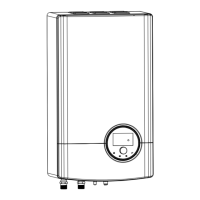
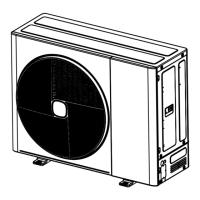
Hi-therma Split O.U. refer to 8.2.9.5 SETTING OF DIP SWITCHES.
Hi-therma Split I.U. refer to 8.1.9.5 SETTING OF DIP SWITCHES ON PCB1.
Hi-therma Monobloc refer to 8.3.10.6 SETTING OF DIP SWITCHES.



 To Next Page