396
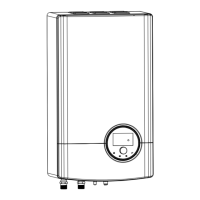
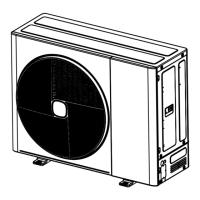
Hi-Therma Split system - Outdoor unit (AHW-044/060/080HCDS1)
2.1.3 Removing the Side cover and Side Electrical box cover
1. Remove the pipe cover following “2.1.1 Removing the pipe cover”
2. Remove the front cover and upper cover following “2.1.2 Removing the front cover and upper cover”
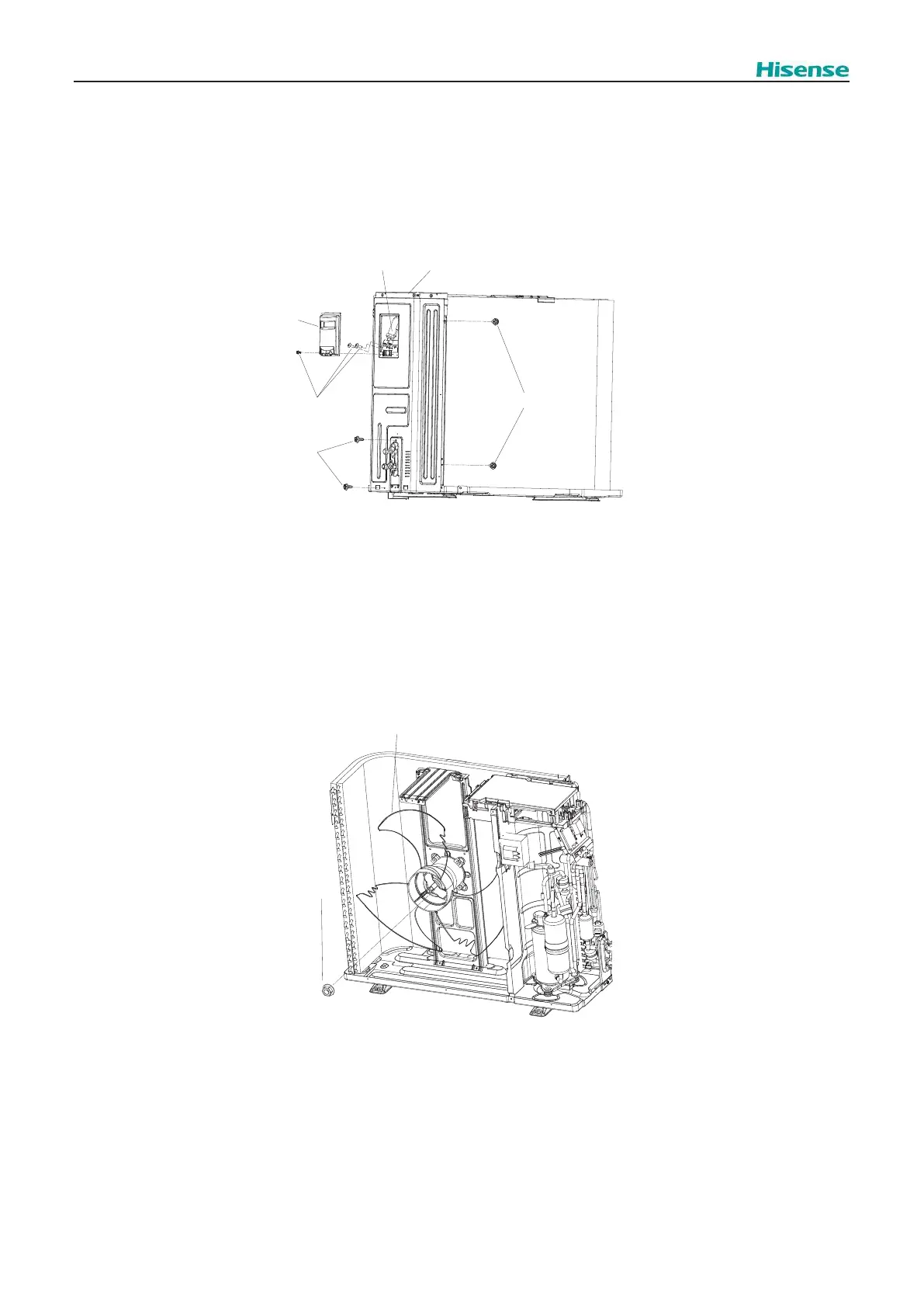
3. Remove the side electrical box cover and side electrical box components, and remove the right side cover components,
as is shown in Fig.2.4.
? NOTE
The cap nut is left thread. For removal turn to the reverse direction to the propeller fan.
Assembling the propeller fan: Insert the skidding protection part of the fan boss matching with the motor shaft notch; tighten the nut after
the shaft screw fully comes out. (Tightening Torque 3.0 Nm).
Fig.2.4
Fig.2.5
O.U. display PCB
Side electrical
box cover
screws
screws
screws
Side cover
2.1.4 Removing the Propeller fan
1. Remove the pipe cover following “2.1.1 Removing the pipe cover”
2. Remove the front cover and upper cover following “2.1.2 Removing the front cover and upper cover”
3. Fig.2.5.
Cap nut
Propeller fan



 To Next Page