Chapter 5: Console Operation
Mix Bus Sends: The PAN Display
168/ 526 2.0 Eclipse User Guide
Let’s assume you pressed [P] for PREFADER.
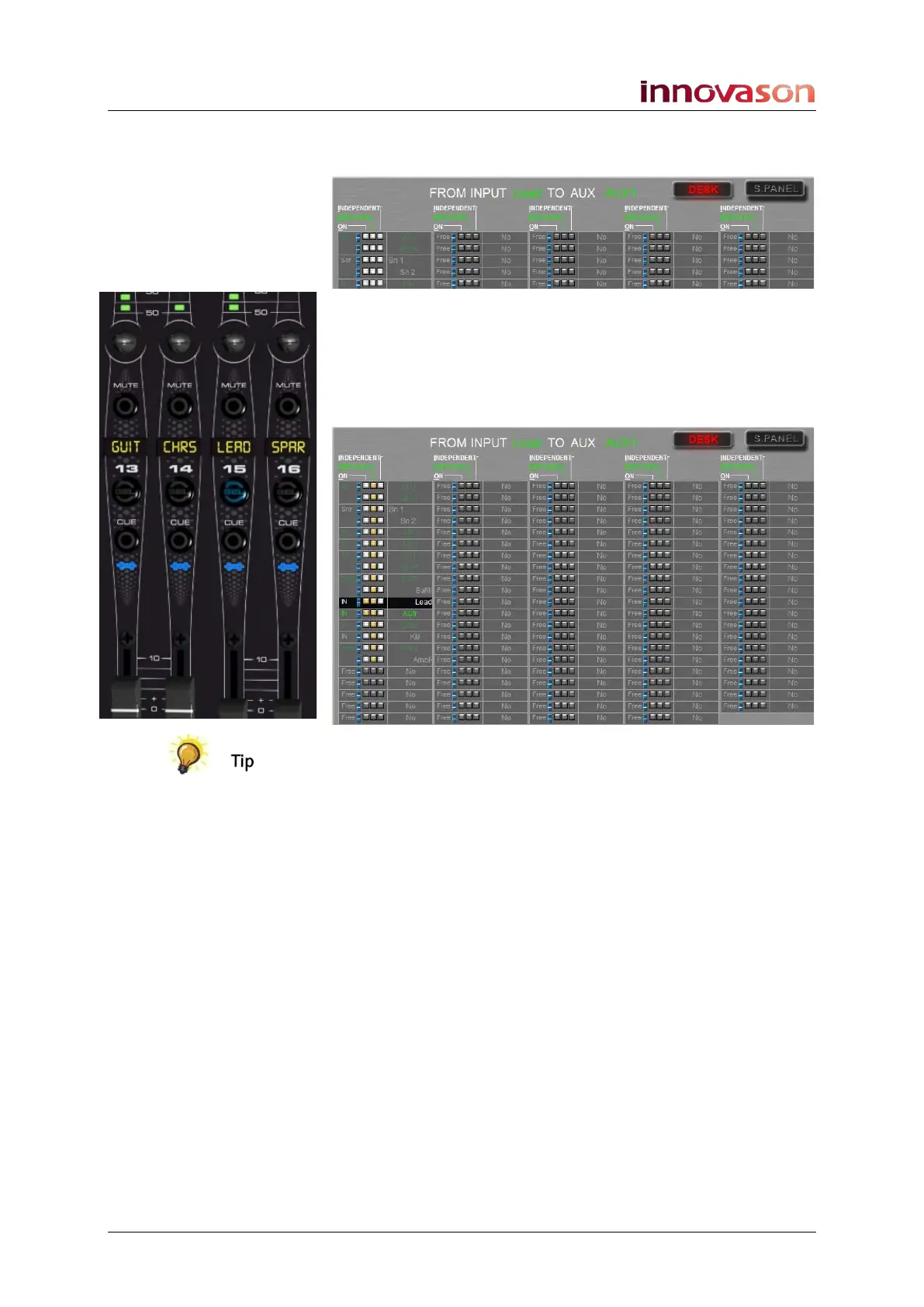
PREFADER is highlighted in green:
4. Now press and hold the SEL button on the Aux channel
and press the SEL buttons on the input channels you
wish to assign pre-fader.
Each time you press a SEL button, you will see the
PREFADER box turn yellow on the display:
You can use the multiple assign short cut described on Page 78
to select a range of channels.
You have now prepared your aux assignments to be pre-fader,
and any assignments which are ON are already pre-fader – in
our example, Lead and AGtr.
5. You can turn on other Aux sends by changing the
assignment mode to ON/off – press [O] on the keyboard
– and repeating step 4.
6. You can make sends Independent by changing to
INDEPENDENT – press [I] on the keyboard – and
repeating step 4.
7. When you have finished deselect the Pre/Pan button or
press CANCEL or [ESC] to exit the PAN display.
The console’s SEL buttons now return to showing and changing
the status of On/Off bus assignments.



 To Next Page