Chapter 5: Console Operation
Output Channels: UM8 Processed Outputs
Eclipse User Guide 2.0 179/ 526
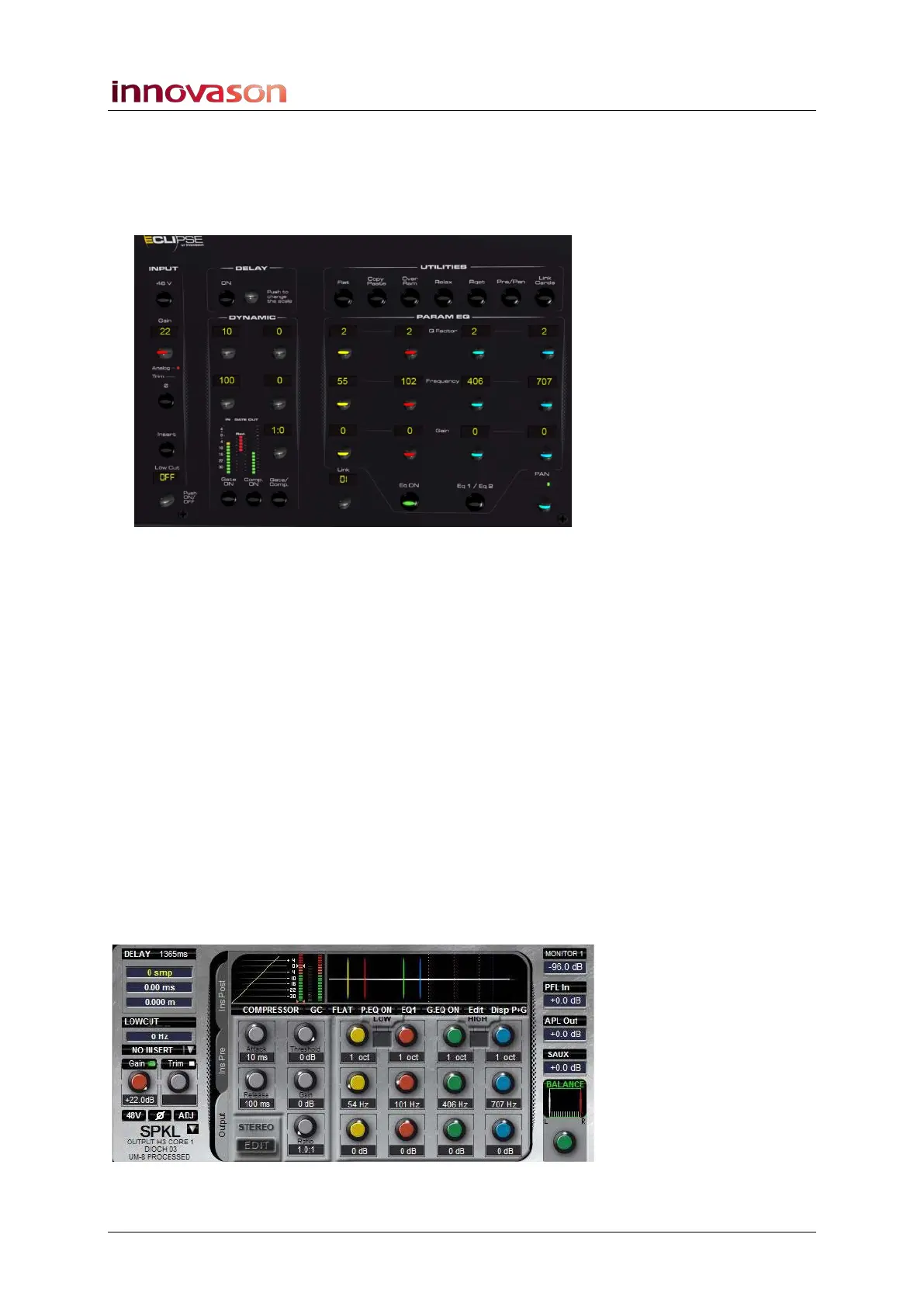
4. Having selected the correct output, you can use the
Selected Channel controls (DYNAMIC, PARAM EQ,
etc.) to adjust the output processing.
Most functions are controlled in a similar manner to those on an
input channel:
• Output Gain - turn the Gain control to adjust output
gain from +10.5dB to +22 dB.
• Phase Reverse - press Ø to reverse the phase of the
selected output.
• Delay – turn the delay control to adjust the delay time,
and press down to change the mode of control (sample,
ms or metres). The delay can be turned on or off with
the ON button. Note that the maximum delay time of a
UM8 processed output is 1365ms.
• Compressor/Limiter – as for an input channel, see
Page 138.
• Gate/Expander – as for an input channel.
• 8-band Parametric EQ – see Page 141. The EQ1/EQ2
button on the PARAMETRIC EQ panel pages the EQ
controls between parametric EQ bands 1 to 4 and 5 to 8,
and the Graphic EQ. An overview of all EQ parameters
is provided on the Main Mix display:



 To Next Page