Chapter 6: Console Configuration
The Personal Console Builder: Configuring Inputs
224/ 526 2.0 Eclipse User Guide
Configuring Inputs
The Personal Console Builder allows you to configure two
types of input fader:
• INPUT – this will become either an input channel (mono
or stereo), or a Smart Fader VCA (a fader which will
control a number of Smart Fader slaves).
• Sfad – this is a Smart Fader slave (deployment fader).
Note that INPUT faders are not turned into direct control input
channels, or layered Smart Fader channels, until you patch
sources from the PATCH IN display. This means that you only
use input channel DSP resource once you make a patch.
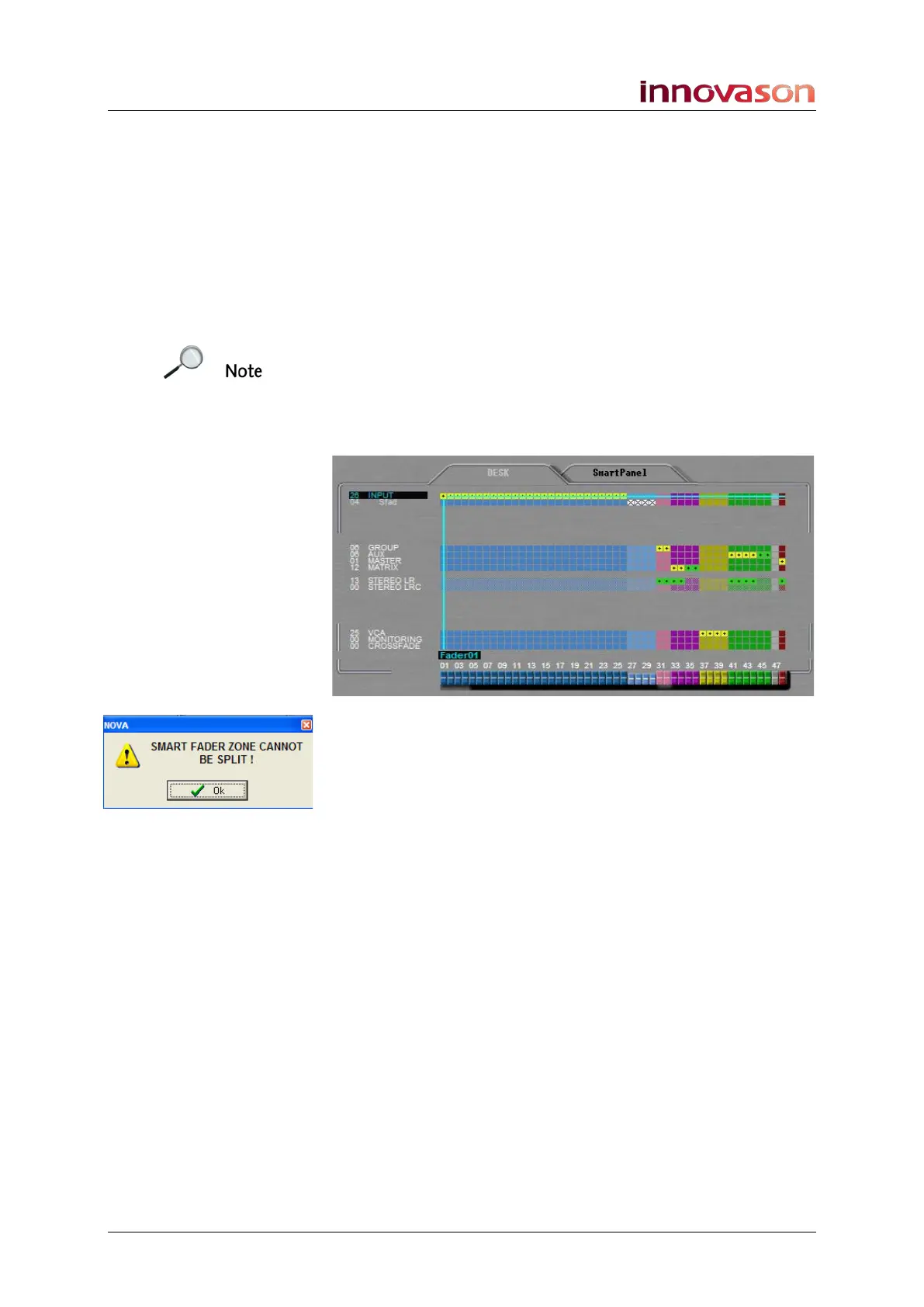
To work with Smart Faders, you must configure a number of
Sfads; in our example, faders 27 to 30:
The Smart Fader zone must use contiguous faders and only
one zone is allowed. If you attempt to configure a non-
contiguous zone, then the following pop-up will appear:
If you want to move the Sfad zone, then you will need to
remove any existing Sfad assignments first.
Make sure you configure enough Sfads to deploy your widest
Smart Fader VCA – for example, if you want Smart Fader
control over the Toms from a drum kit, then you will need
enough Sfads to deploy the individual Tom mics!
Please see Page 149 for an overview of Smart Faders and their
operation.
See Page 235 for details on patching sources to input faders.



 To Next Page