Chapter 6: Console Configuration
Inserts
Eclipse User Guide 2.0 313/ 526
Controlling the Inserted Processing
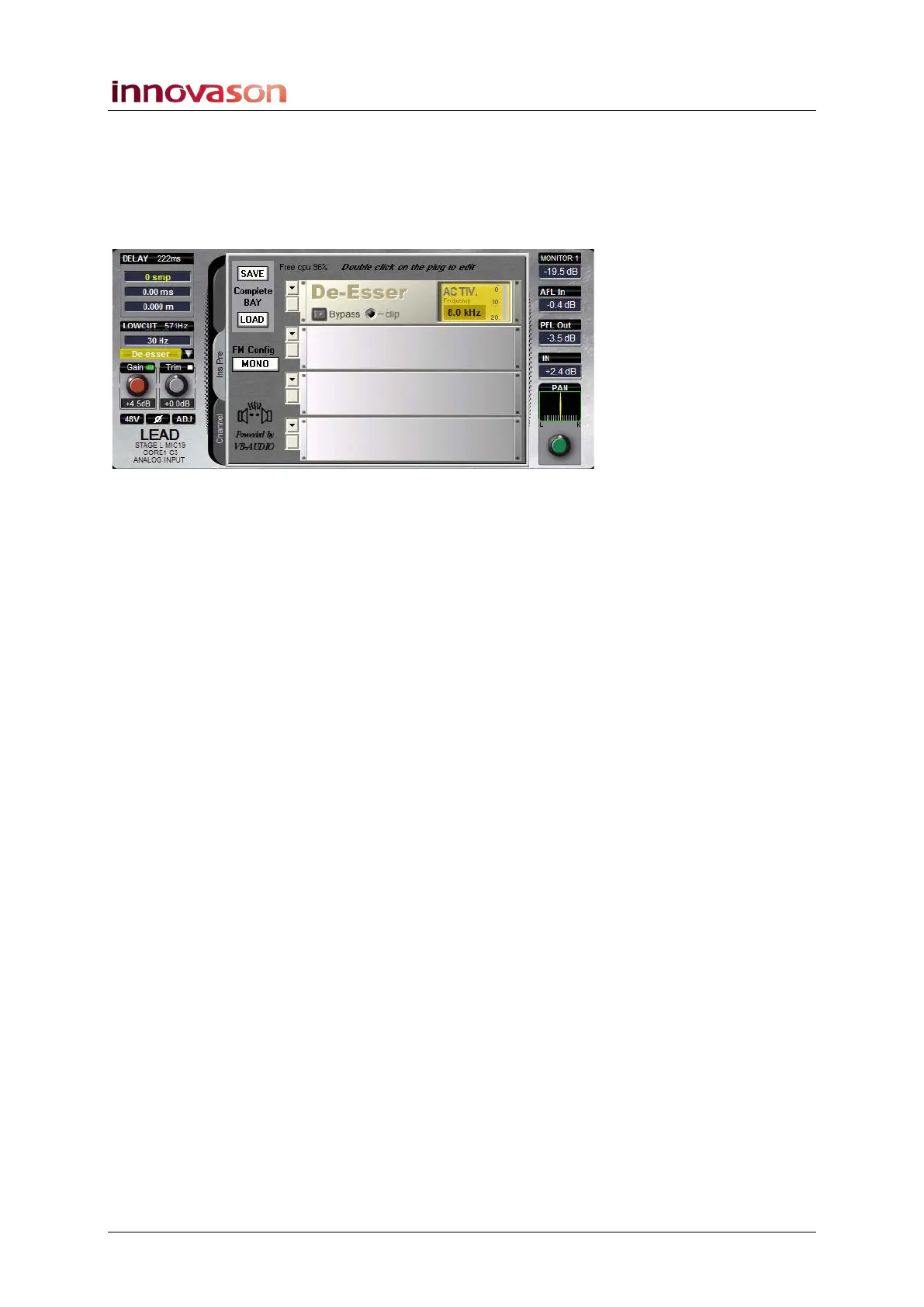
If you have inserted an internal effects bay then you can control
that processing from the console:
1. Select the channel and click on the InsPre tab:
You can now configure and control the effects bay from the
Smart Panel or Main Mix display as described on Page 300.
2. Remember that you can turn the insert off at any time by
pressing the Insert button or clicking on the Insert name
on the Main Mix display:
• Yellow = insert on
• Black = insert off



 To Next Page