Chapter 2: Installation
The Standard Eclipse Package
38/ 526 2.0 Eclipse User Guide
DioCore:
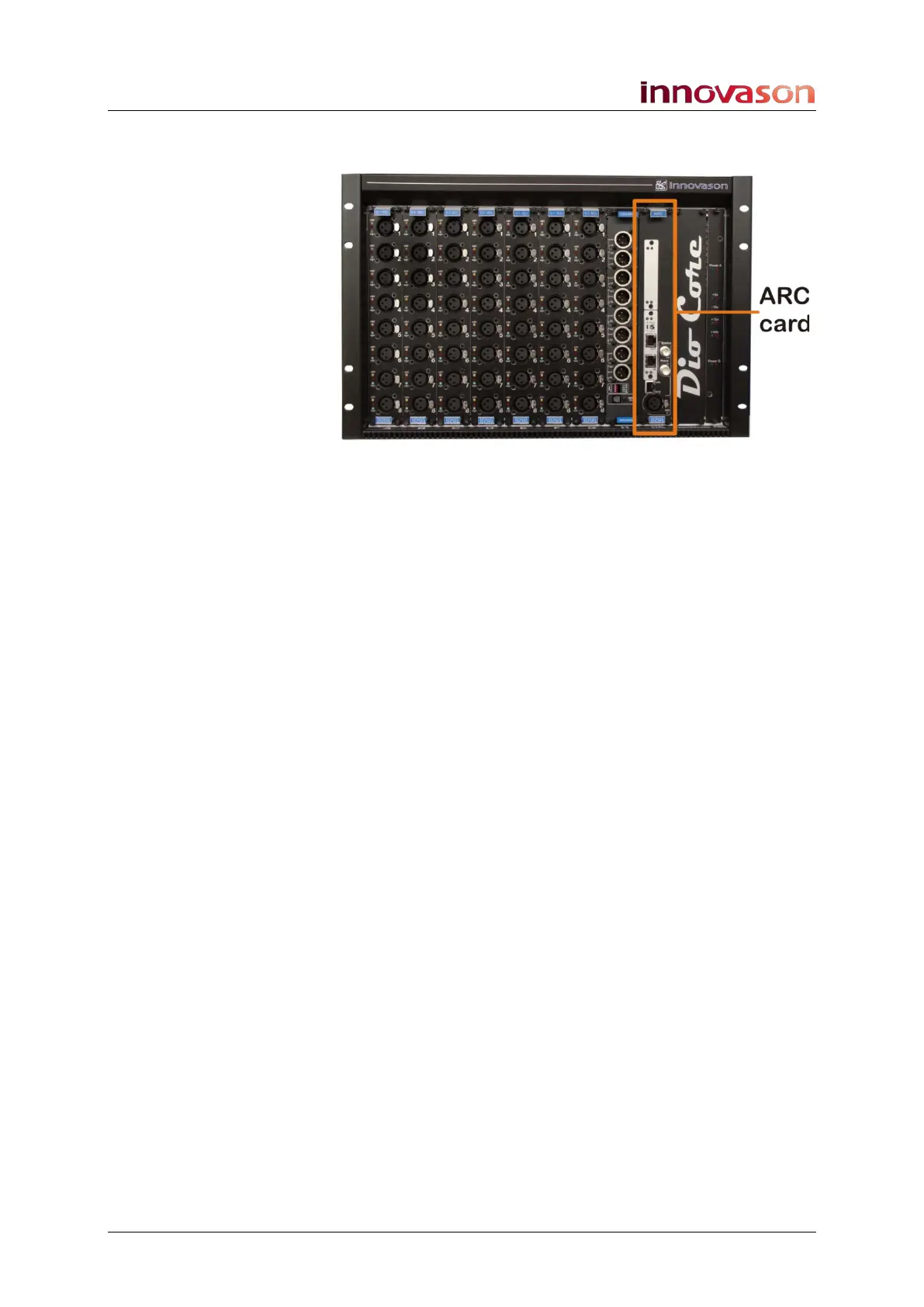
Every DioCore is always fitted with an ARC card:
ARC Card (Audio Rack Controller)
This card handles the Ethersound connection to the console,
and in a networked installation, to and from other consoles or
DioCore networks. The standard CAT5 connections allow the
DioCore to be located up to 100m from the Eclipse control
surface. You can find details on DioCore networking on Page
263.
You will also find three connections for Synchronisation:
• Wc In (BNC) – to connect an external word clock sync
reference (this is a future option).
• Wc Out (BNC) – word clock out. This output follows the
selected sync source and can be used to distribute
system clock to external devices.
• AES In (XLR) – to connect an external AES sync
reference (this is a future option).
You can find more details on clock signals on Page 48.
There is also another CAT5 connector (rx/tx and sync LEDs)
above the AES In XLR. This Ethernet port allows you to re-
programme, when necessary, the ARC card firmware.



 To Next Page