Chapter 10: M.A.R.S.
Recording
Eclipse User Guide 2.0 469/ 526
6. Once you have entered the Project name and set the other
fields as you wish, touch Create Project.
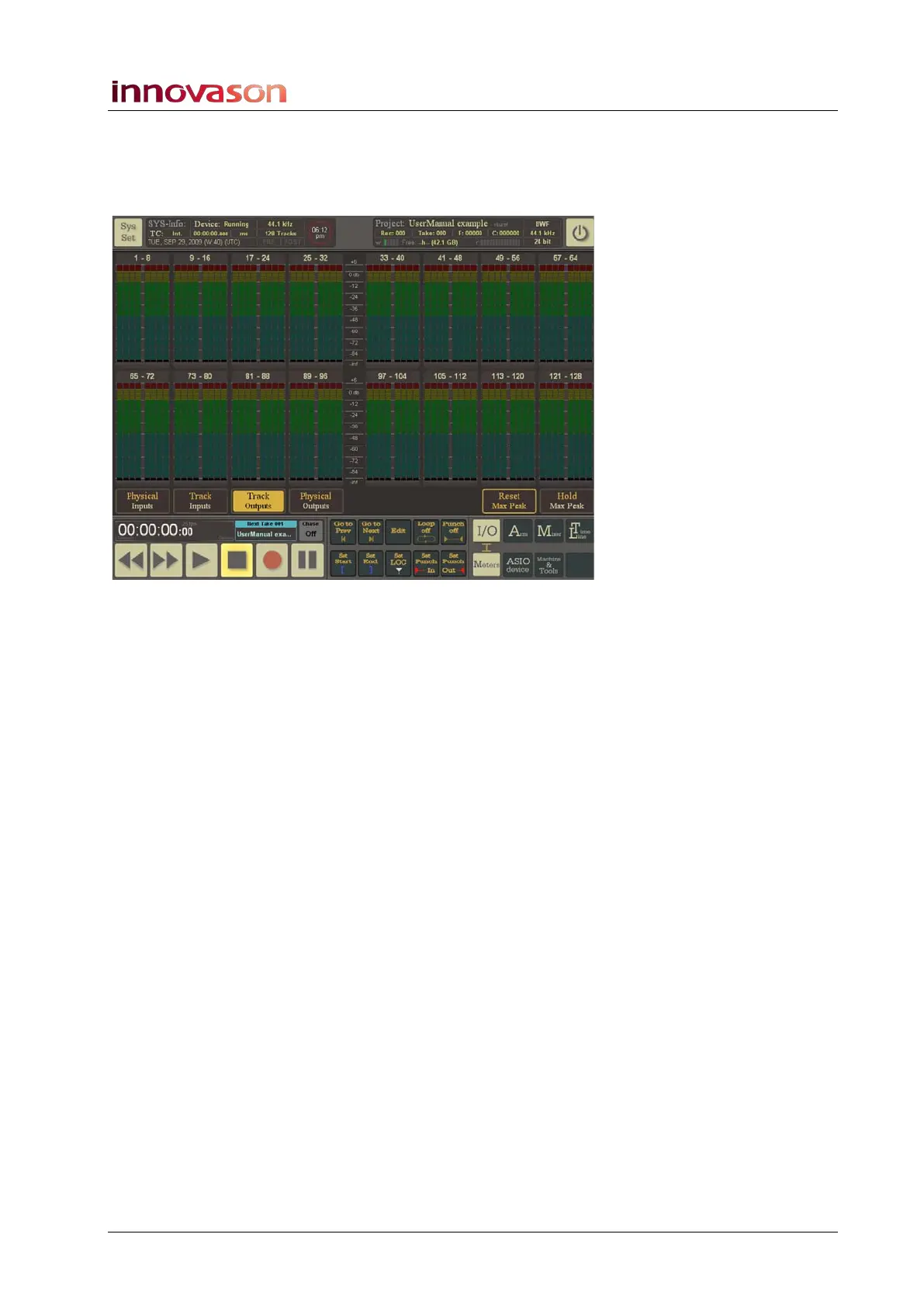
The new Project is created and M.A.R.S. opens the Current
Project window on the I/O -> Meters page:
In the background, M.A.R.S. has created a new folder (named
after the Project title) where all your recorded audio clips will be
stored.
At the top of the window you should see:
• In the SYS-Info area, Device: Running indicates that
M.A.R.S. is ready.
• In the Project info area, you should see the name of the
current project – e.g. UserManual example.
At the bottom of the window:
• The M.A.R.S. touch-screen transport controls should be lit
to show that they are now active.
Note that the main part of the Current Project window varies
depending on the Page selection. For more details see Page 487.



 To Next Page