MDP-621/641/640 Chapter 6
Operation manual Plotter operation
6.5.6 Destination skip
During route navigation the current waypoint is skipped to the next (latest) waypoint.
※ Can only be reset when conducting destination and route navigation.
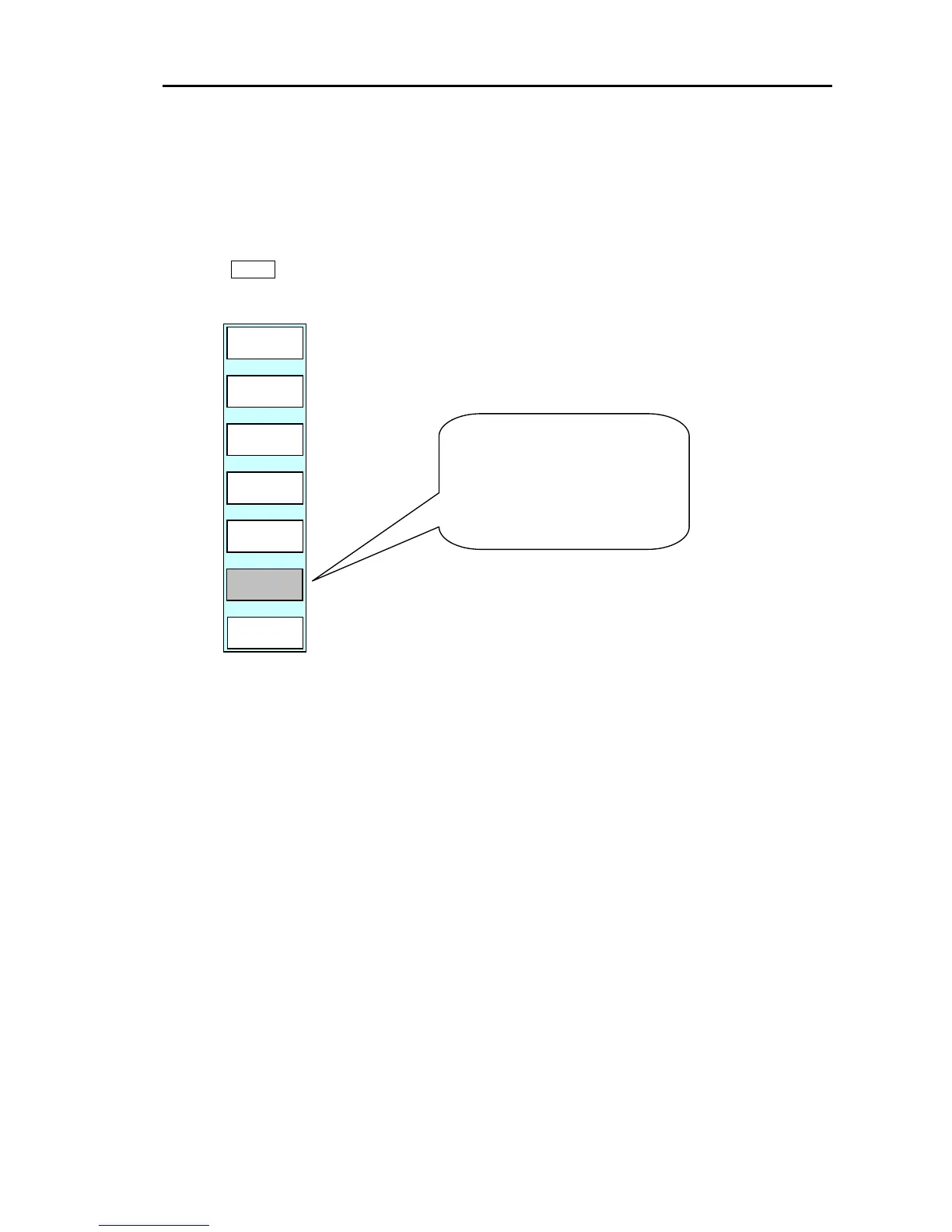
Press the GOTO key to display the soft menu (PLOTTER/GOTO).
The soft (GOTO) menu is displayed.
RE
START
SKIP
CLEAR
PLOTTER
PAGE1
ROUTE
WPT
Press the “SKIP” key.
The waypoint that the ship is
currently heading for changes its
direction to the next waypoint.
0093161022-06 6-33



 To Next Page