MDP-621/641/640 Chapter 10
Operation manual MENU operation
10.3.4 ATA Preset
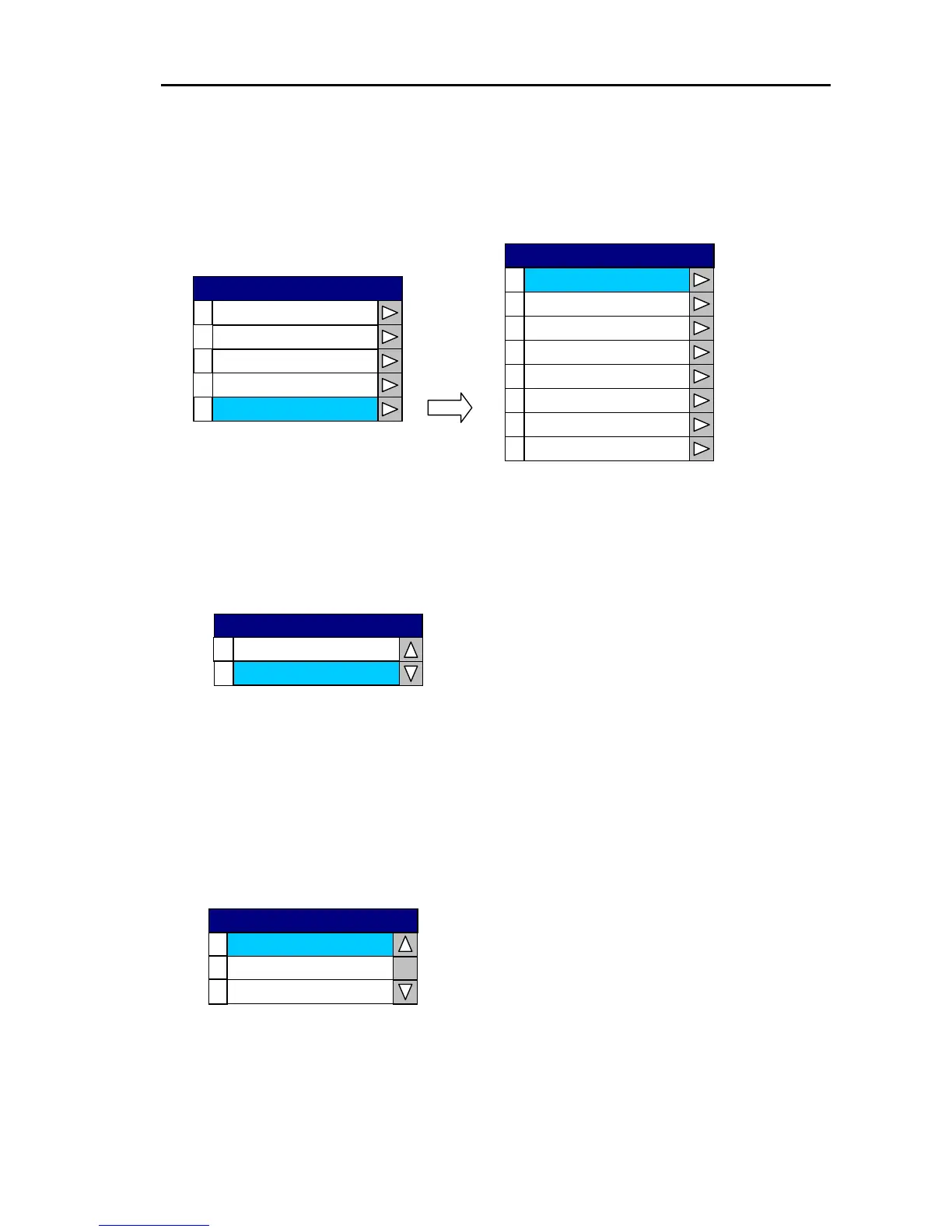
When the ATA function of the Radar is active, the target information is extracted and the target track
and vector are displayed on the Plotter screen.
0
Target Mark
1
Mark Size
2
3
4
Target Number
Vector
Target Track Line
5
6
Track Thickness
Track Color
Plotting Limit
7
PLOTTER
0
Display
1
2
3
4
Setup
User C-Card 1
User C-Card 2
ATA Preset
PLOTTER
(1) Target Mark
Sets the target mark display ON or OFF.
0
1
ON
OFF
Target Mark
(2) Mark Size
Sets the size of the target mark.
Setting range: Small Circle, Large Circle, Dot
Initial setting: Small Circle
0
1
Large Circle
2
Dot
Small Circle
Mark Size
0093161022-06 10-37



 To Next Page