MDP-621/641/640 Chapter 6
Operation manual Plotter operation
6.4.4.2Selecting the ship’s track color and erasing
※ When the cross cursor is displayed please press the “CURS” key to turn the cross cursor off.
Display the soft menu (PLOTTER/PAGE1) and press the ”TRACK ERASE” key.
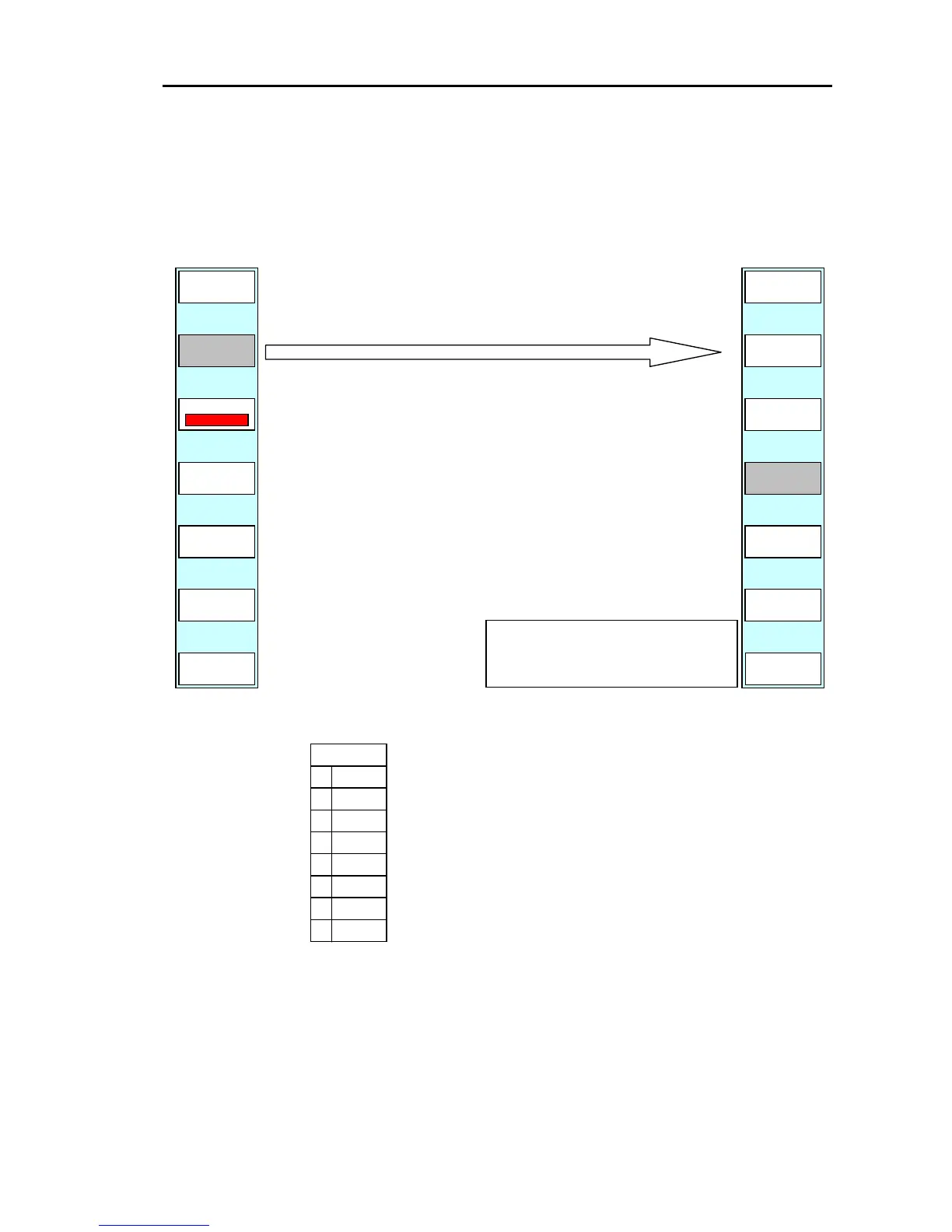
The ship’s track erase menu is displayed.
PLOTTER/PAGE1/TRACK/TRACK ERASE
(1) Select the color of the ship’s track to be erased.
(2) Press the “ERASE” key.
(3) The soft menu and message shown below are displayed.
(4) If the “YES” key is pressed the ship’s track will be erased.
(”NO” causes the system to return to the top menu withou
GRN
6
WHT
ALL
7
5
4
3
2
1
0
“COLOR” selects the color of the ship’s track to be
erased.
If this key is pressed, the color settings menu will
be displayed. Use the pointing keypad or the rotar
control to set the color.
The color that has been set is displayed in the soft
menu.
If ALL is selected, all colors will be selected fo



 To Next Page