MDP-1241/1240/1260/1210 Chapter 8
Operation manual Sounder operation
8.3.3.3 Setting the low frequency STC depth
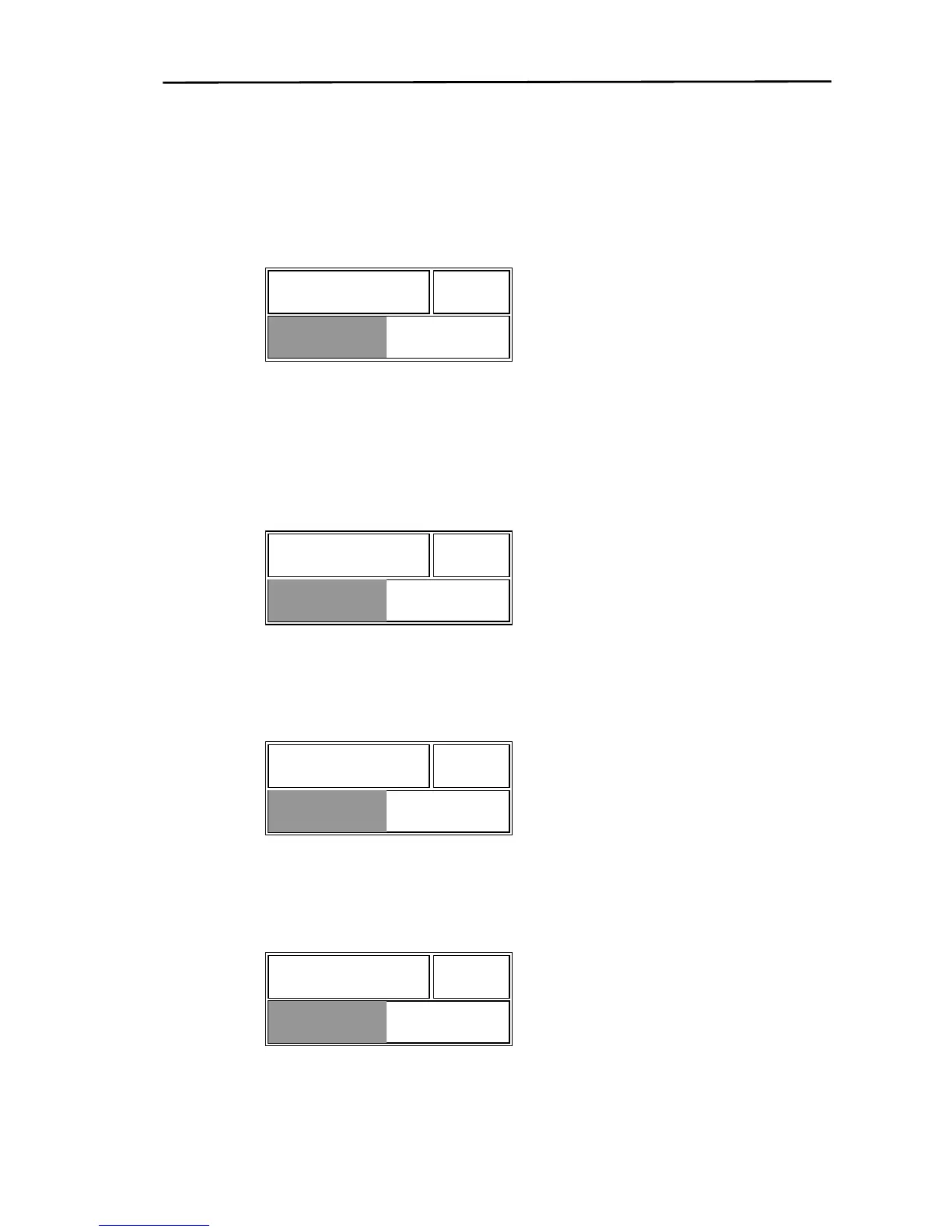
If the “L DPT”key is pressed, the LDPT adjustment box shown below is displayed.
Use the rotary control to adjust the depth. The depth value is indicated with a number and a bar. Moving
the rotary control to the right will increase the depth. Moving the rotary control to the left will decrease
the depth.
50 L DPT
8.3.3.4 Setting the low frequency STC amplification
If the “L AMP”key is pressed, the amplitude adjustment box shown below is displayed.
Use the rotary control to adjust the amplification. The amplification value is indicated with a number and
a bar. Moving the rotary control to the right will increase the amplification. Moving the rotary control to
the left will decrease the amplification.
50 L AMP
8.3.3.5 Setting the high frequency STC depth
If the “H DPT”key is pressed, the H DPT adjustment box shown below is displayed.
The method of operation is the same as the L DPTmethod.
50 H DPT
8.3.3.6 Setting the high frequency STC amplification
If the “H AMP”key is pressed, the amplification adjustment box shown below is displayed.
The method of operation is the same as the L AMPmethod.
H AMP 50
0093161202-06 8-9



 To Next Page