Chapter 6 MDP-621/641/640
Plotter operation Operation manual
(2) Erasing an assigned area method
When the cross cursor is not displayed press the “CURS” key to turn the cross cursor on.
Press the “DRAW ERASE” key to display the drawing erase menu.
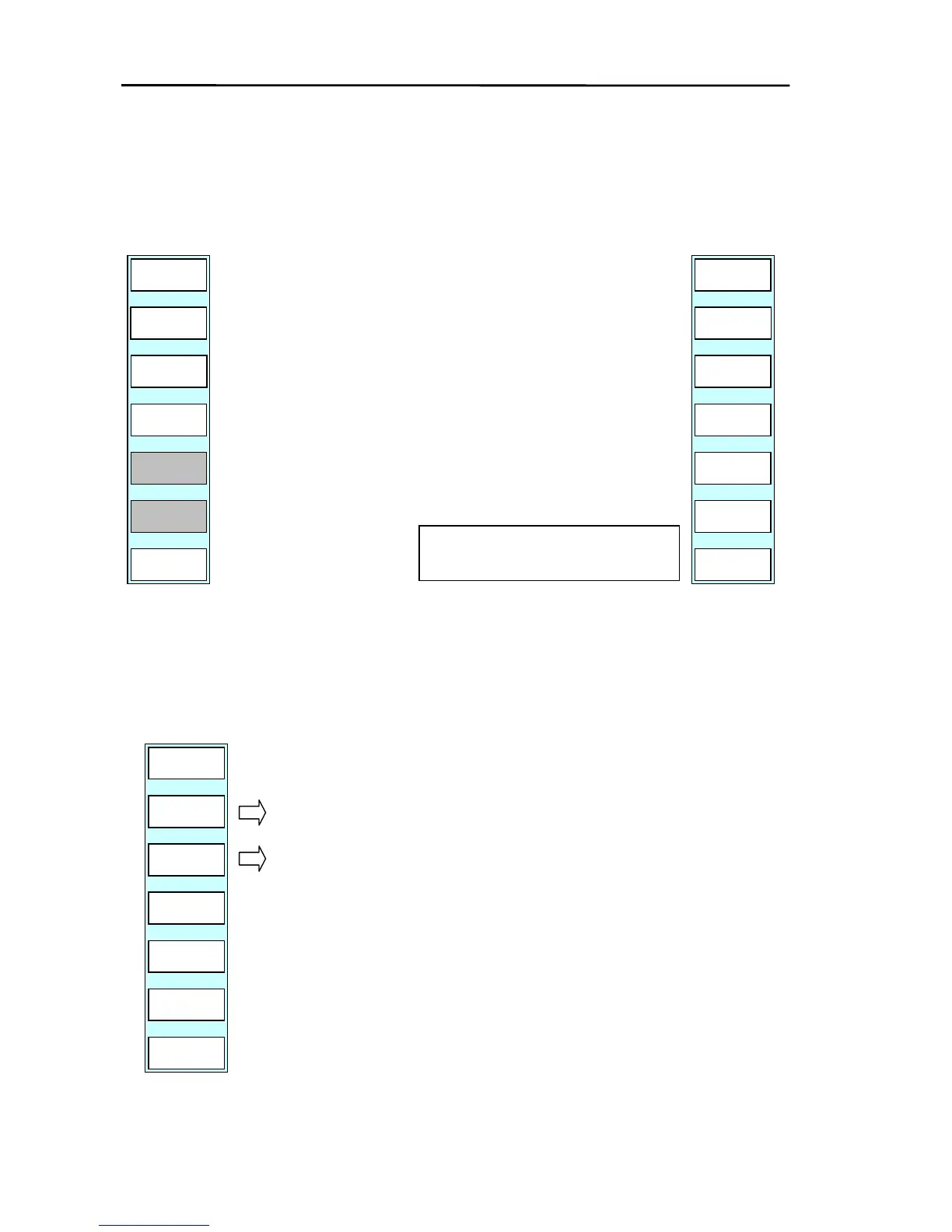
PLOTTER/PAGE1(2)/P FUNC/DRAW ERASE
PLOTTER
PAGE1
COLOR
RETURN
START
AREA
END
AREA
ERASE
PLOTTER
PAGE1
YES
NO
(a) Position the cross cursor at the start of the area to be erased
and press the ”AREA START” key.
(b) Position the cross cursor at the end of the area to be erased
and press the ”AREA END” key.
(c) The soft menu and message shown below are displayed.
(d) If the “YES” key is pressed, the drawing in the assigned area
will be erased. (“NO” causes the system to return to the top
menu without erasing the drawing.)
SSIGNED DRAWING LINE WILL BE
ERASED. ARE YOU SURE?
6.4.10.3Editing a drawing
Press the “DRAW EDIT” key to display the drawing edit menu.
PLOTTER/PAGE1(2)/P FUNC/DRAW EDIT
PLOTTER
PAGE1
INSERT
RETURN
MOVE
Drawing (node) insert menu is displayed.
Drawing (node) move menu is displayed.
6-18 0093161022-06



 To Next Page