MDP-621/641/640 Chapter 6
Operation manual Plotter operation
(1) Moving a drawing (node)
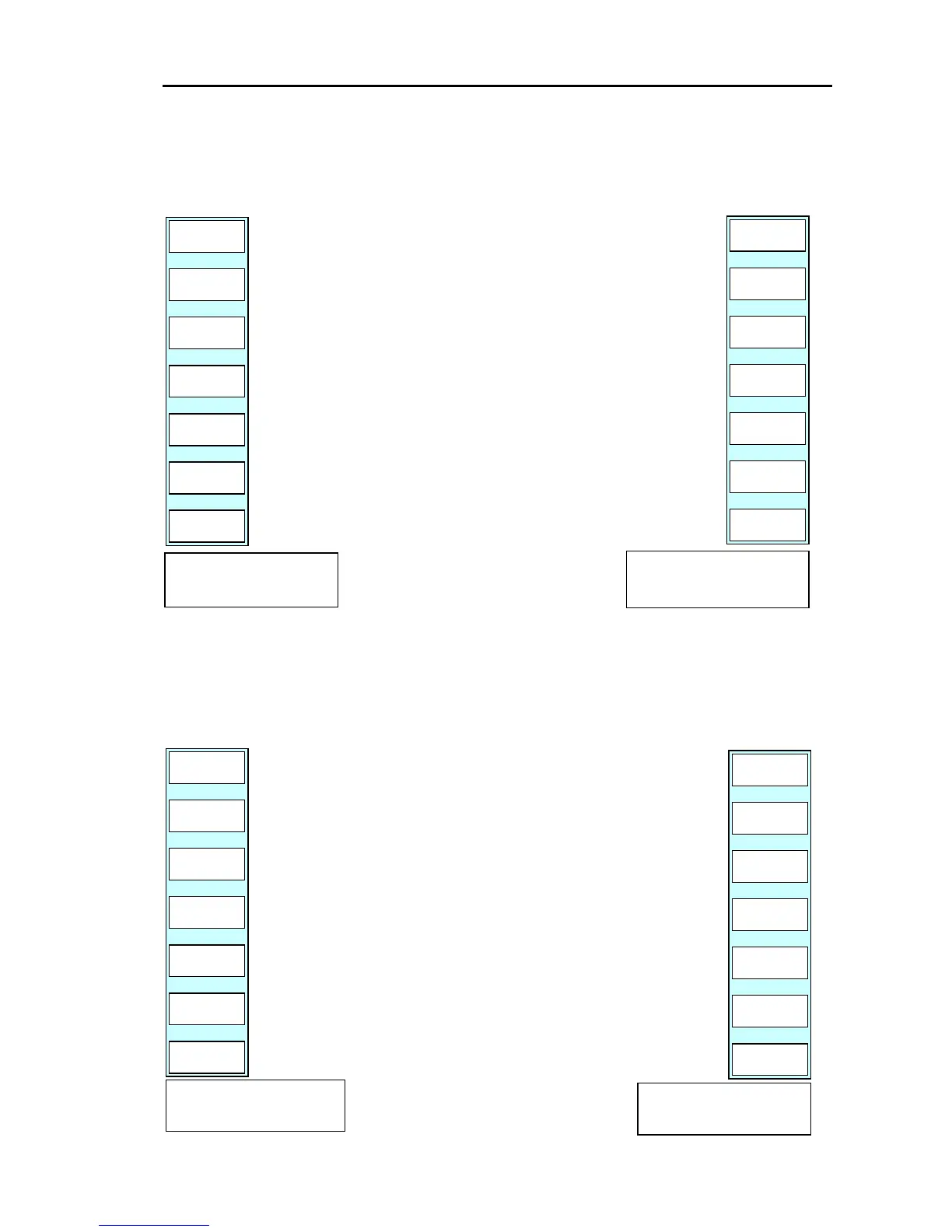
Press the “MOVE” key.
The drawing (node) move menu and message are displayed.
NEXT
NODE
PLOTTER
PAGE1
ENTER
CANCEL
(a) Position the cross cursor on the node to be moved.
(b) Press the “ENTER” key.
(c) The soft menu and message shown below are displayed.
** If multiple nodes are stacked up on each other and the
desired node was not selected press the ”NEXT NODE”
key. **
(d) Move the cross cursor to the new location.
(e) If the “ENTER” key is pressed, the node will be moved to
the location marked by the cursor.
(Pressing “CANCEL” causes the system to return to the top
menu without moving the node.)
PLOTTER
PAGE1
ENTER
CANCEL
ASSIGN NEW NODE
POSITION BY CURSOR.
ASSIGN NODE
POSITION BY CURSOR.
(2) Inserting a drawing (node)
Press the “INSERT” key.
The drawing (node) insert menu and message are displayed.
ASSIGN LINE POSITION
BY CURSOR.
(a) Position the cross cursor on the line where you want to
insert the node.
(b) Press the “ENTER” key.
(c) The message shown below is displayed.
(d) Move the cross cursor to the precise location of the node
to be inserted.
(e) If the “ENTER” key is pressed, the node will be inserted
to the location marked by the cursor.
(Pressing “CANCEL” causes the system to return to the
top menu without inserting the node.)
PLOTTER
PAGE1
ENTER
CANCEL
ASSIGN NEW NODE
POSITION BY CURSOR.
PLOTTER
PAGE1
ENTER
CANCEL
0093161022-06 6-19



 To Next Page